



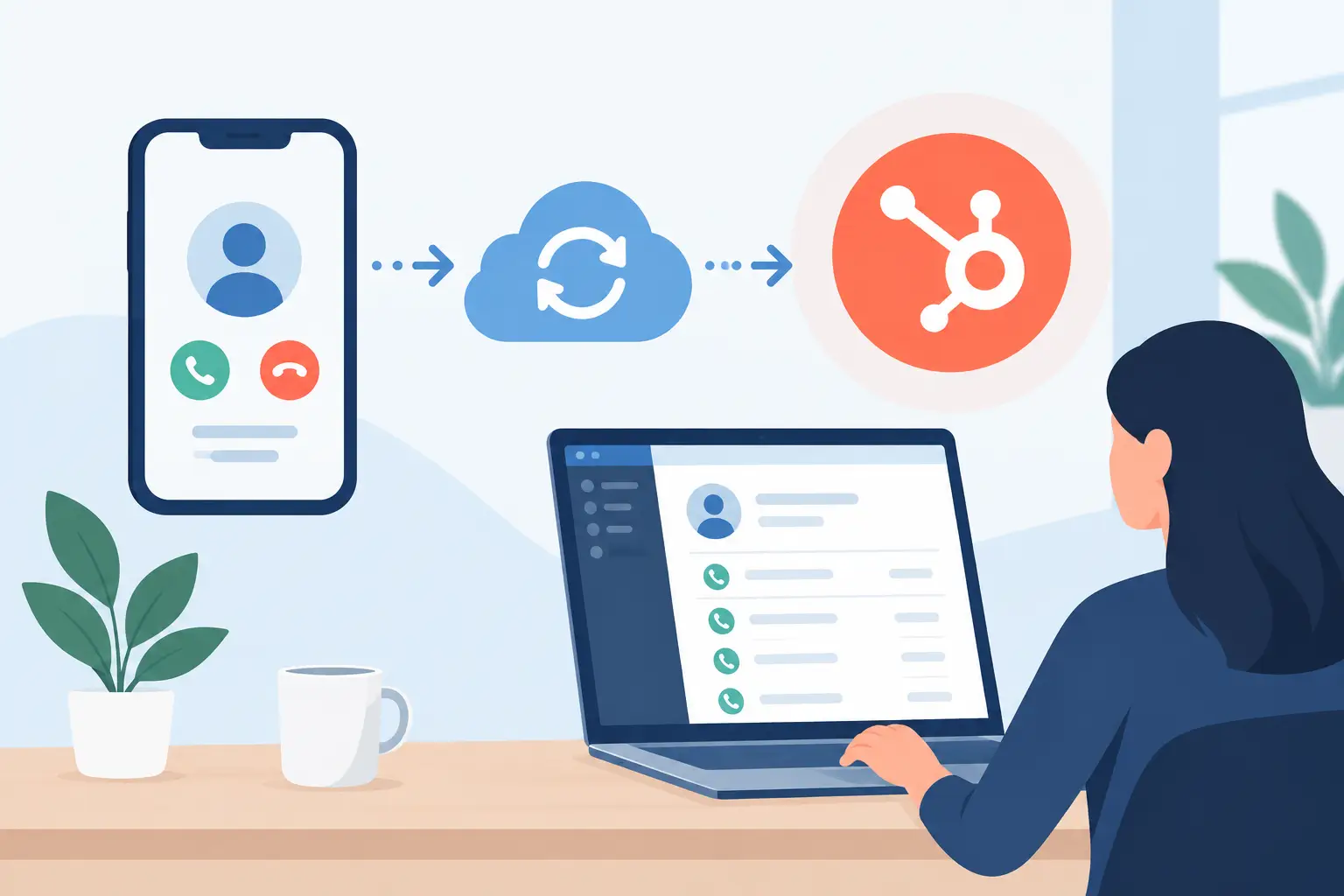
A missed call is bad. A completed call that never reaches your CRM can be just as costly. When you sync calls with HubSpot, every conversation can become usable operational data: who called, why they called, what happened, and what your team needs to do next.
For service businesses, sales teams, and multi-location operators, this is not an admin task. It is the difference between a lead getting a callback in two minutes or disappearing into a phone log that nobody checks. The goal is simple: calls should create context, trigger action, and give managers a clear view of performance without requiring agents to update records by hand.
Why Call Syncing Is a Revenue Operations Issue
HubSpot is where many teams manage leads, deals, tasks, lifecycle stages, and customer history. But phone conversations often carry the most valuable information in the customer journey. A prospect may ask about pricing, reveal an urgent need, choose a location, object to a contract, or agree to book an appointment during a single call.
If that information stays trapped in a dialer, a personal phone, or a disconnected call platform, your CRM stops reflecting reality. Reps repeat questions. Front-desk teams miss follow-ups. Managers cannot tell whether campaigns are generating qualified conversations or just activity.
A properly synced call record gives the next person involved a useful starting point. They can see the call direction, timestamp, duration, outcome, recording or transcript where permitted, and the next step. That context reduces handoff friction and keeps customers from having to repeat themselves.
What to Sync Calls With HubSpot
The right data model depends on your business, but the most useful call sync goes beyond logging a duration and a phone number. At minimum, each call should be associated with the correct HubSpot contact. When relevant, it should also connect to the company, deal, ticket, or location responsible for the conversation.
Capture the call direction, start time, duration, assigned user or AI agent, disposition, and a short outcome summary. For example, “appointment booked,” “requested callback,” “not qualified,” or “transferred to billing” is more actionable than a generic label like “completed.”
Recordings and transcripts can add major value for coaching, quality assurance, and dispute resolution. They also require governance. Confirm your recording consent language, retention rules, user permissions, and any industry-specific obligations before making recordings broadly available. A dental office, legal practice, and dealership may not need the same policy.
Call summaries are especially valuable when teams handle volume. A concise summary can show the reason for the call, key details collected, objections raised, and agreed next step. The original recording remains available when someone needs to verify the conversation, while the team can act quickly from the summary.
How to Sync Calls With HubSpot Reliably
A reliable setup starts with workflow design, not the integration button. Decide what a completed call needs to accomplish inside HubSpot before you turn on automation.
Match callers to the right record
Phone-number matching is the foundation. Normalize phone numbers in a consistent format and use the caller’s number to find an existing contact. If no contact exists, your workflow can create one, flag it as a new inbound lead, and assign it to the correct owner or queue.
Do not assume a phone number always identifies one person. Shared family numbers, office lines, and repeat callers can create duplicates or incorrect associations. Build an exception path for uncertain matches, especially for businesses where accuracy matters more than speed.
Standardize call outcomes
Your dispositions should reflect decisions that change the next action. A short, controlled set works better than dozens of vague labels. An inbound scheduling team may need outcomes such as booked, reschedule requested, pricing question, wrong number, and human follow-up required.
Those outcomes should map to HubSpot properties or activity types consistently. If one agent marks a lead as “interested” and another writes “hot” in a note, reporting becomes unreliable. Use the same definitions across people, locations, and campaigns.
Make every outcome trigger a next step
Logging a call is only half the job. The value comes from what happens after it is logged. A booked appointment can update the contact record and create a confirmation workflow. A missed inbound call can create an urgent task and send a text or email follow-up. A qualified sales conversation can create or update a deal and notify the assigned rep.
For support teams, a call that needs human help can create a ticket with the transcript summary attached. For outbound campaigns, a voicemail, no answer, or callback request can drive the next dialing attempt based on your contact rules.
Keep AI and human activity in one timeline
If your business uses Voice AI for inbound coverage or outbound qualification, the AI agent’s calls should not live in a separate reporting universe. They should appear in the same HubSpot timeline as calls handled by your team, with a clear source field identifying the agent or workflow.
That gives managers an honest view of response speed, booking rates, transfers, and conversion by call source. Cloud One-Ai can route AI call outcomes, transcripts, and follow-up actions into connected operational workflows, so the call does not end when the conversation ends.
Build HubSpot Call Workflows Around Real Use Cases
The best call sync is specific to the work your team performs. A generic integration often creates clutter because it treats every conversation the same.
For appointment-based businesses, prioritize caller identity, service requested, preferred time, location, booking status, and no-show risk. When an AI agent or staff member books the appointment, HubSpot should show the appointment result immediately and trigger the right reminder sequence.
For sales organizations, focus on lead source, qualification answers, buying timeline, decision-maker status, budget signals, objections, and next contact date. A productive sales call should move a record forward. If it does not, managers need a clear reason why.
For customer support, link calls to tickets and capture the issue category, urgency, resolution status, and escalation owner. This prevents callers from restarting the conversation every time they reach a new person. It also helps identify recurring issues that should be addressed through better processes or knowledge-base content.
Multi-location businesses need one additional layer: routing visibility. Record which location received the call, where it was transferred, and whether the caller reached a person or automation. This makes it easier to spot locations with long response times or high abandonment rates.
Common Call Sync Failures to Avoid
Most call integrations fail because the workflow was built around available fields rather than business decisions. Watch for these common problems:
- Logging every call without a meaningful outcome, which creates activity volume but no operational direction.
- Creating duplicate contacts when phone numbers are formatted inconsistently or caller identity is uncertain.
- Saving transcripts without a structured summary, forcing busy teams to search through conversations for basic facts.
- Triggering follow-ups for every call, including resolved issues, wrong numbers, or contacts who should not be contacted again.
- Treating recordings as a default archive without managing consent, access, and retention requirements.
Fixing these issues does not require a complicated CRM architecture. It requires clear definitions, deliberate automation rules, and regular review of what your team actually uses.
Measure Whether the Sync Is Improving Performance
A successful call sync should improve measurable outcomes, not just increase the number of activities in HubSpot. Track how quickly missed calls receive follow-up, how many calls are associated with a known contact, and how often qualified conversations result in appointments, deals, or tickets.
Also look at the gaps. Which calls have no disposition? Which locations create the most unassigned records? How often does an AI agent transfer to a human, and what happens after the transfer? These questions reveal where routing, scripts, staffing, or automation need adjustment.
Reporting should separate volume from quality. Fifty outbound calls with five qualified meetings may outperform two hundred calls that produce no meaningful next step. With synced outcomes and clear associations, HubSpot can show that difference instead of leaving your team to guess.
Start with one high-value workflow, such as missed-call recovery or appointment booking. Make the record clean, the follow-up fast, and the reporting easy to trust. Once the process works, expand it to every call that should move your business forward.