



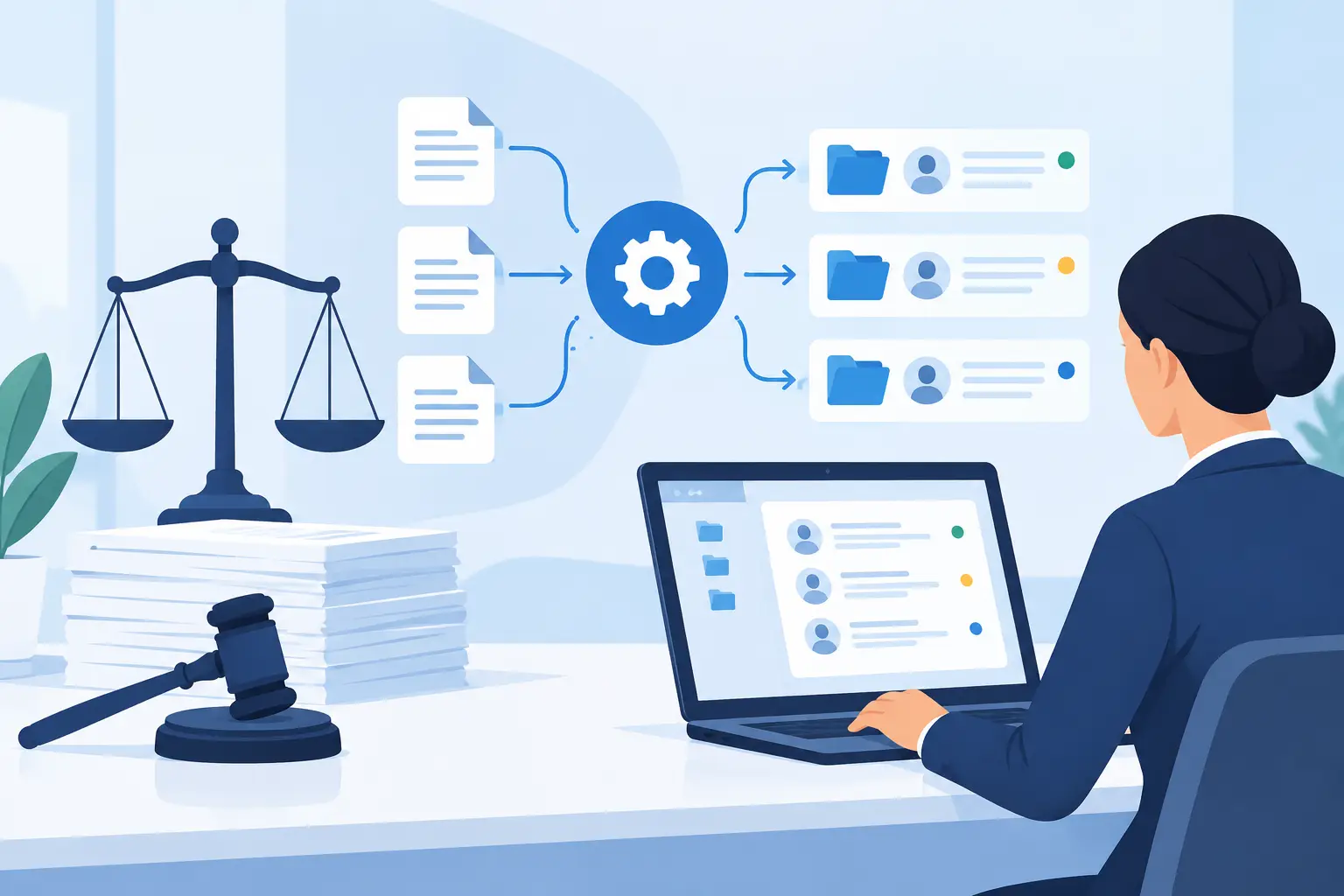
A prospective client calls at 8:12 p.m. after an accident, a DUI stop, or a family-law emergency. If the call reaches voicemail, the firm may lose the matter before anyone arrives at work. The best legal intake automation turns that first moment into a structured, responsive conversation – capturing facts, screening fit, checking availability, and routing the right next step without making a person wait.
For law firms, intake is not an administrative side task. It is the front end of revenue, client experience, and risk control. The right system helps your team respond faster while keeping attorneys focused on consultations, case strategy, and client work.
What the Best Legal Intake Automation Should Do
Legal intake automation should do more than send a form or text confirmation. A useful system manages the handoff from initial inquiry to scheduled consultation with clear rules and a complete record.
That starts with always-on response. Phone calls still matter in legal services because callers often need reassurance, have urgent timelines, or cannot easily explain their situation through a web form. An AI voice agent can answer routine inbound calls, identify the practice area, collect basic information, explain available appointment options, and transfer the caller when the situation requires a live person.
The system should also standardize qualification. Your intake questions should reflect how the firm actually evaluates new matters: jurisdiction, incident date, opposing party, case type, urgency, estimated damages, current representation, or insurance carrier. Automation makes those questions consistent. It does not replace legal judgment.
A strong intake workflow then writes the information into the tools your firm already uses. That may include a CRM, case management platform, calendar, spreadsheet, or internal notification channel. When staff have to retype call notes from multiple places, response time drops and details get lost.
Finally, it should document the interaction. Recordings, transcripts, call outcomes, and reporting give operations leaders visibility into where leads are coming from, why they are not converting, and which follow-up steps are being missed.
Build Around Response Time, Not Just Technology
The first metric to improve is speed to lead. A lead who receives a useful answer in the first few minutes is materially more likely to book than one who waits until the next business day. That is especially true for personal injury, criminal defense, immigration, family law, and other high-intent practices.
Automation earns its place by removing the delay between inquiry and action. A caller should be able to receive an immediate greeting, hear whether the firm handles their issue, answer a short set of approved questions, and request a consultation. If the firm cannot accept the matter, the experience should still be professional and clear.
The goal is not to force every caller through a long script. Keep the first interaction focused. Gather the facts needed to route the inquiry, identify urgent issues, and schedule or escalate. Deeper questionnaires can follow by text, email, or secure form after the consultation is booked.
For outbound workflows, automation can contact new web leads within minutes, confirm appointments, reduce no-shows, and re-engage inquiries that did not schedule on the first call. These are repetitive, time-sensitive tasks that often fall behind when front desk teams are busy.
Design the Legal Intake Flow Before You Automate It
A fast deployment works best when the firm first decides what a qualified intake looks like. Start with one practice area rather than attempting to automate every inquiry at once. For example, a personal injury firm may begin with accident calls, while an estate planning firm may focus on consultation scheduling.
Map the real decision points. What information must be collected? Which answers require immediate escalation? Who receives the lead? What calendar can the system book? What should happen if no appointments are available?
The conversation should state clearly that the interaction is for intake and scheduling, not legal advice. It should avoid promises about outcomes, fees, or representation. The agent can explain process-oriented information approved by the firm, but it should transfer or create an urgent task when callers ask for legal analysis.
Conflict screening deserves special treatment. Automation can collect names of parties, organizations, and related individuals, then trigger your firm’s established conflict-check process. It should not tell a caller that a conflict does or does not exist unless your policy and systems support that determination. A false sense of clearance can create avoidable risk.
Where Voice AI Fits Into Legal Intake
Forms are useful, but they do not solve every intake problem. Many prospective clients prefer to call, and some need help outside regular office hours. Voice AI is most valuable when it handles the high-volume, repeatable portion of those calls without trapping people in a rigid phone tree.
A well-configured agent can answer common questions about hours, locations, accepted case types, consultation availability, and required documents. It can collect lead details, qualify against firm-approved criteria, send reminders, and route urgent situations to an on-call team member. For multilingual communities, language coverage can also determine whether a caller stays engaged long enough to schedule.
Cloud One-Ai supports this operating model with inbound and outbound AI calling, multilingual voice capability, calendar and CRM workflows, call transcripts, and human handoff. The practical advantage is not simply answering more calls. It is creating a reliable intake record and next action every time the phone rings.
Still, voice automation is not the answer for every interaction. Sensitive calls, emotionally distressed callers, complex factual disputes, and high-value matters may need rapid human transfer. The best setup gives the AI agent clear boundaries and makes that transfer easy, not exceptional.
Integrations Make Intake Actionable
An intake conversation only creates value if the data reaches the people who can act on it. Before selecting a platform, verify how it connects to your current systems and what happens when data is incomplete or duplicated.
At a minimum, the workflow should create or update a lead record, attach the call notes or transcript, assign an owner, and schedule the next step. Calendar integration should prevent double booking and account for consultation length, office location, and attorney availability. Automated notifications should alert the right person when an urgent lead requires review.
Reporting should answer operational questions, not just produce call counts. Track missed-call recovery, average response time, appointment booking rate, show rate, qualified lead rate, transfer rate, and retained-case rate when available. Review recordings and transcripts regularly to find where callers abandon, which questions create friction, and where the script needs adjustment.
Compliance and Control Are Part of the Purchase Decision
Law firms handle sensitive information. Any intake automation vendor should be evaluated for access controls, data handling, retention settings, recording disclosures, and integration security. Your firm should determine which information is appropriate to collect by phone and when to move a client to a more secure channel.
Call recording rules vary by state. Consent language, disclosure requirements, and calling practices should be reviewed with your firm’s legal and compliance leadership. Outbound campaigns require particular care around contact permissions, calling hours, opt-outs, and applicable federal and state rules.
Control matters just as much as capability. Your team should be able to approve scripts, define qualifying questions, update knowledge sources, review outcomes, and change escalation rules without waiting on a developer. The platform should support consistency, while the firm remains responsible for the policy behind every response.
A Practical Rollout Plan
Launch with one workflow that has clear volume and measurable pain. Missed after-hours calls, new-lead follow-up, consultation reminders, and basic inbound qualification are usually strong starting points.
Set a baseline before launch. Measure current missed calls, callback time, booking rate, no-show rate, and staff hours spent on repetitive phone work. Then run the automated flow with close review during the first weeks. Listen to calls, inspect transcripts, and refine the questions based on real outcomes.
Do not judge success only by how many calls the system answers. The real test is whether more qualified people reach consultations, staff spend less time chasing routine details, and attorneys receive cleaner intake records. A smaller number of well-qualified appointments can be more valuable than a larger volume of vague leads.
The best legal intake automation creates a faster front door without turning a client’s first contact into a cold experience. Set clear rules, keep a human path available, and make every call produce a useful next step. That is how intake becomes a dependable growth operation instead of a daily bottleneck.