



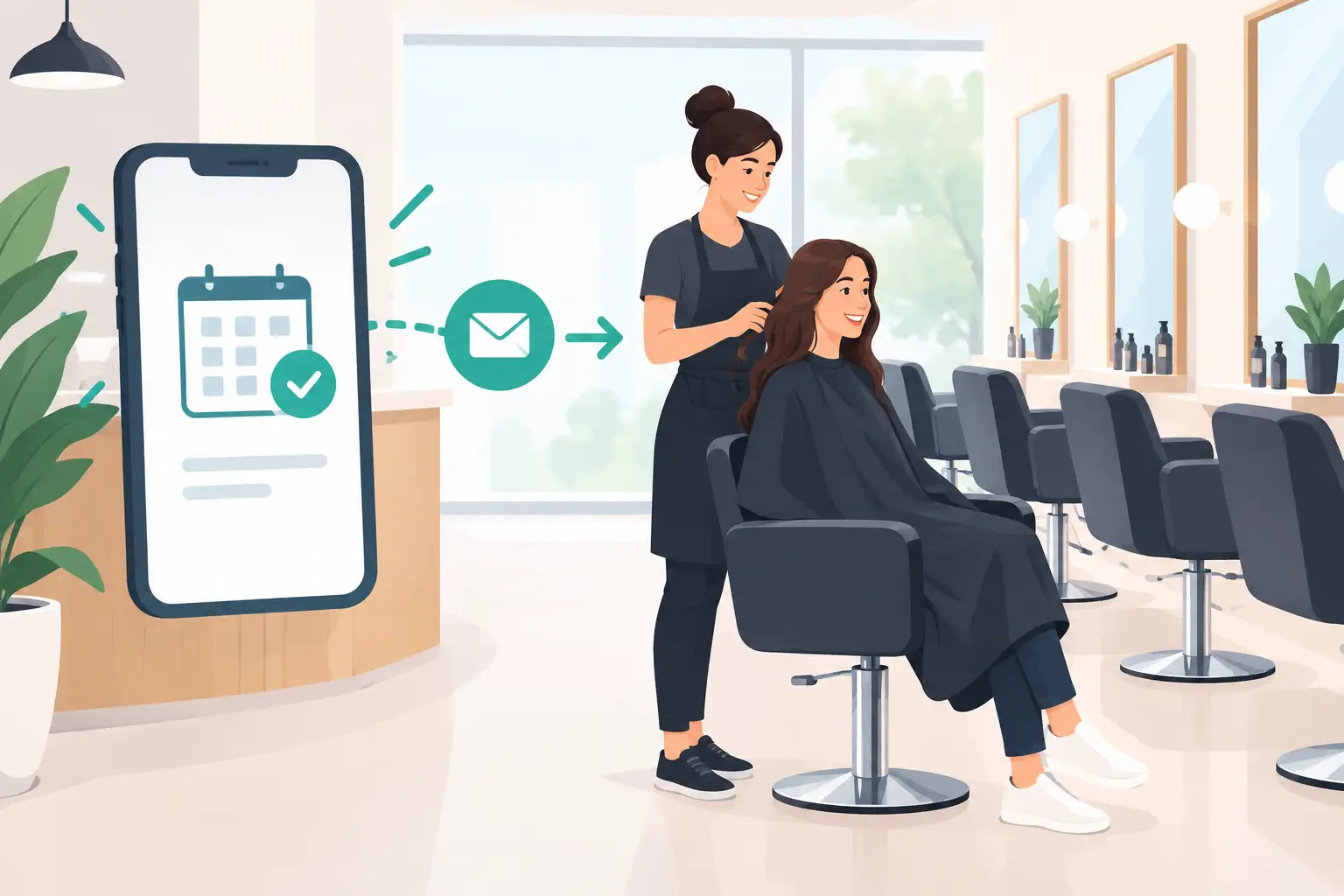
A 2:00 p.m. color appointment that quietly becomes a no-show costs more than one service. It leaves a stylist with an unfilled block, disrupts the day’s target, and can force the front desk to scramble for a last-minute replacement. Salon confirmation automation turns that risk into a repeatable operating process: every guest gets the right reminder, can confirm or reschedule quickly, and receives a human option when the request needs attention.
For busy salons, the goal is not to replace great service with a robotic experience. The goal is to stop asking staff to spend peak hours dialing guests, leaving voicemails, and updating calendars one appointment at a time.
Why missed confirmations hurt salon revenue
No-shows are rarely a single-cause problem. A guest may have forgotten, booked weeks ago, changed work shifts, or assumed a family member cancelled for them. Front-desk teams can reduce that risk by calling, but manual outreach has a ceiling. When the phones are ringing, chairs are turning, and walk-ins arrive, confirmation calls slip down the list.
That creates an inconsistent process. Some guests receive a reminder. Others receive it too late. Some answer a phone call but need to change their appointment, while the staff member handling the call has no time to find a new slot. The result is an open chair that could have been filled.
An automated confirmation workflow gives every appointment the same follow-up standard. It can place a natural voice call, confirm the service and time, capture the guest’s response, and update the booking system or alert the team. That is operational control, not a marketing gimmick.
The business case becomes even stronger for multi-location salons. A single missed appointment may be manageable. Multiply it across several locations, multiple service categories, and hundreds of weekly bookings, and even a modest improvement in show rate can protect meaningful revenue.
How salon confirmation automation should work
A useful system does more than play a generic reminder. It needs to recognize what the caller is trying to do and move the appointment forward.
Start with the booking data. The automation should pull the guest name, service, provider, location, appointment date and time, and any relevant preparation details from the salon’s calendar or booking platform. A guest booking a balayage service needs a different conversation from someone coming in for a 20-minute bang trim.
The timing matters, too. For most salons, one early reminder gives guests enough time to make a change, while a second closer to the appointment catches people who forgot. The right cadence depends on your cancellation policy, demand level, and service duration. A high-ticket, three-hour service may justify an earlier confirmation sequence. A same-day express service may need a faster touchpoint.
When the AI voice agent calls, it should state the purpose quickly: confirm the appointment, offer a way to reschedule, and provide a route to a person if needed. Long scripts create friction. The best call flows are direct, friendly, and built around a clear outcome.
If the guest confirms, the appointment status updates immediately. If they need to move the appointment, the agent can offer available times based on the connected calendar or transfer the call to the front desk. If they cancel, the team receives an alert so the opening can be offered to a waitlist or promoted through the salon’s normal channels.
That closed loop is the difference between automation that creates more administrative work and automation that actually reduces it.
Build a confirmation flow guests will answer
Guests will not respond well to a call that sounds vague, intrusive, or disconnected from the salon they know. Use your salon name, call from a recognizable local number when possible, and make the first sentence immediately useful.
A practical opening sounds like this: “Hi, this is the appointment team calling from [Salon Name] to confirm your color appointment with Jamie tomorrow at 2:00 p.m. Can you make it?” The guest understands the reason for the call before deciding whether to continue.
Keep the conversation narrow. The agent should be able to confirm, cancel, reschedule, answer basic location or preparation questions, and hand off exceptions. It should not improvise pricing, promise availability it cannot verify, or handle sensitive issues outside its approved knowledge base.
This is where controlled scripts and a connected knowledge base matter. Upload current policies, service descriptions, parking instructions, cancellation rules, and location details. Then set clear escalation rules for requests such as major service changes, refunds, complaints, or stylist-specific questions.
For salons serving multilingual communities, language coverage can improve confirmation rates. Guests are more likely to respond accurately when they can complete a short call in the language they use at home. The key is to keep every version of the script consistent with your actual policies.
The setup decisions that determine results
Salon confirmation automation performs best when it is configured as part of the booking operation, not added as an isolated calling tool. Before launch, decide who owns exceptions and what each guest response should trigger.
Your team should define these operating rules:
- Which appointment types require confirmation, such as color corrections, extensions, new-client services, or bookings above a set value.
- When calls go out and when an unanswered guest receives a second attempt.
- Whether confirmed appointments require a deposit, card on file, or any additional preparation step.
- Which calendar actions the system can make automatically and which actions require staff approval.
- When the call transfers to a person, including requests for same-day changes, service concerns, or questions outside the approved script.
There is no universal schedule. A salon with a long waitlist may call earlier and use cancelled inventory aggressively. A neighborhood salon with mostly repeat guests may use a lighter cadence to avoid over-contacting regulars. Test the approach against your actual no-show rate rather than copying a generic playbook.
Also account for consent and communication rules. Make sure your outreach approach, caller identification, recording practices, opt-out handling, and customer data processes align with applicable federal, state, and local requirements. If calls are recorded or monitored, use the appropriate notices. Automation should make the operation more disciplined, not create avoidable compliance exposure.
Measure more than completed calls
A high call-completion rate is useful, but it is not the main outcome. The real question is whether the system protects booked revenue and gives your staff time back.
Track confirmation rate, cancellation rate before the policy deadline, reschedule completion rate, no-show rate, and the number of appointments recovered from cancellations. Compare those figures by location, service type, day of week, and provider. A Saturday confirmation flow may need different timing than a Tuesday flow, and a new-client chemical service may need more follow-up than a recurring blowout.
Review call recordings and transcripts regularly. Look for guests who repeatedly ask the same question, moments where the agent fails to recognize a common response, or transfers that could have been resolved with better calendar access. Those patterns tell you what to refine.
Cloud One-Ai can support this model with AI voice agents that handle inbound and outbound calls, connect to calendars and operational systems through 300+ integrations, and provide recordings, transcriptions, reporting, and human transfer when needed. A salon can configure the workflow without building a calling stack or assigning staff to chase every confirmation manually.
Keep the front desk focused on guests in front of them
The strongest automation does not try to handle every customer interaction. It protects the moments where people need a real conversation. Let the system cover repetitive confirmation outreach, routine changes, and status updates. Let your team focus on consultations, service recovery, upsells, and the guest standing at the desk.
Start with one appointment category or one location, then measure the effect on no-shows and staff workload over several weeks. Once the flow is proven, expand it with clear rules and reporting. A full chair is better than a reminder call on someone’s to-do list.