



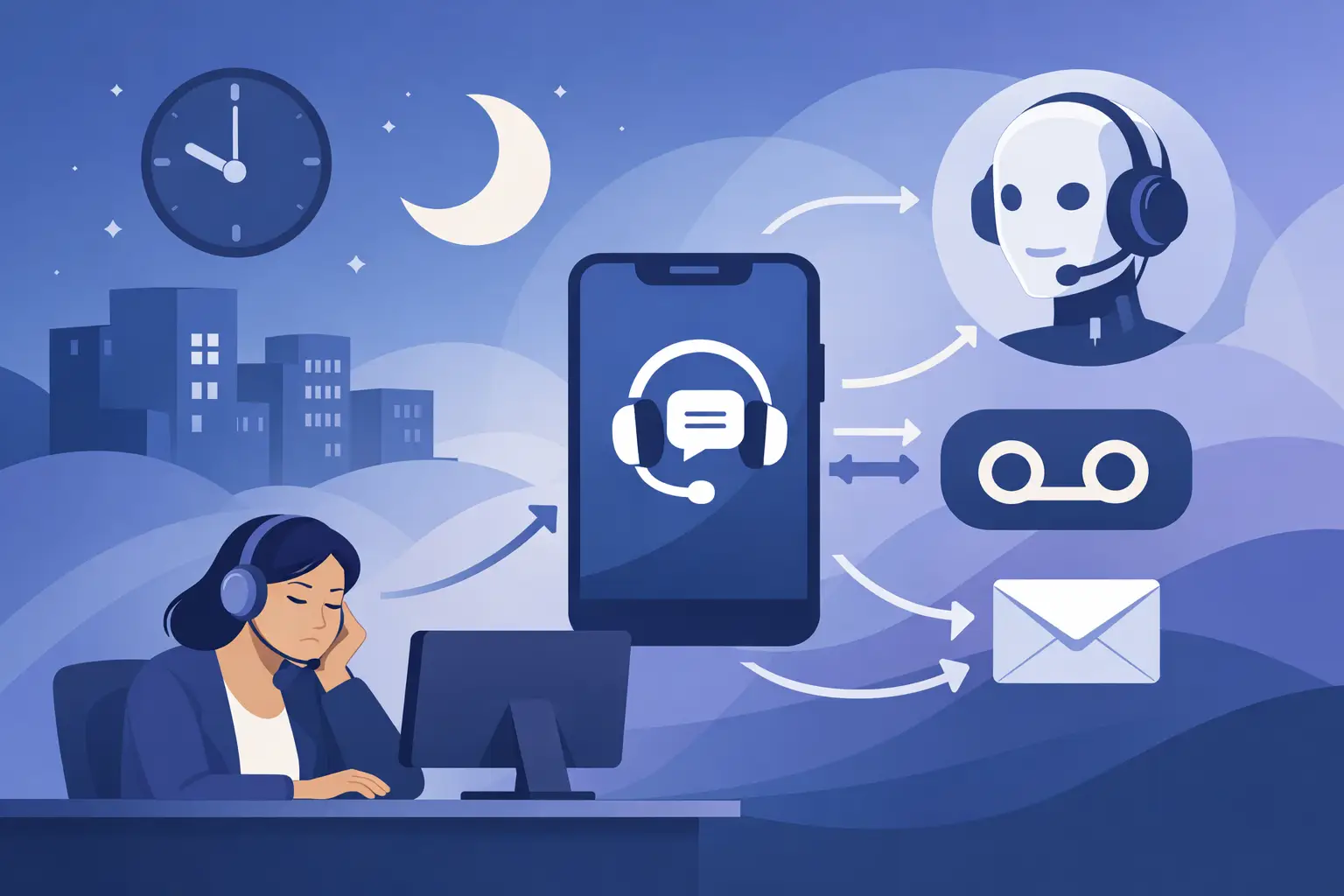
At 6:03 p.m., your front desk stops answering. Your phones do not. That gap is where revenue leaks out – missed appointments, unbooked consultations, after-hours emergencies, and callers who simply move on to the next business. If you want to know how to automate after hours calls, start by treating them as an operations problem, not just a staffing problem.
Most businesses do not need a bigger night shift. They need a system that answers instantly, handles common requests correctly, and knows when to escalate to a human. That could mean booking tomorrow’s appointment, collecting lead details for a callback, answering service questions, or transferring urgent cases to an on-call team. The right setup reduces missed opportunities without creating a clunky caller experience.
Why after-hours automation pays off fast
After-hours calls are rarely random. They usually fall into predictable categories. A dental office gets patients asking for next-day availability. A restaurant takes reservation requests. A legal office gets intake calls from prospects who are finally free to talk after work. A dealership receives service inquiries and sales leads when the showroom is closed. In each case, the caller is raising a hand.
If no one answers, the cost is not just one missed call. It is lower conversion, more voicemail backlog, slower response times the next morning, and extra admin work chasing details that could have been captured automatically. That is why businesses that automate after-hours coverage often see impact quickly. They reduce front-desk pressure, improve response speed, and create a cleaner handoff into the next business day.
There is a second gain that matters just as much: consistency. Human teams vary. A well-configured voice workflow does not forget to ask for a phone number, skip an intake question, or fail to log the call outcome in the CRM.
How to automate after hours calls without hurting customer experience
The biggest mistake is trying to automate everything with one generic script. After-hours callers are not all the same, and your flow should reflect that. Start by identifying the three to five call types you get most often after closing time. For many SMBs, that means appointment booking, basic FAQs, lead capture, urgent routing, and message taking.
Once you know those call types, define the desired outcome for each one. Booking calls should end with a confirmed appointment or waitlist request. New lead calls should end with captured contact details, qualification answers, and a scheduled callback. Support calls should either be resolved with a clear answer or routed based on urgency.
This sounds simple, but this step is where most of the ROI comes from. Good automation is not about sounding impressive. It is about moving the call to a useful next step.
Build around outcomes, not scripts
A strong after-hours voice flow usually starts with a short greeting, clear identification of the business, and one or two immediate options based on intent. If the caller needs to book, the system checks availability. If they have a common question, it answers from approved business information. If the issue is urgent, it can route to an on-call person or emergency line.
Keep the interaction tight. Long menus create drop-off. Overexplaining frustrates callers. In most cases, your first goal is to identify intent in the first few seconds and move forward from there.
Natural language matters here. People do not call and say, “Press 2 for support.” They say, “I need to reschedule,” or “Do you take walk-ins?” Your call automation should be built to understand real requests, not force callers into rigid menu logic.
Decide what should stay automated and what should escalate
Not every call should stay inside automation. A healthcare practice may want urgent symptom-related calls transferred immediately. A law firm may want high-value personal injury leads routed to an intake specialist. A multi-location service business may need after-hours overflow to move to the right branch or on-call manager.
This is where trade-offs matter. Full automation can reduce labor costs, but over-automation can create risk if callers with urgent needs get stuck. The smarter approach is controlled automation. Let the system handle the repetitive 80 percent and escalate the calls where nuance, compliance, or revenue value justifies human involvement.
The core pieces you need for after-hours call automation
To automate effectively, you need more than an answering message. You need voice handling, business logic, and system connections that keep the call useful after it ends.
First, the system needs accurate business knowledge. Hours, services, FAQs, pricing boundaries, locations, and routing rules should all be defined clearly. If your setup pulls from approved documents or website content, review that source carefully. Bad source material creates bad call outcomes.
Second, your automation should connect to the tools your team already uses. Booking into a live calendar is better than collecting a callback request when appointment scheduling is straightforward. Logging outcomes into a CRM is better than emailing a transcript into a shared inbox that no one owns. Integrations are what turn a phone answer into an operational workflow.
Third, reporting is not optional. You need visibility into call volume, containment rate, transfers, bookings, missed intents, and call transcripts. Without reporting, you cannot improve the system or prove ROI.
A practical setup for common business types
For appointment-based businesses, after-hours automation should focus on scheduling, rescheduling, cancellations, and pre-visit questions. The fastest win is usually connecting calls directly to your calendar so callers can book without waiting for office hours.
For sales-driven teams, the focus is lead capture and qualification. Ask the right questions, score urgency, and route high-intent prospects to the right next step. If no one is available, schedule a callback and push the lead into your CRM with the transcript attached.
For support-heavy businesses, the flow should split urgent from non-urgent fast. Answer routine questions automatically. Escalate only what truly needs a person. This protects service levels without staffing the phones overnight.
For multi-location operators, routing logic matters more. The system should identify the location, recognize location-specific hours or services, and send the caller down the right path. One generic after-hours setup across every site often creates friction unless your operating model is very standardized.
What good automation sounds like
The best after-hours call systems do not sound like a robot reading policy. They sound clear, fast, and purposeful. The caller should know they have reached the right business, understand what can be handled right now, and feel like progress is happening.
That means your prompts should be short. Your answers should stay within approved information. Your booking and qualification questions should be direct. And your fallback logic should be strong. If the system does not understand the caller after one or two attempts, offer a clean alternative such as taking a message, sending a callback request, or escalating when appropriate.
A human-like voice helps, but performance matters more than novelty. If the call feels natural and gets the job done, callers will accept automation quickly.
How to measure whether after-hours automation is working
If you are evaluating how to automate after hours calls, do not stop at answer rate. That is only the first metric. The real question is whether calls turn into usable business outcomes.
Track booked appointments, qualified leads captured, urgent calls routed correctly, average response time, and next-day workload reduction. Look at how many callers are fully handled versus how many need a callback. Review transcripts for drop-off points, misclassified intents, and questions your system could not answer.
It also helps to compare performance by call type. Some businesses can automate booking extremely well but still need human review on complex support or compliance-sensitive scenarios. That does not mean the system failed. It means your routing logic is doing its job.
Common mistakes that make after-hours automation underperform
The first mistake is using a voicemail mindset. Automation should not just collect messages. It should complete tasks where possible.
The second is skipping integrations. If the system cannot book, log, route, or trigger follow-ups, your team still has to rebuild the call manually the next morning.
The third is failing to define escalation rules. You need a clear line between what the system should handle and what must go to a person.
The fourth is never tuning the workflow. After-hours automation gets better when you review transcripts, spot repeat gaps, and tighten the logic. Platforms like Cloud One-Ai are built for this kind of operation-first deployment – fast setup, live call handling, reporting, and direct integration into the systems your team already runs.
After-hours calls do not need to pile up until morning. With the right voice workflow, they can book, qualify, answer, route, and log themselves while your team is off the clock. The win is not just coverage. It is waking up to a cleaner pipeline, fewer missed opportunities, and a phone channel that keeps working when your office lights are off.