



A patient calls at 7:12 a.m. to cancel a 10:00 a.m. appointment. Your front desk does not open for another 48 minutes. By the time someone hears the voicemail, the slot is lost and a patient on the waitlist has already made other plans.
That is the operational gap a practical clinic call automation example should solve. Not with a vague chatbot promise, but with an always-on phone workflow that answers, identifies the patient’s need, follows approved clinic rules, and updates the systems your staff already use.
A Clinic Call Automation Example in Action
Consider a three-location primary care group with eight providers. The team receives hundreds of calls each week: appointment requests, confirmations, prescription questions, referral updates, billing inquiries, and calls from patients who need immediate guidance. The front desk is capable, but it cannot answer every call while checking in patients, handling insurance forms, and supporting providers.
The clinic deploys an AI voice agent to manage routine inbound calls and scheduled outbound reminders. The agent is given a tightly controlled knowledge base containing office hours, provider availability rules, accepted insurance guidance, preparation instructions, cancellation policy, location details, and approved escalation language. It does not invent medical advice. When a caller describes urgent symptoms or asks a clinical question outside the approved workflow, it transfers the call to the designated human team or presents the clinic’s emergency instructions.
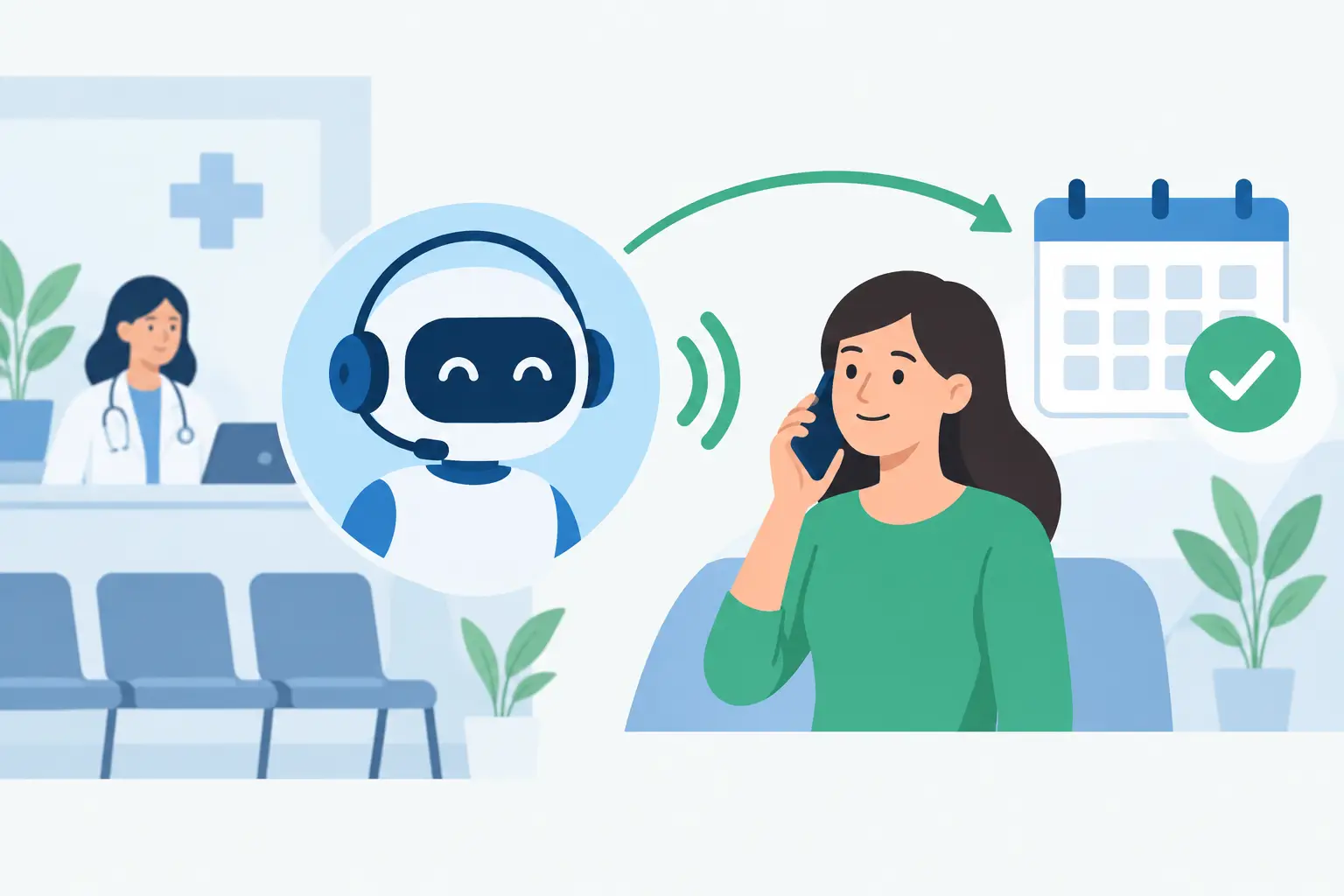
A patient calling to book an annual physical hears a natural greeting, selects a language, and states what they need. The agent verifies the patient type, asks for preferred location and provider, checks the connected calendar, and offers open times. Once the patient chooses a slot, the appointment is created in the scheduling system and a confirmation is sent. The front desk sees the same appointment record without rekeying anything.
That is the difference between automation that creates work and automation that removes it.
The Workflow That Recovers Empty Appointment Slots
The most valuable call is often the one that prevents an unused provider hour. In this example, the clinic sets an automated cancellation workflow around every open appointment.
When a patient cancels, the voice agent first confirms the cancellation and asks whether the patient wants to reschedule. If they do, it offers the next eligible times based on the clinic’s scheduling rules. If they do not, the workflow immediately identifies patients on the waitlist who match the appointment type, location, provider preference, and timing.
The AI agent calls those patients one at a time or in a controlled sequence. It says a sooner opening is available, confirms whether the patient still wants it, and books the first qualified patient who accepts. The remaining patients are not called after the slot is filled.
This is where operational controls matter. A poorly designed workflow can create confusion by offering an appointment that has already been taken. A connected calendar, real-time availability checks, and clear booking rules prevent that. For high-demand clinics, the system can also handle multiple calls in parallel while protecting against duplicate bookings.
Appointment Reminders Should Do More Than Remind
Many clinics already send text reminders. That helps, but it does not reach every patient, and a one-way message cannot resolve a scheduling problem while the patient is engaged.
In this clinic call automation example, the agent calls patients 72 hours before their appointment and again the day before when appropriate. It asks for a simple confirmation. If the patient needs to cancel or reschedule, the agent handles the request immediately. If the patient asks where to park, whether they need to fast, or what paperwork to bring, the answer comes from the approved knowledge base.
The workflow records each outcome: confirmed, voicemail, canceled, rescheduled, transferred, or no response. Staff no longer need to manually call an entire daily schedule just to find the few patients likely to miss their appointments.
For a specialty practice with costly procedure slots, add a deposit reminder or pre-visit checklist. For a dental office, include insurance card and intake-form prompts. The best script depends on the visit type. A generic reminder campaign will not perform as well as one built around the actual reason patients fail to show.
Where Human Handoff Belongs
Phone automation should not trap patients in a loop. A clinic must decide, in advance, which calls the agent owns and which calls require a person.
Routine scheduling, office information, appointment confirmations, waitlist outreach, intake reminders, and standard billing-routing questions are strong automation candidates. Calls involving symptoms, medication changes, test results, complaints, sensitive financial disputes, or distressed callers should follow an escalation path.
The transfer process should carry context. When the front desk or nurse receives the call, they should see the caller’s stated reason, the actions already completed, and a transcript or call summary. That prevents the familiar frustration of asking a patient to repeat everything after they have already explained it.
For after-hours calls, escalation can include an on-call rotation, a nurse line, or a clearly delivered emergency instruction. The right configuration depends on the clinic’s policies and care model. Automation supports the process. It does not replace clinical judgment.
Build the Agent Around Real Clinic Rules
The fastest deployment is not the one with the fewest decisions. It is the one that captures the decisions your staff already make every day.
Start by reviewing a week of call recordings or transcripts. Identify the highest-volume, lowest-complexity reasons people call. Then document the exact rules for each workflow: which appointment types can be booked, how far in advance, which providers accept new patients, what information must be collected, and when staff approval is required.
Your setup should also define what the agent must never do. It should not diagnose conditions, promise coverage, quote clinical outcomes, or override provider restrictions. Use constrained answers and approved source material rather than an open-ended conversation model for policy-sensitive topics.
Cloud One-Ai can connect calling workflows with calendars, CRMs, and operational tools through 300+ integrations, so call outcomes can trigger the next step instead of sitting in a disconnected transcript. A cancellation can update the calendar. A new-patient inquiry can create a lead. A transfer request can notify the right queue. The goal is a working call operation, not a voice demo.
Measure the Calls That Affect Revenue and Access
A clinic does not need more dashboards for their own sake. It needs a clear view of whether the phone operation is improving access and protecting appointment capacity.
Track abandoned-call rate, speed to answer, booked appointments, confirmation rate, cancellation rate, recovered cancellations, transfer rate, and no-show rate by location and appointment type. Review recordings and transcripts for a sample of completed calls, especially transfers and failed bookings. That is how you find outdated instructions, unclear questions, and points where patients disengage.
Compare results against a baseline. If automated reminders increase confirmations but no-shows stay flat, the issue may be transportation, insurance verification, or long wait times rather than reminder volume. If waitlist calls fill openings but create too many staff transfers, tighten the eligibility questions. The data should change the workflow.
Compliance and Patient Trust Are Part of the Design
Clinics should involve their compliance and legal teams before launch. Confirm the approved use of patient information, vendor agreements, recording and consent requirements, retention policies, access controls, and state-specific calling rules. If calls are recorded, patients should receive the appropriate notice. If the workflow sends texts or makes outbound calls, consent and contact preferences must be respected.
Trust also comes from plain language. Tell callers they are speaking with the clinic’s automated assistant. Give them a clear path to a person. Use the patient’s preferred language when available, but keep clinical and policy content reviewed for accuracy in every language offered.
A well-run voice agent feels less like a barrier and more like a front desk that answers on the first ring.
Start With One High-Volume Workflow
Do not automate every clinic call on day one. Start with appointment confirmations and cancellations, where the rules are clear and the financial impact is visible. Run a controlled launch, review real calls daily, and refine the script before expanding to new-patient booking, recall campaigns, referrals, and after-hours routing.
The helpful test is simple: if a patient called your clinic at its busiest moment, would they get a useful answer, a real appointment option, or the right person without waiting on hold? Build the call flow until the answer is yes.