



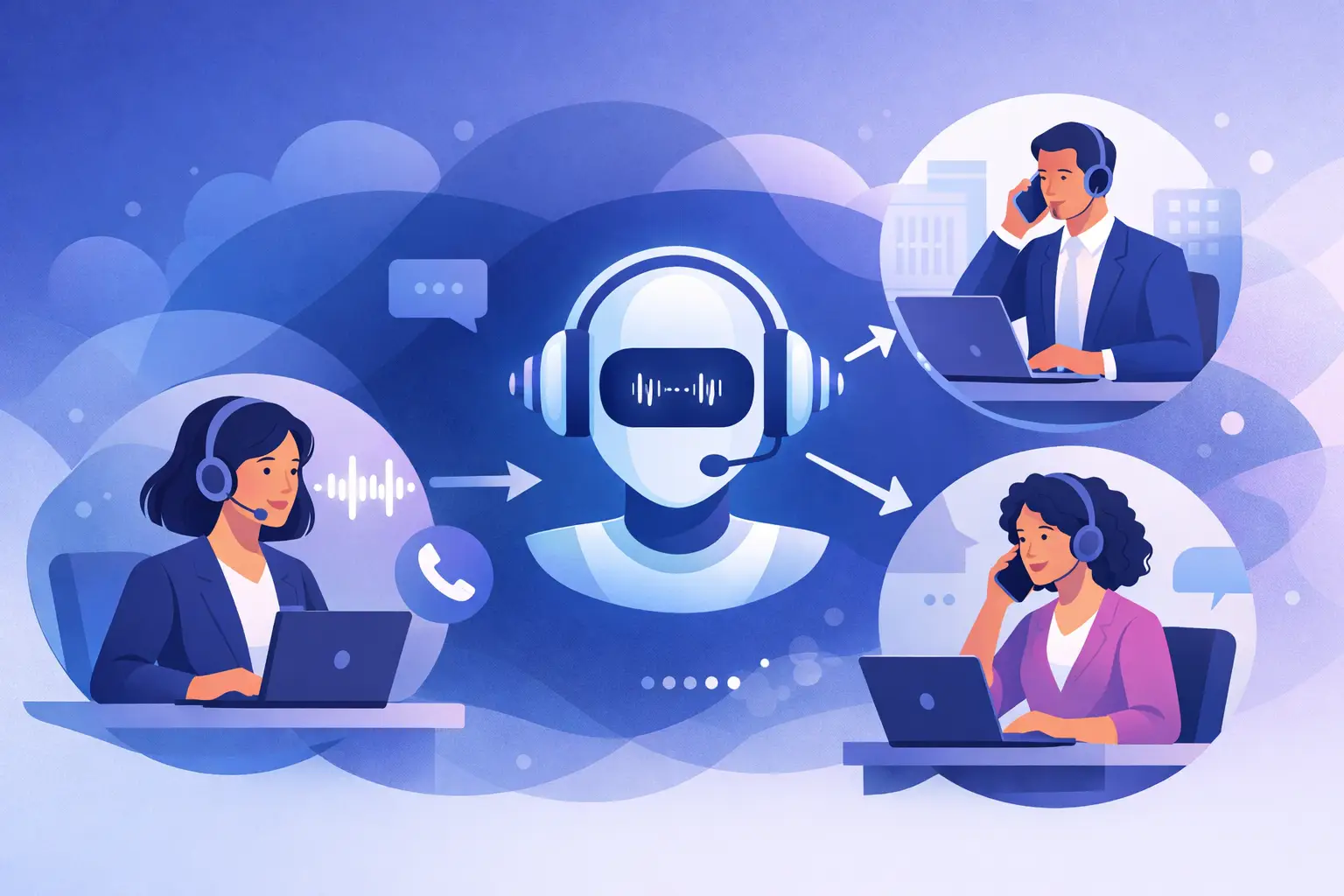
A missed call at 2:17 PM does not look dramatic on a dashboard. It just looks like one more line item. But for a clinic, dealership, legal office, or restaurant, that missed call can mean a lost booking, a delayed intake, or a lead that goes cold before anyone calls back. That is why the question matters: can voice AI transfer callers? Yes – and for many teams, that is the difference between an AI agent that sounds impressive and one that actually works in daily operations.
The short answer is that modern voice AI can transfer callers to the right person, department, or location in real time. It can also decide when a transfer should happen based on intent, urgency, language, business hours, or workflow rules. The bigger question is not whether it can transfer callers. The real question is how well it does it, what context it passes along, and when automation should stop and a human should take over.
What “transfer” really means in a voice AI system
A basic phone tree transfers calls by pushing the caller through a menu. That is not the same thing as an AI handoff. In a stronger setup, voice AI listens to what the caller wants, identifies intent, checks the rules you set, and routes the call accordingly.
If someone says they need to reschedule a cleaning appointment, the AI may complete that task without a transfer at all. If another caller says they are a new patient with an insurance question, the AI can send them to front desk staff. If a caller sounds upset, asks for a manager, or mentions a legal or billing issue, the system can escalate immediately.
This matters because a transfer is not the goal. Resolution is the goal. Good voice AI reduces unnecessary handoffs and makes the necessary ones faster.
Can voice AI transfer callers without sounding broken?
Yes, if the call flow is designed correctly.
The old frustration with phone systems was not just getting transferred. It was getting transferred after repeating the same information three times. Modern voice AI should avoid that. Before a handoff, the agent can collect the caller’s name, reason for calling, account details, preferred language, and urgency level. That information can be passed into the transfer logic, logged in the CRM, or surfaced to the human rep.
So instead of a cold handoff, the staff member starts with context. They know who is on the line and why they were sent there. That cuts average handle time and makes the caller feel like the business is organized.
For operations teams, this is where the ROI shows up. Transfers are not just call routing events. They are workflow events tied to staffing, response times, and conversion rates.
How voice AI transfer logic usually works
Most businesses do not need a complex explanation of telephony architecture. They need to know what the system can do on a live call. In practice, a voice AI transfer flow usually follows a few steps.
First, the AI answers the call instantly. It identifies the caller’s intent through natural conversation instead of forcing keypad input. Then it checks the routing logic. That logic might include department availability, time of day, location, language, lead status, or whether the issue qualifies for automation.
If the call needs a person, the AI can transfer in several ways. It can do a direct transfer to a number or extension. It can do a warm transfer by telling the caller what is happening before connecting them. It can also place the caller into a queue or route to a fallback destination if no one answers.
More advanced systems can trigger actions before the transfer happens. They can create a contact record, push notes into HubSpot or GoHighLevel, flag the call as urgent, or update a calendar and then connect the caller to staff only if approval is needed.
That is why the question “can voice AI transfer callers” is really a question about operational control. The answer depends on whether the platform treats transfers as a core workflow, not a bolt-on feature.
Where AI caller transfers make the biggest impact
Appointment-driven businesses benefit first because the call volume is repetitive and time-sensitive. A dental office may want the AI to handle routine scheduling but transfer insurance disputes or post-procedure concerns to staff. A salon may let the AI book and confirm appointments while sending VIP clients or same-day complaints to the front desk.
In legal intake, the AI can qualify the lead, collect case type and contact details, then transfer hot prospects to the right intake specialist. In auto sales, it can answer after-hours inventory questions, capture vehicle interest, and transfer callers to sales during open hours. In restaurants, it can handle reservation questions but route catering or large-party requests to a manager.
The same pattern applies in support. Let the AI handle repetitive questions. Transfer the edge cases, sensitive issues, and high-value opportunities.
When a human handoff should happen
Not every call should stay with AI. That is one of the biggest mistakes businesses make when they first adopt automation. They try to force full containment on calls that clearly need judgment, empathy, or exception handling.
A human handoff makes sense when the caller requests a person, when the issue falls outside the approved knowledgebase, when there is compliance risk, or when the caller is likely to convert at a higher rate with a live rep. It also makes sense when sentiment drops and the conversation is getting tense.
Well-configured voice AI does not pretend to know everything. It follows rules. It stays inside guardrails. And when those guardrails are reached, it transfers quickly instead of stalling the caller.
That is what makes the system enterprise-ready. Not endless automation. Controlled automation.
What to look for if caller transfers matter to your business
If transfers are a real part of your phone operation, there are a few capabilities that matter more than flashy demos.
First, look for flexible routing rules. You should be able to route by intent, department, language, location, and hours without custom development. Second, make sure the platform supports warm handoffs with context, not just blind transfers. Third, check whether the transfer can trigger CRM updates, tags, appointment logic, or internal alerts.
You also want fallback behavior. If no one answers, where does the call go next? Can the AI return to the line, offer voicemail, schedule a callback, or route to another team member? That is where many systems break down.
Reporting matters too. If you cannot see how many calls were transferred, why they were transferred, and what happened after the handoff, you cannot optimize staffing or call flows. Transfer capability without reporting is hard to manage at scale.
The trade-offs businesses should understand
Voice AI transfers are powerful, but they are not magic.
If the script is weak, the AI may gather the wrong details before routing. If your CRM is not mapped correctly, staff may receive incomplete context. If routing rules are too aggressive, callers may bounce between destinations. And if your team is not available to receive handoffs, even a well-built AI layer will not fix the staffing gap.
There is also a balance between speed and qualification. Some businesses want the AI to transfer a lead immediately. Others want it to ask three or four questions first so reps spend time only on qualified opportunities. Neither is universally right. It depends on call volume, close rates, and how expensive each live minute is.
This is why operations-first deployment matters. The best setup is not the one with the most features. It is the one that matches your actual call paths.
Can voice AI transfer callers across teams, locations, and languages?
Yes, and this is where adoption gets much more interesting for growing businesses.
A multi-location operator may want one AI front line for every inbound call, with transfers based on geography, service line, and staff availability. A national brand may want English-speaking callers sent to one queue and Spanish-speaking callers to another. A sales organization may want the AI to qualify inbound leads and transfer only high-intent prospects to closers while everyone else gets routed into a follow-up workflow.
This kind of routing is no longer limited to large call centers. Platforms built for speed can deploy these flows quickly, connect them to your calendars and CRM, and keep the handoff logic consistent across all locations. Cloud One-Ai is built for exactly that kind of business-ready setup, where AI is not replacing your team – it is directing calls to the right outcome faster.
The better question to ask before you buy
Instead of asking only whether voice AI can transfer callers, ask this: can it transfer the right callers, at the right time, with the right context, into the right workflow?
That is the standard that matters.
A transfer should reduce friction, not create it. It should protect staff time, not waste it. And it should give callers a faster path to resolution, whether that means self-service, scheduling, qualification, or a live person.
If your phones drive revenue, the handoff between AI and human support is not a side feature. It is core infrastructure. Get that part right, and you do more than answer more calls. You create a phone operation that stays responsive even when your team is busy, after hours, or growing faster than headcount.