



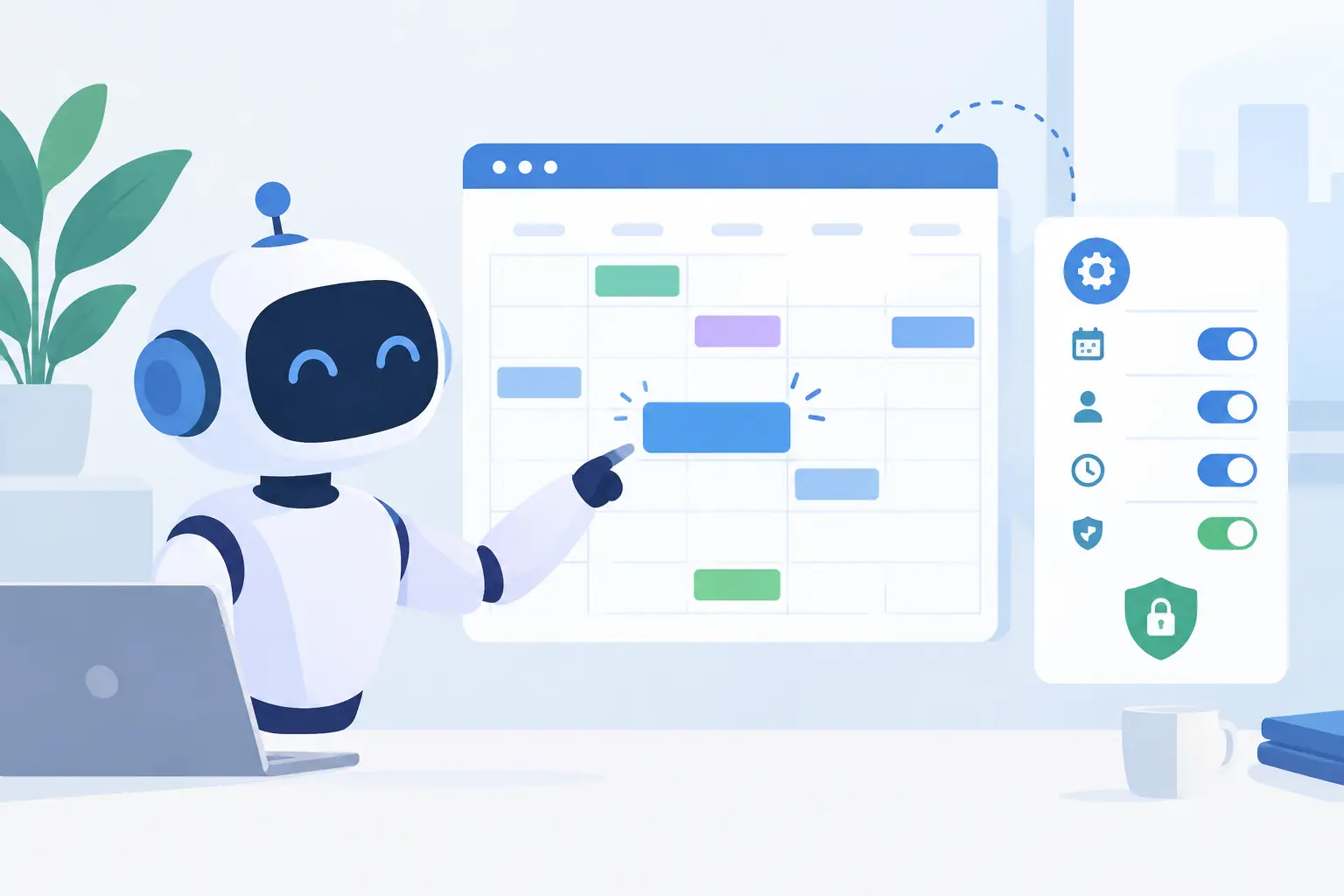
A caller asks for the first available dental cleaning next Tuesday. Your front desk is helping another patient, the phone rings twice, and the opportunity disappears. So, can AI update calendars quickly enough to prevent that missed booking? Yes – when the AI is connected to the right calendar, follows defined rules, and knows when to hand a conversation to a person.
For businesses that run on appointments, calendar automation is not a novelty feature. It is an operational control. A capable Voice AI agent can check availability during a live call, offer approved time slots, create or modify appointments, send confirmations, and write the call outcome back to the systems your team already uses. The result is fewer missed calls, faster booking, and less calendar cleanup at the end of the day.
Can AI Update Calendars During a Phone Call?
Yes. AI can update calendars in real time when it has authorized access through a calendar integration or connected workflow. That may include Google Calendar, Apple Calendar, Calendly, Cal.com, or the scheduling system built into a CRM or industry platform.
The basic workflow is straightforward. The caller states what they need. The AI identifies the service, location, provider preference, and timing. It checks the calendar for eligible openings, offers options, confirms the selected slot, and creates the appointment. It can then trigger a confirmation text or email and log the interaction in the CRM.
The operational value is speed. A lead who calls after hours does not need to wait until the next morning to hear back. A busy salon does not need staff to pause a customer interaction just to answer routine scheduling questions. A real estate team can qualify a buyer and place a showing on the right agent’s calendar before that buyer contacts another firm.
But calendar access alone is not enough. The agent needs business logic. Without it, AI can technically place an event on a calendar while still creating a bad customer experience.
What an AI Calendar Agent Should Be Allowed to Do
The best setup gives the AI clear authority over routine tasks and clear boundaries around exceptions. For many businesses, the agent can book standard appointments, reschedule within a defined window, cancel appointments that meet policy, and answer basic availability questions.
It should also collect the details that make the appointment usable. A legal office may need a matter type and preferred attorney. A dealership may need the vehicle of interest, trade-in status, and test-drive location. A medical or dental practice may need patient status, reason for visit, and insurance-related intake information, while keeping sensitive data policies in view.
Calendar updates become far more valuable when they trigger the next step. A new appointment can create a CRM contact, apply a pipeline stage, notify a manager, send an intake form, or start a reminder sequence. That is the difference between an AI that merely adds events and an AI that supports the full booking operation.
Availability rules prevent double booking
An AI agent should never treat every blank square on a calendar as bookable. Businesses need rules for appointment length, buffers, provider schedules, locations, service types, lead time, and blackout dates.
A 30-minute consultation may require a 15-minute buffer before and after. A multi-location clinic may need the agent to offer only providers working at the caller’s preferred office. A restaurant may accept large-party reservations only during designated seating windows. These rules must be configured before the AI begins taking bookings.
The same applies to capacity. If one sales manager can handle three demos per day, the AI should not fill ten openings because the calendar appears available. Good automation reflects how work actually gets delivered.
Rescheduling needs policy, not guesswork
Rescheduling is where many calendar workflows fail. A caller may want to move an appointment, but the original booking could be inside a cancellation window, tied to a specific provider, or connected to a deposit.
Set the policy first. The agent can offer approved alternatives, explain the cancellation terms, and complete the change when conditions are met. When a request falls outside the rules, it should transfer the caller or create a follow-up task for staff. That keeps service moving without giving the AI authority it should not have.
Where Voice AI Makes Calendar Updates Pay Off
Calendar automation has the highest impact where phone calls are a primary booking channel and response time changes revenue. Service businesses often feel this immediately because callers tend to contact multiple providers when they cannot get an answer.
For healthcare and dental offices, Voice AI can handle routine appointment requests, reminders, cancellations, and waitlist outreach. For salons and spas, it can book services based on duration, stylist availability, and location. For home services, it can route callers by service area and create appointment windows for estimates or repairs.
Sales teams use the same capability differently. An outbound AI agent can contact leads, qualify interest, and schedule a demo directly with the right representative. A dealership can follow up with web leads and book test drives. A real estate team can call new inquiries, verify buying or selling intent, and schedule showings or consultations while interest is still high.
The common benefit is not simply fewer manual tasks. It is a shorter path from intent to a confirmed time on the calendar.
The Trade-Off: Automation Versus Control
Not every calendar task should be automated. Complex cases require judgment, and customers can spot a rigid experience quickly. If someone needs an urgent same-day medical appointment, disputes a cancellation fee, or asks for an exception to a service policy, a human should be available.
The right approach is controlled automation. Let the AI handle the high-volume, repeatable conversations that follow clear rules. Use human handoff for edge cases, sensitive conversations, VIP clients, or requests that require discretion. This avoids turning your scheduling process into a frustrating maze of automated responses.
Reporting matters here. Review recordings and transcripts to see why appointments were booked, changed, canceled, or escalated. Track booking conversion, abandoned calls, no-show rates, average time to book, and transfer reasons. Those metrics show whether the AI is improving operations or simply moving work downstream.
Build a Calendar Workflow That Your Team Trusts
Start with one high-volume use case. For example, automate new-patient booking after hours, demo scheduling for inbound sales calls, or confirmation calls for appointments happening tomorrow. A narrow launch makes it easier to test the script, rules, and calendar behavior before expanding.
Next, map the decisions your staff makes on a normal scheduling call. What information must be collected? Which services can be booked automatically? How much buffer is needed? When must the caller be transferred? The answers become the agent’s workflow, not vague instructions for it to “figure out.”
Then connect the systems that hold the source of truth. If your CRM, scheduling tool, and calendar disagree, your AI will inherit the confusion. Decide which system owns availability, customer records, and appointment status. Build updates around that source rather than creating parallel records that staff must reconcile later.
Cloud One-Ai supports this kind of connected workflow with voice agents, calendar and CRM integrations, multilingual calling, human handoff, and reporting built for teams that need to see what happened on every call. The practical goal is simple: answer faster, book accurately, and keep the operation visible.
Before going live, test real-world scenarios. Call with a provider request, ask for an unavailable time, try to reschedule inside the policy window, give an incomplete name, and request a human. Test what happens when the calendar connection is unavailable, too. A reliable fallback protects the customer experience when an integration fails.
Calendar Security and Customer Expectations
Calendar access should be limited to what the agent needs. Use role-based permissions, restrict access to the appropriate calendars, and avoid exposing unnecessary appointment details in voice responses. Your team should also know what customer information is collected, where it is stored, and how recordings and transcripts are handled.
Be direct with callers when appropriate. If they are interacting with an automated assistant, clear disclosure builds trust and helps set expectations. The agent should confirm the appointment details before ending the call: date, time, location, provider or service, and any preparation instructions.
For regulated industries, automation must fit existing compliance procedures. AI can reduce repetitive scheduling work, but it does not remove the need for approved scripts, access controls, auditability, and staff oversight.
A calendar is where customer intent becomes an operational commitment. Give AI the rules, integrations, and escalation paths to protect that commitment, and every answered call has a better chance of becoming a confirmed appointment.