



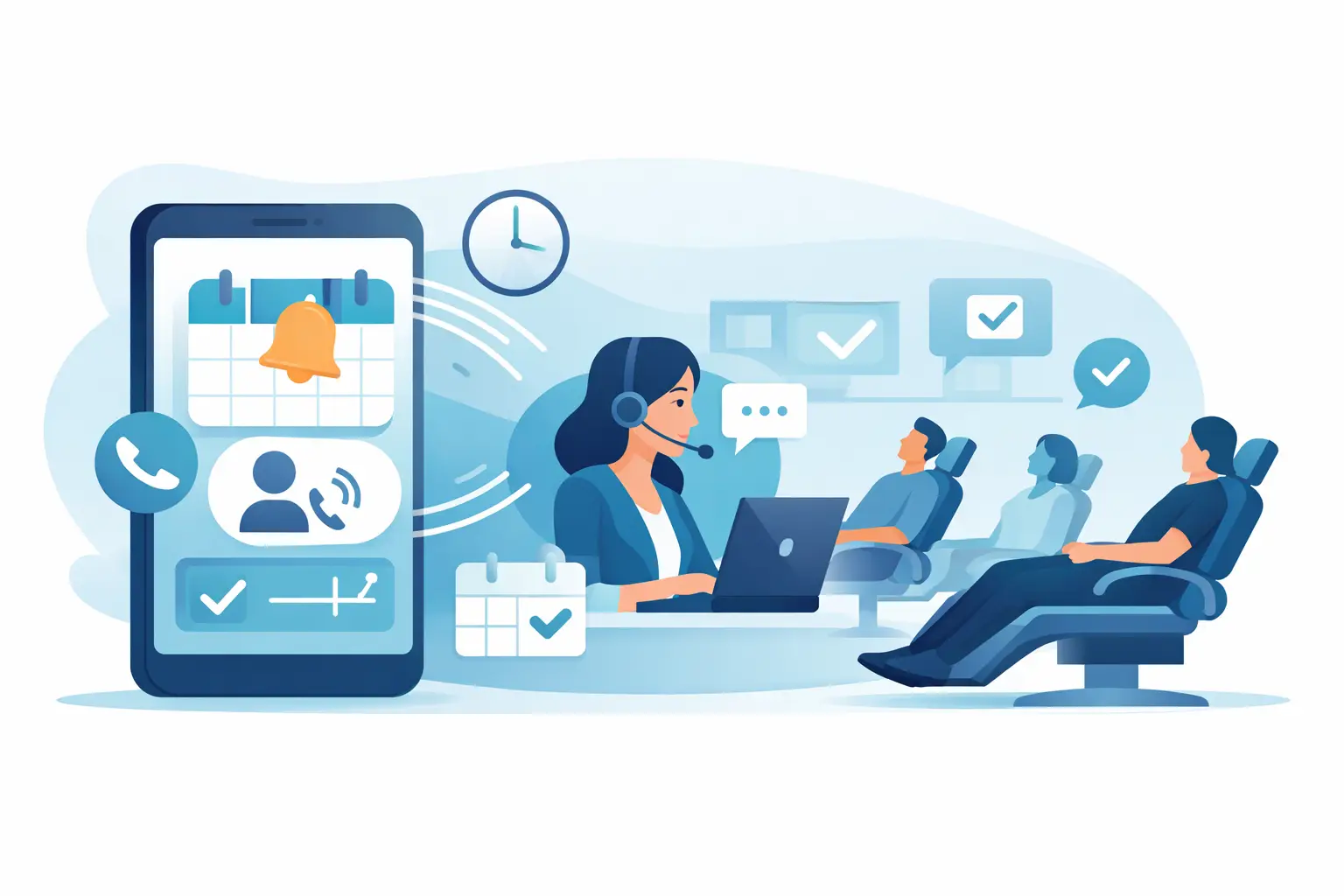
A 10% no-show rate is not a minor scheduling issue. For a busy dental practice, salon, legal office, dealership, or multi-location service business, it becomes lost revenue, idle staff time, and a calendar that looks full until the day falls apart. Appointment reminder call automation gives your team a repeatable way to confirm, reschedule, and recover appointments before that gap reaches the schedule.
The goal is not to replace every customer conversation with a recording. It is to remove the repetitive calls that consume staff time while making sure customers still get a clear, helpful path to confirm, change, or ask for help. Done well, automated calls protect the calendar and let your people focus on the conversations that actually need a person.
Why appointment reminder call automation works
Text messages are useful, but they are easy to ignore. Emails can sit unopened. A phone call creates a more direct moment of engagement, especially for high-value visits, older customer demographics, complex services, or appointments booked weeks in advance.
An AI voice agent can call at the right time, identify the business, state the appointment details, and ask for a simple response. A confirmed appointment is written back to the calendar or CRM. If the customer needs another time, the agent can offer approved slots or transfer the call to a team member. If there is no answer, the workflow can trigger a retry or a follow-up text based on your rules.
That is the operational advantage: your process runs consistently even when the front desk is handling arrivals, payments, ringing phones, and walk-ins. Calls can go out after business hours without asking staff to stay late, and multiple reminders can run at once across locations.
For businesses that rely on booked time, the metric is bigger than call volume. Track confirmation rate, cancellation lead time, reschedules saved, no-show rate, and recovered revenue. Those numbers show whether the workflow is improving capacity, not just making more calls.
Where automated reminder calls create the most value
The best use cases have three things in common: an appointment has meaningful value, a missed visit creates a real operational cost, and the business can act when a customer cancels.
Healthcare and dental practices can use calls to confirm exams, treatments, consultations, and follow-up visits. The script should be careful with privacy, avoid unnecessary sensitive information, and route clinical questions to qualified staff. For many practices, the most valuable outcome is not simply confirmation. It is getting enough notice to offer the opening to a waitlist patient.
Salons, med spas, and wellness providers can remind customers about long services, deposits, preparation instructions, and cancellation policies. A reminder call is particularly useful for color appointments, treatment packages, and other blocks where an empty chair is expensive.
Legal offices can confirm consultations, collect basic pre-appointment details, and reduce missed intake meetings. Real estate teams can remind prospects about showings and open-house appointments, then notify the assigned agent when a buyer needs to change plans. Dealerships can confirm service bookings, test drives, and finance appointments while making it easier to move a customer into another available slot.
The workflow should match the value and complexity of the appointment. A simple haircut may need one friendly confirmation. A surgical consultation, legal intake, or high-ticket sales meeting may justify multiple touches, escalation rules, and a live handoff option.
Build a reminder workflow that customers will answer
Start with timing. Most businesses get better results from a sequence than a single last-minute call. For example, send an initial reminder several days before the appointment, a confirmation call 24 to 48 hours before, and a final message on the morning of the visit when appropriate. The exact schedule depends on how far ahead customers typically book and how easily you can refill cancellations.
Keep the opening short. State the business name, who the call is for if your data supports it, the appointment date and time, and a clear request to confirm. Customers should not have to listen through a long introduction before they can answer.
A practical call flow sounds like this in principle: “Hi, this is the scheduling assistant for [Business]. We are calling to confirm your appointment tomorrow at 2:30 PM. Will you be able to make it?” The next step should be immediate. If yes, confirm it. If no, offer rescheduling or transfer the call. If the customer asks a question outside the approved script, route it to a person.
Do not force every caller through a rigid path. Customers may say, “I need to push it back,” “Can I bring my spouse?” or “I am running late.” Your agent needs clear intent paths and a defined boundary for what it can handle. It should never invent an answer, availability, policy, or medical guidance.
Connect the call to the systems that run your day
A reminder call only becomes operationally useful when the result changes something. Integrate the workflow with the calendar, CRM, booking platform, or practice management system your team already uses. Confirmations should update the appointment record. Cancellations should release the slot. Reschedule requests should create a task, offer approved availability, or trigger a live transfer.
This is where disconnected reminder tools create extra work. If staff must manually review recordings, copy notes, and update calendars after every call, the workflow shifts labor instead of removing it. The right setup lets every outcome move directly into the next action.
Cloud One-Ai can connect voice workflows to more than 300 integrations, including common CRM and calendar tools, so call outcomes can drive follow-up without manual data entry. That matters when one operator is managing several locations or when a call center is handling appointment campaigns at scale.
Use the right recovery path for each response
Not every unconfirmed appointment should receive the same treatment. A customer who explicitly cancels needs a fast rescheduling option and, if possible, a waitlist replacement workflow. A customer who does not answer may need another call at a different time, followed by text or email based on documented consent and communication preferences.
A customer who confirms but later no-shows is a different case. That record can trigger a personalized follow-up, deposit requirement, or adjusted reminder sequence for future bookings. This is not about punishing customers. It is about using real behavior to protect scarce appointment capacity.
Create clear rules for when the AI agent transfers to a person. Transfers are useful for frustrated callers, complicated changes, high-value appointments, language needs your existing workflow does not cover, and any request that requires judgment. The best automation does not pretend every call is simple. It gets routine calls completed quickly and escalates the exceptions cleanly.
Compliance and customer trust are part of the workflow
Reminder calls must be built around consent, accurate caller identification, reasonable contact hours, and applicable federal, state, and industry requirements. Rules can vary based on whether the call is informational, promotional, prerecorded, or uses automated dialing technology. Healthcare organizations also need processes that protect patient information.
Work with qualified legal and compliance advisors to define your approved call practices. Then configure those rules into the system: calling windows, opt-out handling, disclosure language, recording notices where required, data retention, and escalation procedures. Compliance should not live in a PDF no one checks after launch.
Trust also comes from sound design. Use the business name early. Give customers an easy way to reach a person. Do not repeat calls aggressively when someone declines. Make sure the agent’s language matches the brand your customers know from the front desk. Helpful automation feels organized. Poor automation feels like a nuisance.
Measure the calendar impact, then improve the script
Launch with a controlled segment before calling every appointment on the books. Compare the group receiving automated calls against your previous baseline or a similar group receiving the existing process. Review recordings and transcripts during the first weeks. Look for confusion around dates, names, pronunciation, rescheduling language, and transfer points.
The most useful dashboard combines call activity with appointment outcomes. Watch answer rate, confirmation rate, cancellation rate before the appointment, reschedule completion, transfer rate, no-show rate, and the number of openings successfully refilled. A high answer rate alone does not prove success if cancellations still sit untouched in the calendar.
Also test call timing and wording. A practice with patients who book far ahead may benefit from an earlier first call. A service business with same-week bookings may need a faster sequence. If customers regularly ask the same question, add an approved answer to the agent knowledge base or change the original appointment confirmation so the question is addressed sooner.
Your calendar is a revenue system, not a static list of bookings. Give customers a simple way to keep their appointment, change it early, or reach the right person, and the schedule has a much better chance of holding when the day begins.