



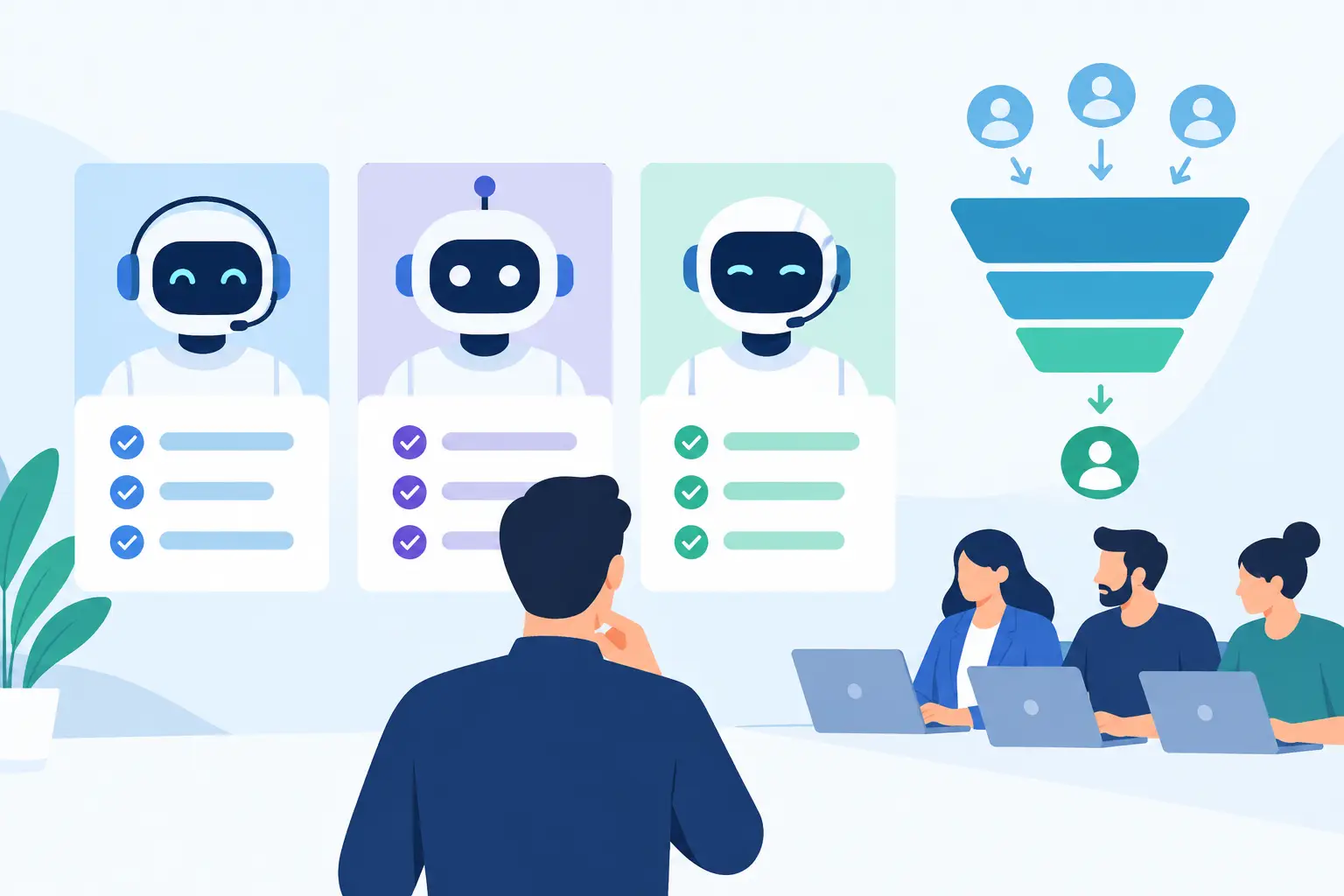
An AI SDR comparison gets unhelpful fast when every platform promises more meetings. The real question is simpler: can the system contact the right prospects, handle a real response, update the next step, and move qualified opportunities to your team without creating more operational work?
For sales leaders, call centers, and multi-location businesses, the answer depends on more than a model’s ability to write a decent email. It depends on channel fit, workflow control, data quality, integrations, call handling, and the point where automation should hand off to a person. Choose for the workflow you need to run, not the demo that sounds most impressive.
AI SDR Comparison: Start With the Job To Be Done
An AI SDR can mean several different products. Some are outbound email agents that research accounts, build lists, personalize sequences, and reply to basic messages. Others sit inside a CRM and prioritize leads or draft follow-ups. A newer category uses conversational Voice AI to call leads, qualify interest, answer routine questions, and book directly onto a calendar.
These categories overlap, but they should not be evaluated as substitutes by default. If your sales motion starts in a crowded B2B inbox and needs account research, an email-first AI SDR may fit. If speed-to-lead, appointment scheduling, renewal outreach, or high-volume qualification happens over the phone, a voice-first system may produce more operational value.
A dental group following up with new patient inquiries has a different requirement than a software company prospecting enterprise accounts. The clinic needs fast calling, insurance or scheduling answers within approved boundaries, calendar booking, and a human transfer when a patient asks for help. The software company may need account enrichment, multistep email outreach, and structured routing to an account executive. The best platform is the one that matches the work.
Compare Channels Before Features
Start with the channels prospects actually answer. Email remains useful for thoughtful, low-pressure outreach and longer sales cycles. It is less effective when speed matters, when a lead requested a callback, or when a customer needs immediate scheduling support.
Voice creates a different outcome. A well-configured AI caller can respond while intent is high, ask qualifying questions in a natural conversation, overcome simple scheduling friction, and book the next action in the same interaction. That makes it particularly useful for inbound lead follow-up, missed-call recovery, no-show reminders, dealership inquiries, real estate lead qualification, renewals, and reactivation campaigns.
Text messaging can support either motion, but it should not become a substitute for a complete workflow. A useful system recognizes the preferred path: call first for urgent inquiries, send confirmation by text or email, log the outcome in the CRM, and alert a person when the conversation reaches a decision point.
Do not buy a voice product just because it can speak, either. Test whether it can handle interruptions, common questions, voicemail logic, reschedules, transfers, multilingual conversations, and a caller who changes direction halfway through the call. A pleasant voice is table stakes. Controlled outcomes are what matter.
Evaluate Workflow Depth, Not Just Personalization
AI SDR vendors often lead with personalization. Personalized outreach can help, but it is only one small part of a revenue workflow. The more valuable comparison is what happens before, during, and after contact.
Before outreach, determine whether the system can use the data you already have without forcing your team into a cleanup project. During outreach, check whether it follows approved scripts, knowledge sources, objection paths, and business rules. After outreach, verify that it writes the correct disposition, triggers the next task, updates the contact record, and keeps reporting usable.
For a phone-based workflow, map the call path in plain language. A lead submits a form. The AI calls within minutes. It verifies interest, location, timing, and service need. It offers available times from the calendar. If the lead requests pricing outside a defined range or needs specialist advice, it transfers to a human. The CRM receives the recording, transcript, qualification result, and booked appointment.
If a vendor cannot show this end-to-end flow, its automation may leave your staff doing the work that was supposed to disappear.
Ask How Much Control Your Team Keeps
Control does not mean making every workflow hard to configure. It means operators can set the rules without waiting on a developer. Look for no-code call flows, editable prompts and scripts, approved knowledgebase content, business-hour rules, retry policies, transfer conditions, and clear opt-out handling.
This matters most in regulated or reputation-sensitive industries. A legal office should not let an agent imply legal advice. A healthcare practice should limit what the agent can discuss and route clinical questions correctly. A franchise operator may need local hours, services, and calendars while maintaining one approved brand standard.
The strongest systems balance flexibility with constraints. They let you move quickly while reducing the chance that an agent invents an answer or follows the wrong path.
Integrations Determine Whether Automation Saves Time
An AI SDR that works in a separate dashboard can generate activity. An AI SDR connected to your operating systems can generate outcomes.
Your comparison should include the CRM, calendar, phone system, marketing automation platform, and any location-level tools your team uses. Ask whether the platform creates and updates records, recognizes existing contacts, assigns owners, logs call details, and triggers follow-up automatically. Confirm that calendar availability is real-time, especially if appointments involve multiple locations, providers, or sales reps.
Integration breadth is useful, but reliability matters more than a long logo wall. Test the specific workflow your team depends on. Can a qualified lead be booked into Google Calendar, Apple Calendar, Calendly, or Cal.com? Can the result sync to HubSpot, GoHighLevel, or Zoho with the right fields? Can a missed call trigger a callback campaign without someone exporting a spreadsheet?
Cloud One-Ai is built for this operational layer, combining inbound and outbound Voice AI with more than 300 integrations, knowledgebase controls, calendar booking, reporting, and human handoff. That combination matters when calls must move from conversation to completed work, not simply produce a transcript.
Measure Capacity, Quality, and Cost Together
A single impressive call does not prove an AI SDR can support a campaign. Ask how many conversations the system can handle at once, how it manages peak demand, and what happens when calls need to be transferred. For high-volume teams, parallel calling capacity affects response time as directly as staffing levels do.
Then measure quality using outcomes rather than activity. Useful metrics include contact rate, speed-to-lead, qualified-conversation rate, appointment rate, show rate, transfer rate, conversion by campaign, and cost per completed appointment. For retention or support motions, add resolution rate, repeat-call rate, and customer satisfaction signals.
Cost should include more than the subscription. Factor in usage or minute charges, phone number costs, implementation time, list quality, monitoring, and the labor required to correct bad data or rework poor handoffs. An inexpensive email agent that creates hundreds of low-quality replies is not low cost. A voice agent that books qualified appointments outside business hours may be worth more than its per-minute price suggests.
Treat Compliance and Governance as Buying Criteria
Outbound automation carries real responsibility. Your team remains accountable for how contacts are reached, what the agent says, how consent is managed, and how records are retained. Requirements vary by location, industry, call type, and jurisdiction, so involve qualified legal and compliance advisors when designing campaigns.
At the platform level, look for practical controls: call recordings and transcripts, reporting by campaign and outcome, access permissions, approved knowledge sources, clear transfer paths, and audit-friendly activity history. Ask how the vendor supports calling rules, opt-out requests, consent workflows, disclosure requirements, and data handling.
Governance is not a drag on speed. It is what lets you scale a successful workflow without losing visibility. When a manager can review calls, see where prospects drop off, update a script, and compare performance across locations, improvement becomes repeatable.
Run a Focused Pilot Before You Commit
The fastest way to compare AI SDR platforms is to run a controlled pilot around one high-value workflow. Pick a use case with enough volume to learn quickly, such as new lead follow-up, appointment reminders, lapsed-customer reactivation, or inbound call coverage after hours.
Set a baseline first. Record your current response time, connection rate, booking rate, no-show rate, and staff hours spent on the workflow. Define what counts as a qualified outcome, write the transfer rules, and review a sample of calls or messages every day during the first week.
Keep the pilot narrow enough to diagnose results. If performance is weak, you need to know whether the issue was the list, the offer, timing, script, data connection, or the agent itself. If performance is strong, expand one variable at a time: more leads, additional locations, another language, or a new campaign.
The right AI SDR does not replace your revenue process. It makes the repeatable parts faster, available after hours, and easier to measure. Start with the call, follow-up, or qualification task your team is already struggling to keep up with, then build outward from a workflow that proves its value.