



A missed call at 10:12 a.m. can become a booked appointment with a competitor by 10:15. For a dental office, dealership, law firm, or multi-location service business, the problem is rarely a lack of leads. It is the gap between a customer calling and someone being available to answer, qualify, schedule, or follow up. This business call automation software review focuses on what actually determines results: call handling, workflow control, integration depth, and measurable operational performance.
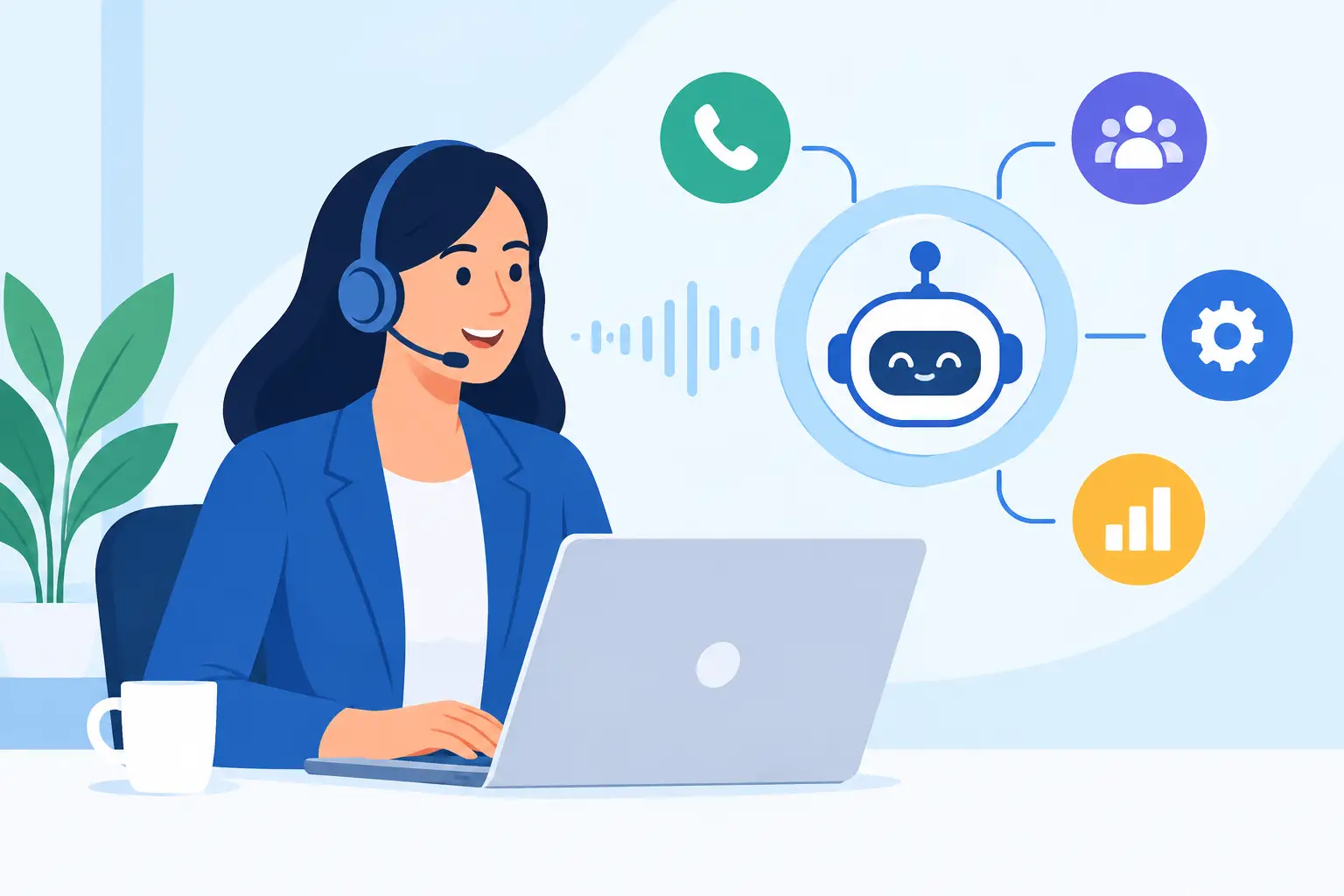
The right platform should not feel like an AI experiment. It should operate like an always-on layer for your phone team – handling routine conversations, protecting response times, and passing the right context to staff when a human needs to take over.
What Business Call Automation Software Should Do
Business call automation software uses AI voice agents, call routing, and workflow logic to make or receive calls without requiring a team member to handle every conversation. That can mean answering an inbound call after hours, confirming tomorrow’s appointments, following up with web leads within seconds, or qualifying a prospect before sending them to a salesperson.
The category is broad, and not every platform solves the same problem. Some tools are outbound dialers with a basic conversational layer. Others focus only on virtual reception. The more useful systems connect inbound and outbound calling with calendars, CRMs, reporting, knowledge sources, and human escalation. That turns automation into an operating process rather than a standalone phone feature.
For most small and mid-sized businesses, the first win is simple: fewer calls go unanswered. The bigger win comes later, when every call creates a clean next step in the systems your team already uses.
Business Call Automation Software Review: The Criteria That Matter
A polished demo voice is not enough. Buyers should review the platform against the situations that cost their business time and revenue every week.
Inbound coverage and intelligent routing
Start with what happens when a customer calls. Can the agent answer around the clock? Can it identify why the caller is reaching out, provide approved information, schedule an appointment, take a message, or transfer the call?
A salon may need the agent to check availability and book a color appointment. A legal office may need it to capture intake details without offering legal advice. A restaurant may need it to answer location, hours, reservation, and catering questions during a rush. The best setup is not a generic script. It is a controlled call flow built around the rules of that business.
Also test transfer logic. An AI agent should know when not to continue. Urgent service issues, complex billing disputes, clinical questions, and high-value sales conversations may require immediate human handoff. Look for warm transfers, escalation rules, fallback paths, and clear records of why the call was transferred.
Outbound speed without a robotic customer experience
Outbound calling is where automation can remove the most repetitive work. Common workflows include new-lead follow-up, appointment reminders, reactivation campaigns, missed-call callbacks, renewal notices, payment reminders, and post-service check-ins.
Speed matters. A lead who requests information should not wait until the next business day for a response. But volume alone is not the goal. The agent needs to confirm identity where appropriate, explain the reason for the call clearly, handle common questions, capture intent, and move the person toward a real outcome.
Ask how the platform controls retries, voicemail handling, calling windows, opt-out requests, and campaign pacing. A tool that can place many calls but cannot enforce sensible campaign rules creates risk for your brand and your team.
Natural voice is necessary, but accuracy is the real test
Human-like speech earns attention, especially when callers expect a real conversation. Still, the more important question is whether the agent can reliably follow instructions. Can it pronounce customer names and local place names? Does it handle interruptions? Can it understand a caller who changes their mind halfway through scheduling?
Test real conversations, not only a scripted demo. Use questions customers actually ask. Give the agent incomplete information, objections, a rescheduling request, and an unusual scenario. Then review the transcript and recording. The goal is not to make the AI sound perfect. The goal is to ensure it gives accurate, approved answers and reaches the right outcome.
For businesses serving diverse communities, multilingual support can be a major advantage. Confirm the specific languages and accents you need, then test them with native speakers or staff. Coverage claims are useful. Conversation quality in your market is what counts.
Integrations determine whether calls become work completed
If staff must manually copy notes from call recordings into a CRM, the automation has only solved half the problem. Your review should focus heavily on integrations with the systems that run your operation.
A qualified lead should appear in HubSpot, Zoho, GoHighLevel, or the CRM your team uses. A booked appointment should land in Calendly, Cal.com, Google Calendar, Apple Calendar, or the scheduling system that governs availability. A support call should generate the correct ticket, task, or notification.
Look beyond whether an integration exists. Ask what information moves between systems. Can the agent read live appointment availability? Can it write call outcomes, summaries, tags, and follow-up tasks? Can it trigger different workflows based on service type, location, caller intent, or campaign?
Platforms with hundreds of integrations give operators more options, but the most valuable integration is the one that removes a step from your current process. Build your review around that standard.
Reporting Should Prove the ROI
Call automation needs to be accountable. A platform should provide recordings, transcripts, call dispositions, outcome reporting, and charts that let operators see what is working.
For inbound calls, monitor answer rate, abandoned calls, transfer rate, booking rate, and time saved by call type. For outbound campaigns, track connection rate, qualification rate, appointments set, callback completion, and conversion by script or audience segment. Compare these results with your baseline, not with vague AI benchmarks.
Reporting is also a governance tool. Managers can review how the agent handled objections, identify where callers became confused, and improve prompts or call flows. In regulated or sensitive industries, searchable records and defined knowledge boundaries help teams maintain control.
Do not accept reporting that only counts minutes used. Minutes are a cost metric. Outcomes are the business metric.
Scale, Reliability, and Compliance Questions to Ask
A platform may work well for ten calls a day and fail when a promotion generates fifty calls at once. Multi-location operators and sales teams should ask how many simultaneous calls the system can handle, whether it supports local or global phone numbers, and what happens during unexpected spikes.
Reliability includes more than uptime. Check whether the system has fallback routing when the agent cannot complete a task, clear number management, call recording controls, and permissions for different users or locations. Agencies should also review subaccounts, client-level reporting, branding controls, and billing options before choosing a white-label offering.
Compliance requirements depend on the use case, industry, state, and call type. Your legal and compliance teams should review consent requirements, recording disclosures, data retention, outbound calling practices, and any rules that apply to healthcare or financial information. Software can support compliant workflows, but it does not remove the responsibility to configure and use them correctly.
How to Run a Useful Pilot
Do not launch with every call type at once. Choose one high-volume, repeatable workflow with a clear success metric. Missed-call recovery, after-hours appointment booking, or web-lead follow-up are strong starting points because the baseline is easy to measure.
Run the pilot long enough to capture normal operating conditions, including busy hours and unusual caller requests. Review recordings daily at first. Refine the knowledge base, escalation rules, and booking logic based on actual calls. Then compare outcomes against the previous process: response time, calls answered, appointments booked, staff hours saved, and revenue influenced.
Cloud One-Ai fits this operating model by combining inbound and outbound AI calling, 50+ parallel calls, knowledgebase controls, human handoff, and 300+ integrations in one AI call center platform. For teams that need deployment speed, the key question remains the same: can the system connect calls to the workflows that create revenue and customer satisfaction?
The best choice is not the platform with the flashiest voice demo. It is the one your team can deploy quickly, supervise confidently, and measure against the calls you can no longer afford to miss.