



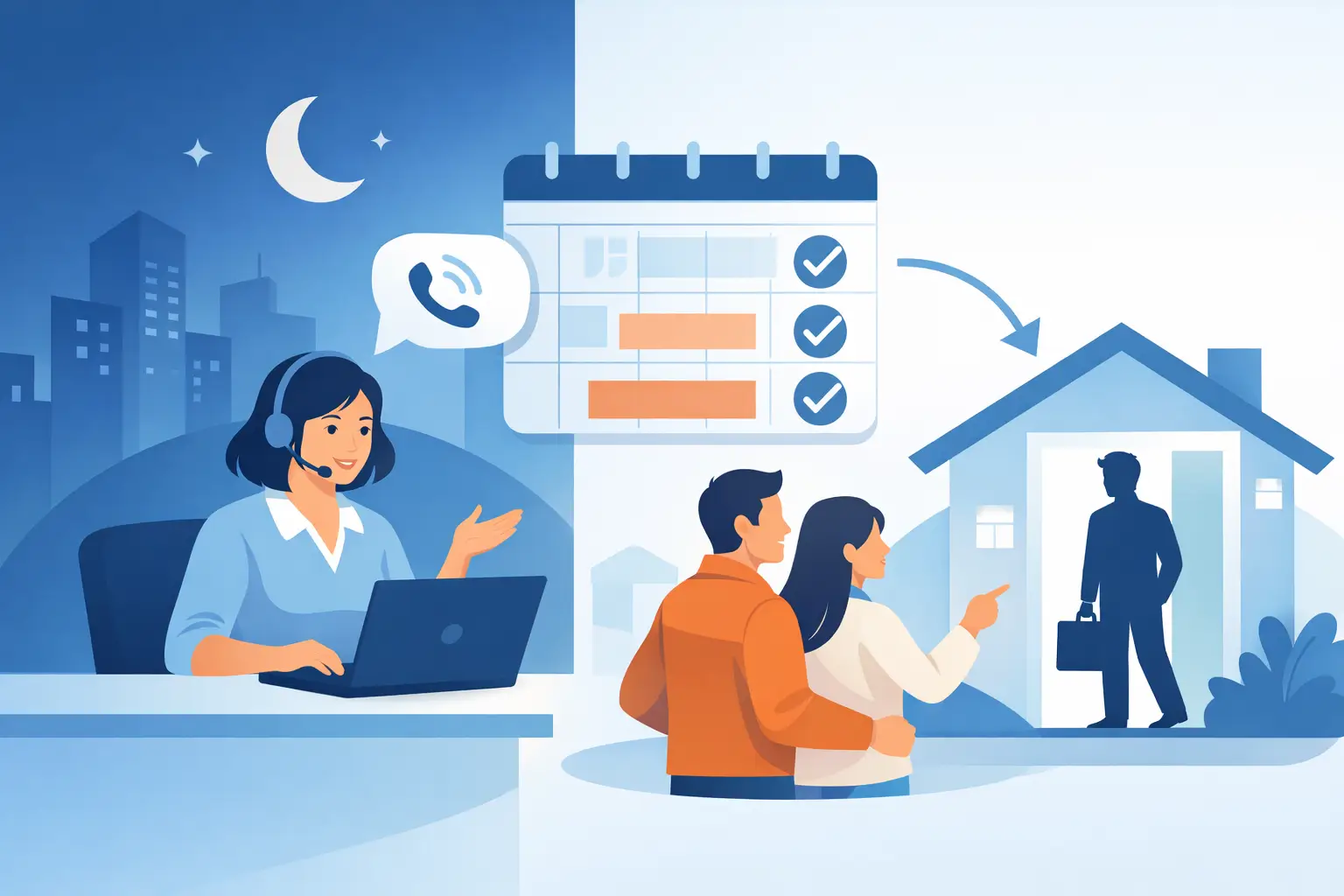
A patient calls your dental office at 8:47 p.m. to ask about a cracked tooth. A homebuyer calls a real estate team on Sunday. A customer calls a dealership after work, ready to schedule a test drive. If the call goes to voicemail, the opportunity is already at risk. After hours call answering turns those moments into scheduled appointments, qualified leads, and properly routed urgent requests.
For service businesses, the phone is not just a support channel. It is a revenue channel. Yet most teams staff their phones around office hours while their customers call when they finally have time. The result is a familiar operational gap: missed calls overnight, slow Monday morning follow-up, and leads that have already contacted a competitor.
Why Missed Calls Cost More Than One Lead
A missed call rarely stays contained to one missed call. It can create a backlog of voicemails, a delayed callback queue, and a poor first impression before your team has even spoken with the customer. For multi-location operators, the problem compounds quickly. One location may be closed while another is available, but the caller has no clear route to the right person.
Voicemail is not a real after-hours strategy for businesses that depend on speed. Callers with an urgent question or active purchase intent do not want to leave a message and hope for a response. They want an answer, an appointment, a price range, a status update, or a clear next step.
The right system does not simply pick up the phone. It moves the call forward. That may mean booking a consultation, collecting intake details, answering common questions from an approved knowledge base, or transferring a genuine emergency to an on-call team member.
What After Hours Call Answering Must Do
Basic answering services can take messages. That is useful for some businesses, but it leaves too much work for the next business day. Effective after hours call answering should operate as an extension of your front desk, sales desk, or support team.
For an urgent-care clinic, the call flow may identify symptoms, explain office availability, and direct emergency cases to the appropriate channel. For a salon, it may answer service and pricing questions before offering open appointment times. For a law office, it may capture the matter type, location, and preferred callback window before sending the intake directly to the right team.
Every workflow should be designed around the outcome you need from that call. Usually, that outcome falls into one of four categories: book, qualify, support, or escalate.
Book appointments while intent is high
The fastest path from an inbound call to revenue is an appointment on the calendar. An after-hours agent should check availability, offer appropriate time slots, confirm the caller’s details, and send the booking into the calendar your team already uses.
This is especially valuable for dental practices, medical offices, salons, repair services, and dealerships. A caller who books at 9:00 p.m. is no longer a voicemail your staff needs to chase at 9:00 a.m. They are a confirmed appointment with a clear next action.
Qualify leads before your team follows up
Not every caller should be routed to a salesperson at night. But every legitimate lead should be captured with enough context for a productive follow-up. Ask the questions your team would ask first: service needed, location, timeframe, budget range, insurance or financing needs, and preferred contact method.
The trade-off is simple. A long intake script may gather more data but can frustrate callers. Keep the questions focused on the information that changes how your team responds. If an answer will not affect routing, availability, or follow-up, it probably does not need to be asked after hours.
Answer routine questions without guessing
Customers call after hours for predictable reasons. They ask for business hours, service areas, appointment availability, required documents, financing options, directions, and order or case status. These calls should not require a staff member to stay late.
A Voice AI agent can respond using the policies, FAQs, service details, and location information your business has approved. The guardrail matters. Your agent should work from a controlled knowledge base, not invent an answer when it lacks the information. When the answer is unavailable, it should say so clearly and offer the right next step.
Escalate what cannot wait
Some calls require a human. A property management company may need to route a flooding report. A medical practice may need a specific emergency message and triage protocol. A legal office may need to flag a time-sensitive issue without offering legal advice.
Build those conditions into the flow. Define the trigger, who receives the escalation, how many people should be contacted, and what happens if the first person does not answer. Human handoff is not a failure of automation. It is how a well-designed call operation protects customers when urgency or complexity rises.
Build the Call Flow Before You Turn It On
Fast deployment matters, but a rushed script creates more problems than it solves. Start by mapping the calls your business receives after hours over a typical week. Review voicemails, missed-call logs, and front-desk notes. Look for repeat reasons people call and the moments when staff must intervene.
Then decide what your agent is allowed to do. The best configurations are specific. They identify approved answers, booking rules, lead questions, escalation paths, and the language the agent should use when it does not know something.
Before launch, gather the core operational inputs:
- Business hours, holiday closures, locations, and service areas
- Calendar access, appointment types, booking rules, and cancellation policies
- Frequently asked questions, pricing guidance, and approved service descriptions
- Escalation contacts for urgent situations and clear transfer conditions
- CRM fields, lead tags, and notification rules for your team
This preparation lets every conversation land where it belongs. A booked appointment should appear on the correct calendar. A new lead should enter the CRM with a source and call summary. An urgent request should notify the on-call person immediately, not wait in an inbox.
Connect Calls to the Systems That Run Your Business
An answering operation creates value when the data moves with the call. If staff must manually listen to recordings, copy names into a CRM, and recreate appointments, you have replaced one bottleneck with another.
Connect call outcomes to the tools your team uses daily. For many operators, that means a CRM such as HubSpot, GoHighLevel, or Zoho, plus Google Calendar, Apple Calendar, Calendly, or Cal.com. The objective is straightforward: calls should create actions, not administrative cleanup.
Cloud One-Ai is built for this type of workflow. Its Voice AI agents can handle inbound calls, use approved knowledge from PDFs and websites, book appointments, transfer callers when required, and push call data through more than 300 integrations. That makes it practical to configure an after-hours front desk without adding another disconnected system to your stack.
For businesses serving multilingual communities, language coverage also affects conversion. A caller is more likely to complete a booking or provide accurate intake details when they can speak comfortably. Consider which languages your customers use most, then build separate scripts and knowledge guidance where needed rather than relying on a one-size-fits-all response.
Measure Whether Your Coverage Is Working
Do not judge an after-hours solution by how many calls it answers alone. Measure what happened next. Answer rate matters, but booked appointments, qualified leads, transfer completion, callback speed, and show rates tell you whether the operation is producing revenue and better customer experiences.
Review recordings and transcripts during the first few weeks. Listen for callers who repeat themselves, booking steps that create friction, questions the agent cannot answer, and transfers that fail to reach the right person. Those patterns give you a direct improvement queue.
Reporting also helps you make staffing decisions with evidence. If overnight callers mostly book routine appointments, automation may cover nearly all of that volume. If late-evening calls often involve complex billing or clinical questions, you may need an on-call human window. The answer depends on your call mix, not on a generic promise that automation should handle everything.
Start With the Calls You Already Lose
The simplest launch plan is to start with one after-hours workflow that has a clear business outcome. For a dental practice, that could be new-patient appointment booking. For a real estate team, it could be buyer and seller lead capture. For a restaurant group, it could be reservation questions and large-party inquiries.
Keep the first version narrow, monitor the results, and expand from there. Add more call reasons once the booking, routing, and CRM handoff are performing reliably. You do not need to automate every conversation on day one to stop losing the calls that matter most.
Your customers will keep calling outside business hours. The real decision is whether those calls end in voicemail or in a next step that moves the business forward.