



A caller asks whether their insurance is accepted, whether a specific service is available, or what they need to bring to an appointment. If your voice agent cannot answer with confidence, the call becomes a transfer, a callback, or a lost booking. Knowing how to add a knowledge base to a voice agent turns it from a basic call router into an always-on team member that can handle real customer questions.
For a dental practice, that may mean explaining new-patient procedures and office hours. For a dealership, it may mean answering model, financing, and service-lane questions. For an agency deploying Voice AI across client accounts, it means creating a repeatable process that protects each client’s brand while reducing the work needed to launch.
The goal is not to load every document your business has ever created. The goal is to give the agent approved, current information it can use during live conversations, while setting clear rules for what it should never guess.
What a Voice Agent Knowledge Base Actually Does
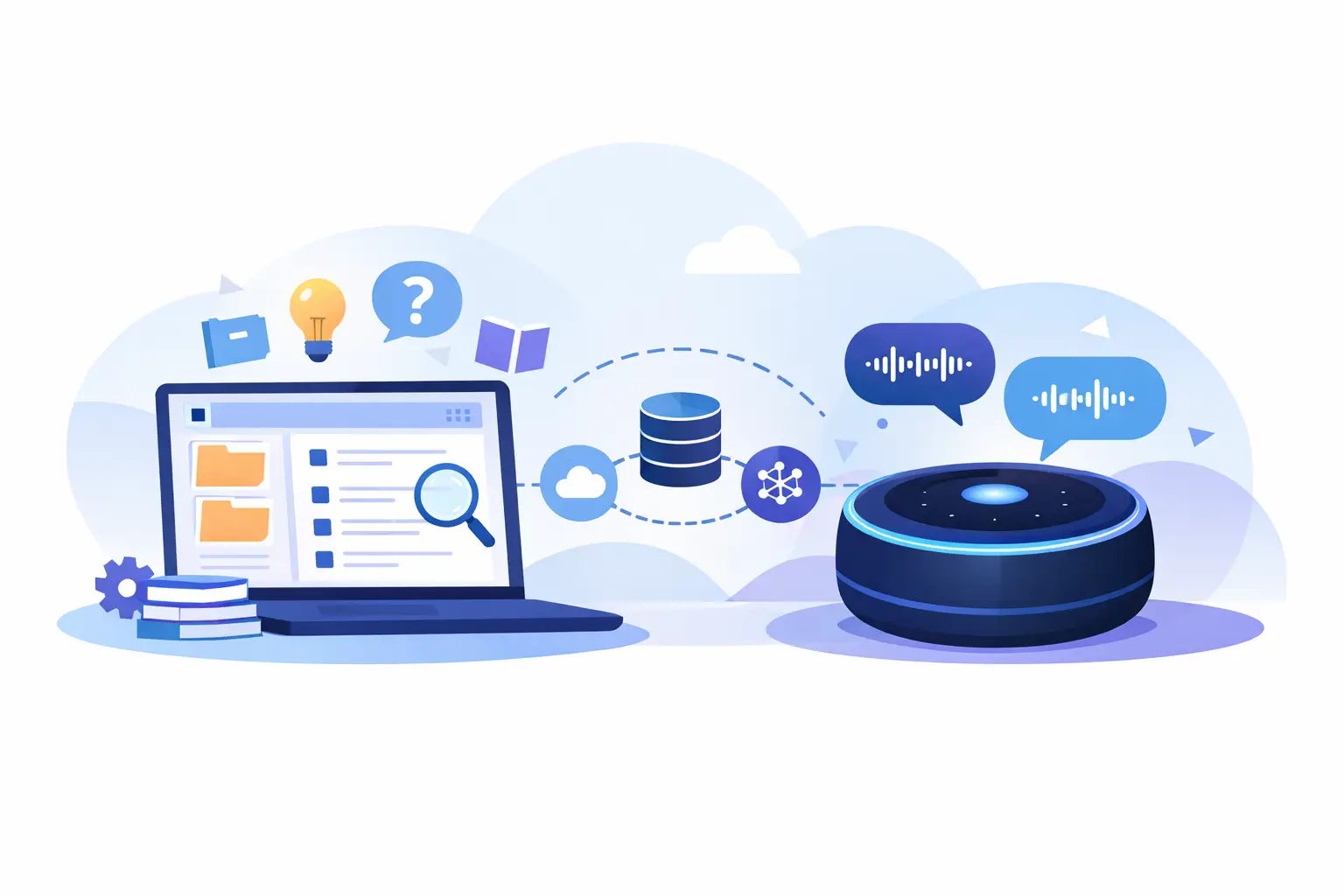
A knowledge base gives your agent a controlled source of truth. During a call, the agent retrieves relevant information from approved materials and uses it to answer in natural language. Depending on your setup, those materials may include PDFs, website pages, service menus, policy documents, FAQs, product details, location information, and internal process guides.
This is different from a fixed call script. Scripts are useful for required disclosures, qualification questions, and booking flows. A knowledge base helps when the caller asks an unexpected but legitimate question, such as, “Do you offer evening appointments?” or “What happens if I need to reschedule?”
Use both. Your call flow should control the business outcome. Your knowledge base should supply the context that makes the conversation useful.
How to Add a Knowledge Base to a Voice Agent
Start with the calls that create the most pressure on your team. Review missed-call logs, call recordings, front-desk notes, sales objections, and common support tickets. Look for questions that happen repeatedly and have answers your team can provide consistently.
Do not begin by uploading a 200-page employee handbook. That creates noise, increases the chance of irrelevant answers, and makes testing harder. Build a focused first version around one outcome: booking appointments, qualifying leads, answering order-status questions, or handling pre-sale product questions.
1. Gather approved source material
Choose information that is accurate, customer-ready, and likely to remain stable. A new-patient PDF, a pricing sheet, a service FAQ, and selected website pages are usually better starting points than informal chat threads or outdated training documents.
Before ingestion, clean up the material. Remove conflicting policies, expired offers, old phone numbers, and internal notes that callers should never hear. If multiple documents say different things about cancellation fees or availability, resolve that conflict before the agent sees it.
For multi-location businesses, separate what is shared from what is location-specific. Every salon may have the same cancellation policy, but hours, staff availability, parking instructions, and services may differ by location. A single broad knowledge base can work for simple operations. Larger organizations usually perform better with shared content plus a location-level layer.
2. Add documents and website content
Most modern Voice AI platforms support document ingestion and website crawling. Upload the PDF files that contain your approved answers, then add the relevant website pages. Focus on pages customers actually need during calls: services, FAQs, locations, pricing guidance, policies, and contact details.
Website crawling is useful when your public content changes frequently. It reduces manual copying and helps keep the agent aligned with what customers see online. Still, do not treat a crawl as automatic approval. Review the pages being included, especially if your site contains blogs, promotional landing pages, outdated archive pages, or content intended only for recruiting.
Cloud One-Ai supports PDF knowledge base ingestion and website crawling, so operators can centralize the information their agents need without building a custom retrieval system. The operational work is deciding which information deserves to be customer-facing and which belongs behind a human handoff.
3. Organize content around caller intent
Knowledge bases work best when the material is easy to retrieve. Organize documents by the questions callers ask, not by the departments that created them.
A healthcare practice might group content around scheduling, preparation instructions, accepted insurance, billing questions, provider information, and office logistics. A real estate team may use seller services, buyer qualification, neighborhood information, showing requests, and agent availability.
Use clear document titles and direct language inside each file. A document called “Cancellation and Rescheduling Policy” is more useful than “Operations Update Final v4.” Add the policy itself near the top, with examples only when they clarify an edge case.
4. Set boundaries before you turn the agent on
A good knowledge base is not permission for the agent to answer every question. Set explicit guardrails in the agent instructions and call flow.
Tell the agent when to answer from the knowledge base, when to ask a follow-up question, and when to transfer. For example, a legal office can provide general intake information and consultation scheduling, but it should not offer legal advice. A medical practice can explain appointment preparation and office policies, but it should not diagnose symptoms. A dealership can discuss published offers, but it should transfer negotiation or inventory exceptions to a sales representative.
Use direct fallback language. The agent should say it does not have confirmed information, offer to connect the caller with the right person, and capture the caller’s details if no one is available. Guessing creates more risk than a well-handled transfer.
Connect Knowledge to the Workflow, Not Just the Conversation
Information alone does not create operational value. The agent needs a next step after it answers.
If a caller asks whether you accept their insurance, the agent can provide the approved response, then offer to schedule. If a lead asks about a service area, the agent can confirm coverage, qualify the request, and create a record in your CRM. If a customer asks about rescheduling, the agent can explain the policy and check available times through your calendar system.
This is where integrations matter. Connect your voice agent to the CRM, calendar, ticketing system, or operational tool your team already uses. The call should result in a booked appointment, updated lead status, follow-up task, or human transfer with a clear transcript and context. Otherwise, you automate the conversation but leave the work behind it manual.
For outbound teams, use the knowledge base to keep campaigns accurate. An agent calling leads about renewals or promotions should have current offer terms, eligibility rules, and escalation paths. If those details change weekly, assign an owner who updates the source material before the campaign starts.
Test the Questions That Can Cost You Revenue
Do not test only easy questions. Create a call test sheet using real examples from your team’s call history. Include straightforward requests, vague questions, conflicting scenarios, and questions the agent must refuse or escalate.
Test whether the agent can answer, “What are your Saturday hours?” Then test, “Can I come in Saturday for the service I need?” The first is a knowledge question. The second may require availability, location context, or calendar access.
Pay close attention to these failure points:
- Conflicting information across PDFs, web pages, and agent instructions
- Answers that are technically correct but too long for a phone call
- Missing location, product, or customer context
- Sensitive questions that should trigger a transfer
- Outdated pricing, promotions, or policy language
Listen to recordings, read transcripts, and score results against a simple standard: Was the answer accurate? Did it move the call forward? Did the agent escalate when it should have? Reporting makes these issues visible before they become repeated customer complaints.
Keep the Knowledge Base Current
A knowledge base is an operating asset, not a one-time setup task. Assign ownership to the person or team responsible for the underlying information. Marketing may own service descriptions, operations may own hours and policies, and sales may own offers and qualification rules.
Set review triggers instead of relying on memory. Update the knowledge base when pricing changes, a new location opens, an offer launches, a policy changes, or a seasonal schedule begins. For high-volume operations, schedule a monthly review and a faster review for anything that could affect compliance, customer expectations, or revenue.
Version control matters when agencies manage multiple client accounts. Keep each client’s materials isolated, document who approved them, and test changes in the correct subaccount before deploying. White-label Voice AI can scale quickly, but only if governance scales with it.
The Best First Deployment Is Narrow
You do not need to automate every call on day one. Start with one high-volume, low-risk call type where answers are well defined and outcomes are measurable. Appointment FAQs, business-hours questions, service qualification, and basic lead follow-up are strong candidates.
Track missed calls, transfer rate, booking rate, average handling time, repeat questions, and customer feedback. If the agent is answering accurately but transfers too often, expand the knowledge base. If it answers too broadly, tighten the guardrails. The right balance depends on your industry, risk level, and the cost of getting an answer wrong.
Give your agent the facts it needs, a clear line it cannot cross, and a useful action after every answer. That is how a knowledge base becomes fewer wait times, more completed calls, and a phone operation that keeps moving when your team is busy.