



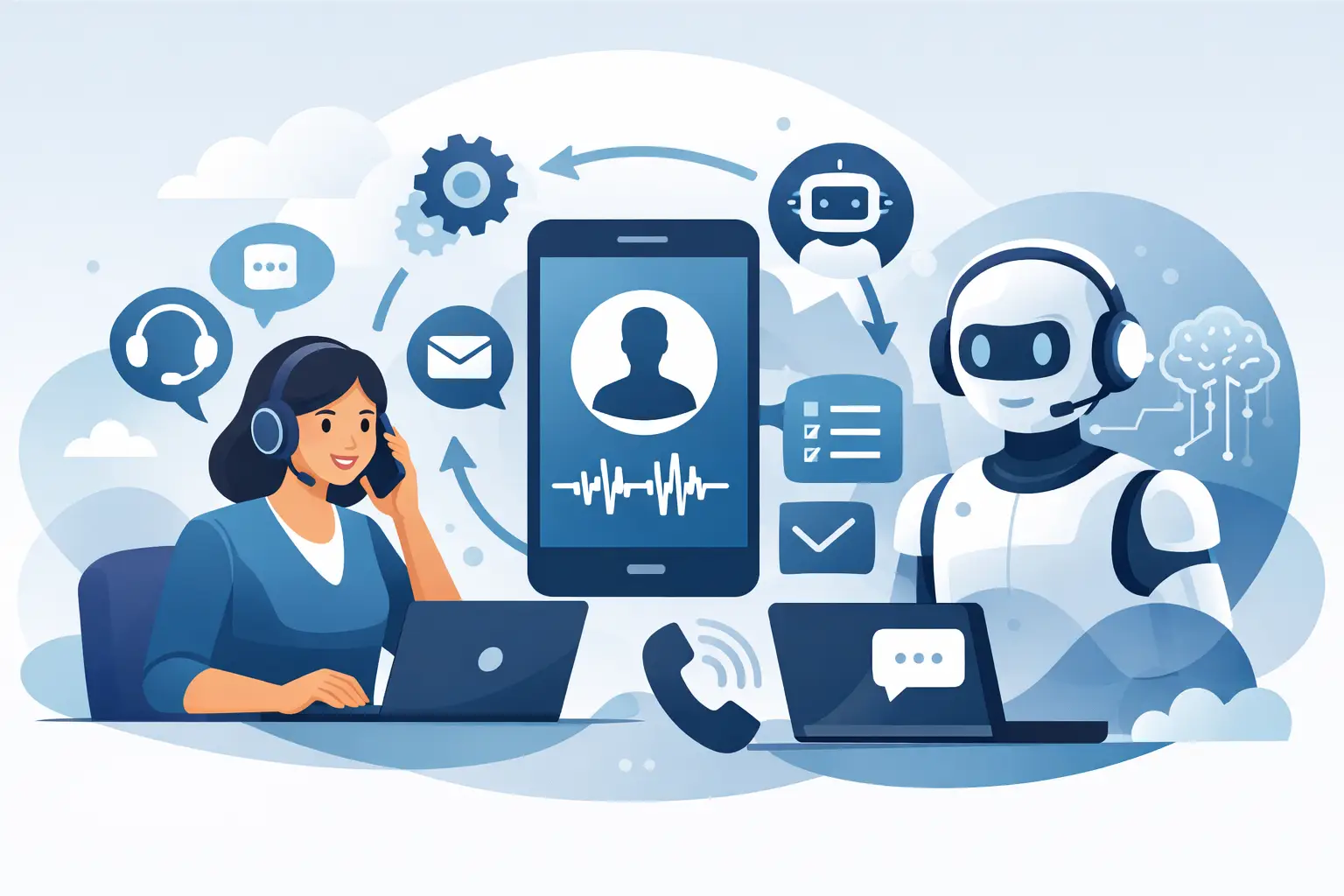
Missed calls rarely look dramatic on a dashboard. They show up as empty appointment slots, delayed follow-ups, abandoned leads, and front-desk teams stuck answering the same questions all day. A strong guide to ai phone support workflows starts there – not with flashy AI claims, but with the cost of slow response and inconsistent call handling.
For businesses that live on the phone, workflow design matters more than the voice itself. A good AI agent can answer 24/7, handle routine requests, and route edge cases to staff. A bad workflow creates confusion, repeats itself, and sends callers in circles. The difference is usually not the model. It is the operational logic behind the call.
What an AI phone support workflow actually is
An AI phone support workflow is the full path a caller takes from the first ring to the final outcome. That includes greeting, identity checks, intent detection, knowledge retrieval, booking or updating records, escalation, and post-call logging. In practice, it is less about conversation and more about controlled execution.
That distinction matters because most support calls are predictable. Callers want to book, reschedule, confirm hours, check availability, ask about pricing, request status updates, or reach the right department. These are workflow problems. If your system can recognize the request, pull the right information, and take the next action, call volume becomes manageable without adding headcount.
The best guide to AI phone support workflows starts with call intent
Before building anything, break your calls into intent categories. Most small and mid-sized businesses only have a handful that drive the majority of inbound volume. Appointment-based businesses usually see scheduling, cancellations, insurance or pricing questions, directions, and after-hours support. Sales teams often deal with lead qualification, demo booking, quote requests, and follow-up calls.
This is where many teams overcomplicate the project. They try to automate every possible question at once. A better move is to start with the top three to five intents that consume the most staff time or generate the most revenue. If you automate high-frequency, high-value calls first, ROI shows up fast.
When reviewing call intent, look at three filters. First, frequency – how often does this request happen? Second, complexity – can it be solved with a clear process? Third, risk – does the call require legal, clinical, or highly sensitive judgment? The sweet spot for AI is high-frequency, low-to-medium complexity, with defined boundaries for handoff.
Design the call flow around outcomes, not scripts
A common mistake is writing AI phone support like a rigid script. Real callers interrupt, change direction, ask follow-up questions, and explain things in messy language. Instead of forcing a single script path, build around outcomes.
If the goal is to book an appointment, the workflow should gather the required details, check availability, confirm the slot, and log it in the right system. If the goal is support triage, the workflow should identify the issue, determine urgency, answer what it can, and transfer when needed. The conversation can vary. The operational steps should not.
This is why integrations matter so much. An AI phone agent becomes useful when it can actually take action – write to the CRM, update a calendar, trigger a follow-up SMS, create a ticket, or route a call based on business rules. Without that layer, you do not have a workflow. You have a voice bot that talks.
Build guardrails early
AI support should not pretend to know everything. It should know what it is allowed to say, what data it can access, and when to pass the call to a person. Good workflows are defined as much by limits as by capabilities.
For example, a dental office may let AI handle appointment booking, office hours, insurance basics, and post-visit instructions pulled from approved materials. It should not improvise clinical advice. A law office may automate intake, consultation booking, and status requests, but route legal interpretation to staff. Those boundaries protect the business and improve caller trust.
Knowledge sources also need structure. If your AI is pulling from a website, PDF, or internal FAQ, make sure the content is current and specific. Outdated policy documents and vague service pages create weak answers. Clean source material produces better calls.
Routing logic is where performance is won or lost
Most support teams think first about what the AI should say. The more valuable question is where the call should go next.
Routing logic should account for caller intent, urgency, business hours, language, and whether the caller is new or existing. A restaurant may send reservation calls one way, catering inquiries another, and urgent location questions through immediately. A healthcare practice might separate scheduling from prescription refill requests and direct emergencies away from the standard queue altogether.
Good routing also includes fallback paths. If the AI cannot verify information, cannot answer with confidence, or detects frustration, the workflow should transfer cleanly. Human handoff should feel like part of the system, not a failure inside it.
Measure workflow success with business metrics
If you only track call duration or answer rate, you will miss the point. AI phone support workflows should be measured against operational outcomes.
Look at missed call reduction, booking rate, first-call resolution, transfer rate, after-hours capture, average speed to answer, and no-show reduction if scheduling is involved. Sales teams should watch lead qualification rate, follow-up completion, and booked appointment volume. Support teams may care more about queue deflection and ticket creation accuracy.
There is no perfect transfer rate, by the way. Too high can mean weak automation. Too low can mean the AI is holding calls it should escalate. It depends on the use case, compliance needs, and caller expectations. The right benchmark is whether the workflow improves speed and consistency without creating friction.
Start narrow, then expand fast
The fastest path to value is usually one workflow, one department, one outcome. Get after-hours appointment booking working. Then add FAQs. Then layer in bilingual support. Then expand to renewals, reminders, or outbound follow-up.
This approach reduces risk and gives your team real call data to work from. You will hear where callers hesitate, where the AI needs clarification, and where routing rules need adjustment. Iteration beats overplanning.
An operations-first platform like Cloud One-Ai makes that expansion practical because the same system can handle inbound support, outbound follow-ups, calendar booking, CRM updates, reporting, and human transfer without stitching together multiple vendors. That matters when you want to move from pilot to production quickly.
Common workflow mistakes to avoid
The biggest mistake is trying to make the agent sound smart before making it useful. Polished voice quality does not fix a workflow that cannot complete the task.
The second is failing to define handoff triggers. If callers have no clear path to a person when needed, frustration rises fast. The third is ignoring reporting. Recordings, transcripts, and call outcome data are not extras. They are how you improve the workflow over time.
Another issue is treating every business the same. A salon, dealership, and legal office all use the phone heavily, but their workflows, compliance needs, and caller expectations are different. The best AI support setup is always use-case driven.
How to evaluate your own AI phone support workflow
Ask simple questions. Can the system resolve the top call reasons without staff involvement? Can it update the tools your team already uses? Can it handle spikes in volume without breaking caller experience? Can it support multiple locations, languages, or departments if your business needs that? And can you review what happened on every call?
If the answer to those questions is yes, you are not just testing AI. You are building phone operations that scale.
That is the real opportunity here. AI phone support workflows are not about replacing every conversation. They are about removing delays, standardizing routine interactions, and making sure every caller gets the next best action fast. Start with the calls that waste the most time or lose the most revenue, build the workflow around the result you need, and let the data tell you what to improve next.