



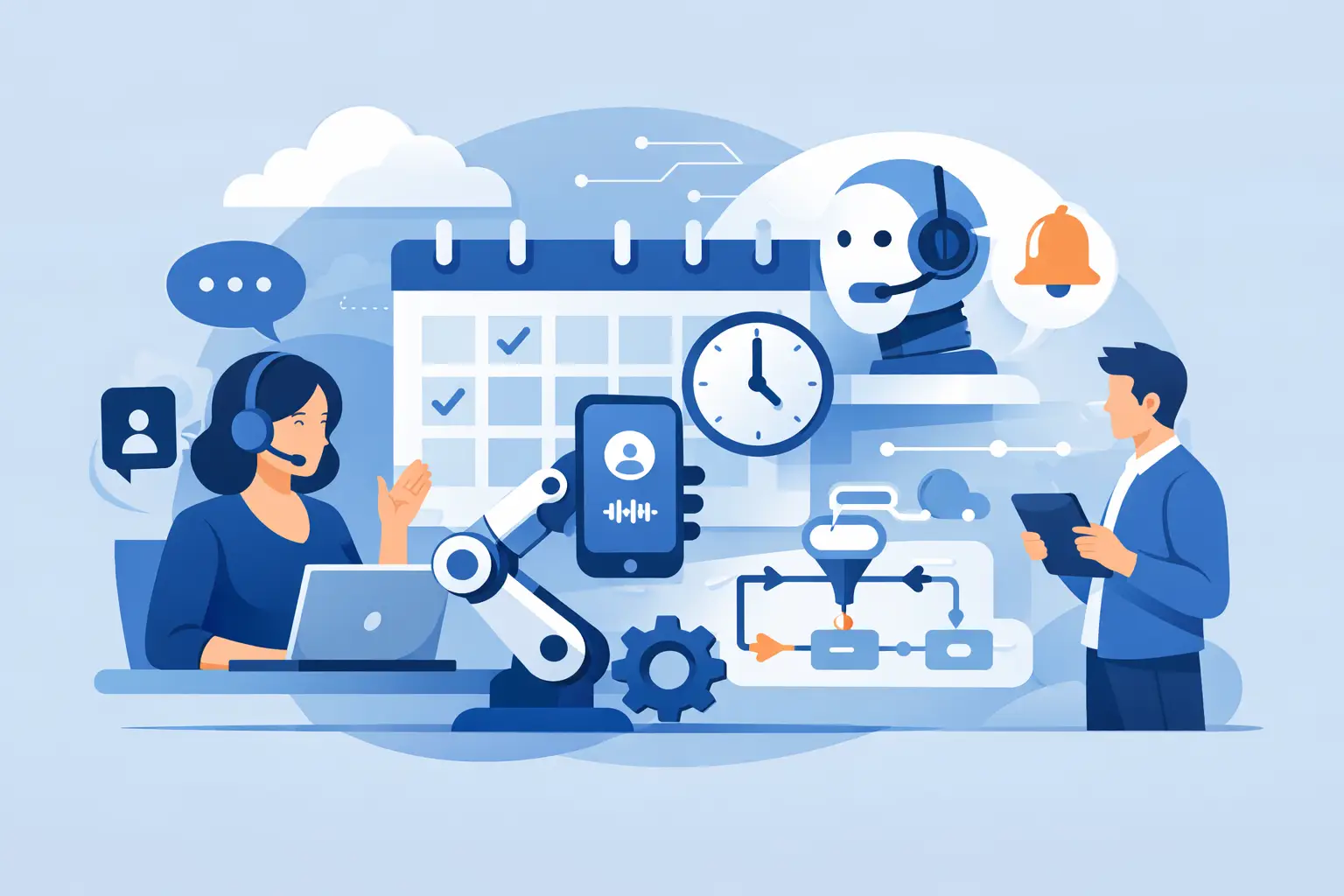
Missed calls cost more than attention. They cost booked chairs, filled schedules, qualified consults, and repeat revenue. If your front desk, intake team, or call center is still juggling every inbound booking call manually, learning how to automate appointment booking calls is no longer a nice-to-have. It is an operations decision.
The good news is that most businesses do not need to rebuild their phone process from scratch. They need a system that answers instantly, understands what the caller wants, checks availability, books the right slot, and updates the tools the business already uses. When done well, automation does not make the experience colder. It removes hold time, call back delays, and inconsistent handling.
What automate appointment booking calls really means
For most businesses, appointment call automation is not just an IVR menu with button presses. It is a voice agent that can have a real conversation, collect the right details, apply scheduling rules, and complete the booking without staff intervention unless needed.
That matters because booking calls are rarely one-step transactions. A dental office may need to separate new patients from returning patients. A salon may need to match the caller with a service category and provider. A law office may need to qualify urgency before offering a consultation. A dealership may need to route service bookings differently from sales appointments. The call flow has to reflect the business, not force the business into a generic script.
The strongest systems also handle the gaps that usually break automation. They confirm the location, account for business hours, support rescheduling and cancellations, transfer edge cases to a human, and log the interaction for reporting. That is where the ROI shows up.
How to automate appointment booking calls without breaking your workflow
The fastest path is to map your current booking process before you automate it. Not every call should follow the same path, and if you skip this step, you will end up with an agent that sounds capable but fails in the moments that matter.
Start with the most common booking scenarios. New appointment, returning customer, reschedule, cancellation, after-hours inquiry, and urgent transfer usually cover the majority of call volume. Once those are defined, the voice agent can ask structured questions and move callers into the right flow quickly.
Next, connect the phone experience to your actual scheduling system. If the AI can talk well but cannot access live availability, it creates more work, not less. Calendar sync is non-negotiable. The same goes for CRM updates if your team tracks lead sources, status, or follow-up tasks.
Then decide where automation stops and human takeover begins. This is where practical deployment beats hype. Some businesses want fully automated booking for standard appointments but human review for high-ticket consults. Others want the AI to handle after-hours and overflow only. It depends on appointment value, complexity, and compliance requirements.
A strong setup usually includes these layers working together in one flow:
- call answering with no hold time
- conversational intent detection
- eligibility or lead qualification
- calendar lookup and slot selection
- booking confirmation by phone and system update
- optional reminder and follow-up workflows
- human handoff when the caller falls outside the script
That is how you turn voice automation into an operational tool instead of a demo.
The systems you need behind the call
Appointment automation works best when telephony, scheduling, CRM, and reporting are tied together. Fragmented tools create blind spots. Your team should not have to listen to a recording, then manually enter notes, then separately update the calendar.
At minimum, your call automation stack should connect to your phone number, your scheduling platform, and your contact database. If you serve multiple locations, location logic matters too. The caller should reach the right branch, hear the right availability, and book into the right calendar without staff sorting it out afterward.
This is also where multilingual support becomes practical, not cosmetic. If your callers speak more than one language, language handling should happen at the start of the interaction so the booking experience stays fast and accurate. For service businesses in diverse US markets, this can directly increase completed bookings and reduce abandonment.
Reporting matters just as much as the live call. You need to know how many calls were answered, how many appointments were booked, how many callers transferred to staff, how many calls dropped, and which scripts underperformed. If you cannot measure it, you cannot improve it.
Where businesses usually get it wrong
The most common mistake is trying to automate every edge case on day one. That slows deployment and usually creates bloated call flows. Start with the highest-volume, lowest-friction booking scenarios first. Get those stable. Then expand.
The second mistake is writing scripts that sound polished but fail operationally. A booking agent does not need to sound theatrical. It needs to be clear, accurate, and fast. Callers care more about getting booked in the right time slot than hearing a clever greeting.
The third mistake is ignoring fallback logic. People ask unexpected questions. They speak unclearly. They change their minds halfway through. Good automation does not pretend every call is simple. It recovers, clarifies, or routes to a human without creating frustration.
Finally, many teams underestimate after-hours volume. If your business misses calls at lunch, evenings, weekends, or during peak front-desk traffic, appointment automation should be designed around those missed-revenue windows first. That is often where the fastest return comes from.
Best use cases by business type
Healthcare practices and dental offices often see immediate gains because phone demand is constant and staff time is limited. Automated agents can handle new patient requests, insurance-related intake prompts, provider selection, and rescheduling, while escalating urgent or clinical questions.
Salons, med spas, and wellness providers benefit from service-based logic. The system can identify the requested service, estimate appointment length, and match the caller to the right staff calendar. That cuts the back-and-forth that ties up reception teams.
Restaurants can use booking automation for reservations, private dining inquiries, and event callbacks, especially during service hours when staff cannot stay on the phone. Real estate teams can automate showing requests, open house follow-up, and lead qualification before routing high-intent prospects.
For legal offices and dealerships, the value often starts with qualification. Not every caller should go straight to a booking. The voice agent can gather case type, urgency, vehicle details, or service intent before offering the right appointment path.
What good performance looks like
A successful deployment should reduce missed calls quickly. It should also shorten response time to near zero, because the call is answered immediately instead of waiting for a team member to become available.
Booking accuracy is the next signal. If appointments are landing in the correct calendars with the right customer details and minimal manual cleanup, the system is doing its job. After that, look at transfer rates. Some transfers are healthy. If every call transfers, the automation is too weak. If no calls transfer but customers arrive with incorrect bookings, it is too aggressive.
Show rates matter too. The best booking systems do more than place appointments on a calendar. They trigger reminders, confirmations, and follow-ups that increase attendance. This is where the operational value compounds over time.
Choosing the right platform for appointment call automation
If you are comparing providers, focus less on AI branding and more on call execution. Can the platform handle inbound and outbound calls? Can it book directly into your calendars? Can it update your CRM in real time? Can it manage multiple locations, transfer to a human, and support the languages your customers speak?
Deployment speed matters because long implementation cycles kill momentum. So does reporting depth. You want transcripts, recordings, and performance visibility from day one. For growing teams and agencies, scalability matters as well. Parallel call handling, subaccounts, rebilling options, and white-label control can turn one deployment into a repeatable revenue channel.
Platforms like Cloud One-Ai are built around that operations-first model: live calling, scheduling, integrations, reporting, and human handoff in one system. That is a better fit for businesses that need results quickly, not a stack of disconnected tools.
How to start without overcomplicating it
Pick one location, one appointment type, or one call window. After-hours booking is often the easiest launch point because the value is obvious and the risk is low. Measure booked appointments, missed-call recovery, and staff time saved over two to four weeks.
Once the first workflow is stable, expand to reschedules, reminders, outbound confirmations, and lead qualification. That sequence keeps adoption practical. Your team builds trust in the system because they can see it working in real volume.
The businesses that win with voice automation are not chasing novelty. They are removing delays from revenue-critical calls. If the phone is still where appointments start, then faster answering, cleaner booking, and better follow-through are not minor improvements. They are a direct path to more booked business with less operational drag.
The smartest next step is not asking whether to automate. It is deciding which call flow should stop relying on staff availability first.