



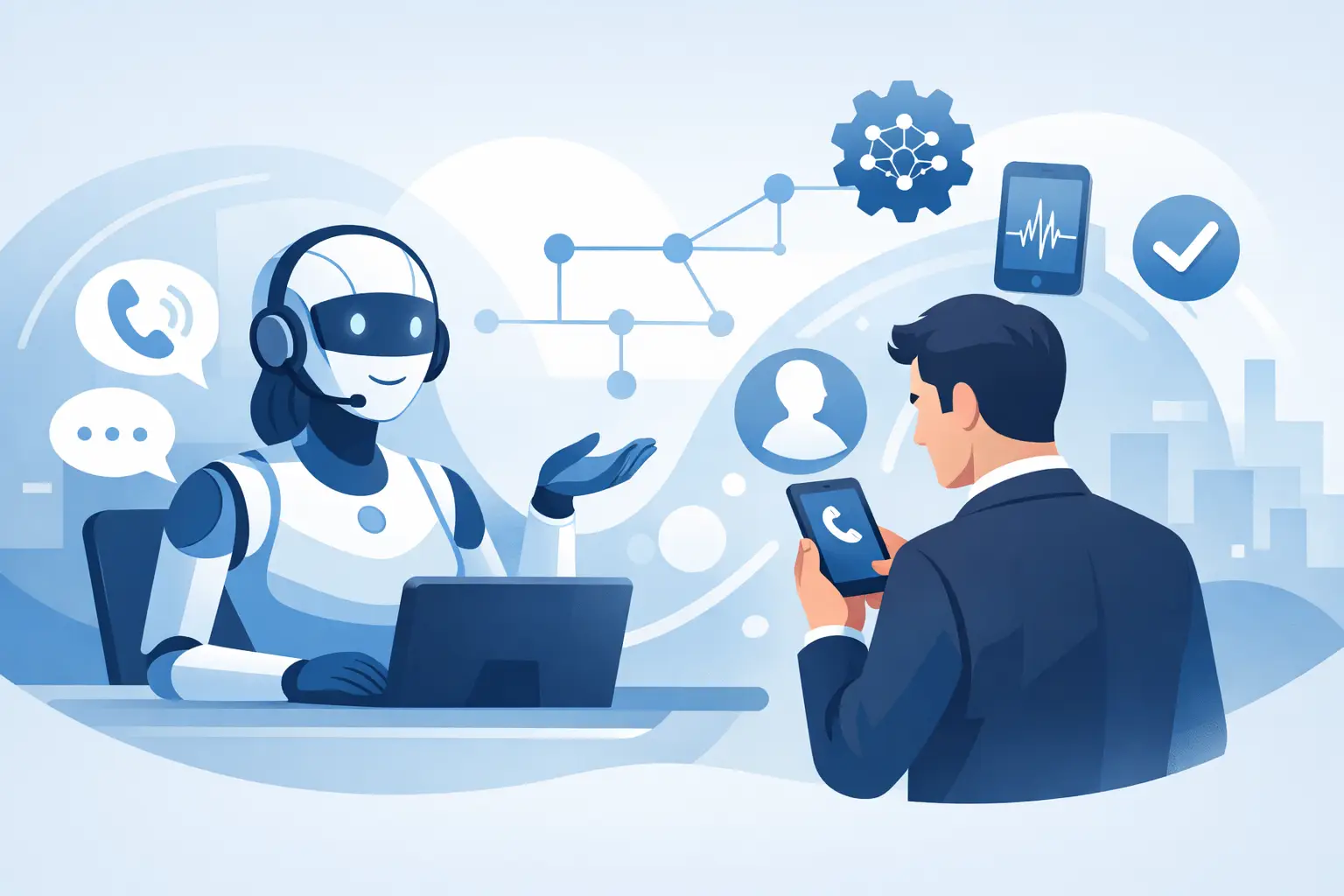
Missed calls are expensive. If your front desk gets buried during lunch, after hours, or peak booking windows, every unanswered ring can mean a lost appointment, lead, or repeat customer. That is why more operators are asking how to set up AI phone receptionist systems that actually answer, qualify, book, and route calls without creating more work for staff.
The good setup is not about sounding futuristic. It is about reducing hold times, capturing demand 24/7, and making sure your team only handles the calls that need a human. If you run a clinic, salon, restaurant, legal office, dealership, or service business, the right AI receptionist should behave like part of your operation, not a bolt-on tool.
How to set up AI phone receptionist the right way
Start with the job, not the voice. Before you choose a script or accent, define what the AI receptionist needs to do on live calls. For most businesses, that means answering common questions, booking appointments, collecting lead details, sending calls to the right person, and escalating sensitive issues to staff.
If you skip this step, the setup gets messy fast. The AI may sound polished but still fail where it counts – wrong routing, broken booking logic, missing customer data, or no handoff when someone asks for a manager. A practical deployment starts with a narrow scope, then expands after you see real call data.
A smart first version usually handles three things well: inbound call answering, basic qualification, and appointment capture. That is enough to reduce missed opportunities without turning the system into a giant decision tree on day one.
Step 1: Map your most common call types
Look at the calls your staff takes every day. Not the rare edge cases. The repeatable ones.
A dental office may get insurance questions, cleaning appointment requests, reschedules, and emergency calls. A restaurant may need reservation handling, hours, directions, and private event inquiries. A real estate team may want lead qualification, showing requests, and routing to the right agent by ZIP code or listing type.
Write these call types in plain language. Then decide the desired outcome for each one. Book it, answer it, transfer it, or log it for follow-up. This becomes the logic behind your AI receptionist.
Step 2: Decide what the AI should never handle alone
This part matters more than most teams expect. AI receptionists are strong at repetitive workflows, but some calls should always go to a human or trigger a defined fallback.
Examples include medical emergencies, legal advice, billing disputes, cancellation threats, or highly emotional customer complaints. Set these boundaries early. It protects the customer experience and keeps the AI inside safe operating limits.
The best deployments are not fully automated everywhere. They are controlled. They use AI where speed and consistency matter most, then hand off cleanly when judgment is required.
Build the call flow before you write the script
Most teams jump straight into prompt writing. That is backwards. First build the call flow.
A call flow is the operational path the receptionist follows. Greeting, intent detection, qualification questions, booking steps, confirmation, transfer rules, fallback behavior. If the flow is weak, better wording will not save it.
Think in branches, but keep them short. If a caller wants to book, the AI should gather the minimum details needed to place them on the calendar. If they need support, it should answer from an approved knowledge source or route them correctly. If it does not understand after one or two tries, it should offer a transfer or callback option.
Simple wins here. Long, over-engineered conversations increase failure points.
Step 3: Connect your calendar, CRM, and phone system
This is where AI stops being a demo and starts doing real work. Your receptionist should not just talk. It should update records, book available time slots, log call outcomes, and trigger follow-up workflows.
At minimum, most businesses should connect their scheduling tool and customer database. That might be HubSpot, GoHighLevel, Zoho, Google Calendar, Apple Calendar, Calendly, Cal.com, or a vertical-specific system. When integrated properly, the AI can check availability in real time, create or update contacts, tag lead sources, and push notes directly into operations.
This integration layer is what turns every answered call into usable business data. Without it, staff still has to re-enter details manually, which defeats half the value.
If you operate across locations, make sure the AI knows which number, team, calendar, and business hours belong to each site. Multi-location logic is one of the first places where weak setups break.
Step 4: Give the AI a limited, reliable knowledge base
Your receptionist should answer questions from approved business information, not guess. That means feeding it the right source material: office hours, services, pricing ranges if appropriate, policies, FAQs, provider bios, menu details, or intake requirements.
Keep this knowledge base tight. Too much conflicting information creates bad answers. If your website is outdated, fix that before ingestion. If your PDFs contain old policy language, remove them. AI is only as dependable as the information it is allowed to use.
A good rule is simple: if a staff member would not be trained to say it on the phone, the AI should not say it either.
Write for outcomes, not clever conversation
The script should sound natural, but this is not theater. The goal is to move the call forward with clarity.
Use short instructions. Tell the AI how to greet callers, how to ask follow-up questions, how to confirm details, and when to transfer. Give it the exact fields to collect. Name, phone number, email, appointment type, preferred time, location, reason for visit, vehicle model, practice area, whatever fits your use case.
Also define tone. A med spa may want warm and polished. A legal intake line may need calm and direct. A dealership may prefer fast-paced and sales-oriented. Natural-sounding AI matters, but consistency matters more.
One practical tip: write example phrases for difficult moments. If no slots are available, what should it say? If the caller interrupts, how should it recover? If someone asks for a human immediately, does it transfer right away or ask one clarifying question first? These details shape caller trust.
Step 5: Set transfer and fallback rules
No AI receptionist should trap callers. Every setup needs clear escape routes.
Define when calls transfer to live staff, voicemail, another queue, or a callback workflow. Set thresholds for low confidence, repeated misunderstandings, urgent keywords, VIP customers, or high-value opportunities. For outbound callbacks, decide who gets notified and how fast.
This is also the moment to set business-hour behavior. During open hours, you may want instant handoff. After hours, you may want booking plus next-day routing. Different departments may need different logic.
Well-designed fallback rules make automation feel reliable because callers know there is always a path forward.
Test like an operator, not a vendor
Before going live, run real scenarios. Call from different numbers. Interrupt the AI. Use slang. Ask questions in different ways. Try bad audio. Try after-hours booking. Try multilingual calls if your customer base needs them.
Most issues show up quickly. Maybe the AI asks too many questions. Maybe it fails to confirm spelling. Maybe it books the wrong service type. Maybe transfer timing is too slow. That is normal. The first version should be treated like a launch candidate, not a finished system.
Listen to recordings and read transcripts. Look for drop-off points, repeated confusion, and missed conversion moments. Then tighten the flow. In platforms like Cloud One-Ai, reporting and transcription data make this optimization cycle much faster because you can see exactly where calls succeed or stall.
Step 6: Launch narrow, then expand
Do not start by automating every phone interaction across every team. Start with one high-volume use case where the ROI is obvious.
For many businesses, that is front-desk appointment booking. For sales teams, it may be lead qualification and routing. For support-heavy operations, it may be after-hours call capture. A narrow launch makes it easier to measure performance and build trust internally.
Once the AI is handling that use case consistently, expand into reschedules, FAQs, outbound reminders, renewals, follow-ups, or multilingual support. This phased approach usually outperforms all-at-once rollouts because each workflow gets cleaner before the next one is added.
What good performance actually looks like
You do not need perfect conversations. You need measurable operational gains.
Track answer rate, booking rate, transfer rate, qualified lead rate, average handling time, after-hours capture, and no-show reduction if appointments are involved. Compare these numbers against your current baseline, not a fantasy benchmark.
It also helps to watch where human staff time changes. If your team is taking fewer repetitive calls and spending more time on revenue-producing or high-empathy conversations, the setup is doing its job.
There are trade-offs. A stricter script may improve compliance but feel less flexible. A more open-ended assistant may feel more natural but create more edge-case risk. The right balance depends on your industry, volume, and tolerance for variation.
The strongest AI receptionist setups are not built to impress on a single demo call. They are built to answer at scale, follow the rules, log the data, and keep conversion moving when your team is busy or offline.
If you are figuring out how to set up AI phone receptionist workflows, think like an operator: start with the call types that cost you the most when missed, connect the systems that matter, and give the AI a job your business can measure. That is how phone automation starts paying for itself.