



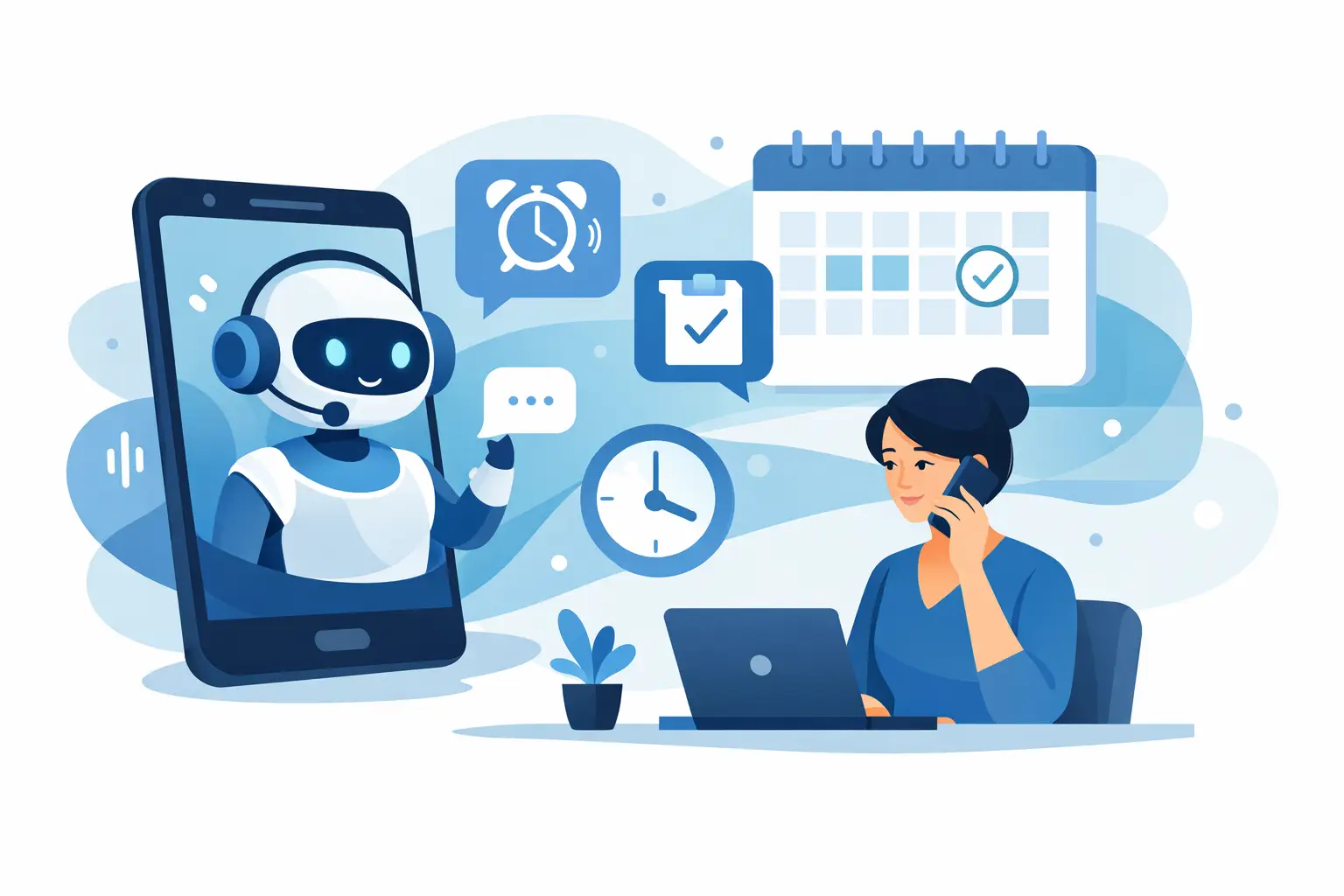
Every missed appointment has a cost. A provider loses billable time, a front desk team gets pulled into rescheduling, and the next patient or customer waits longer for an opening. An ai phone agent for appointment reminders fixes that bottleneck by handling the calls automatically, confirming attendance, updating calendars, and routing exceptions to staff only when needed.
For businesses that live on booked time – clinics, salons, legal offices, dealerships, real estate teams, and multi-location service operators – reminder calls are not a nice-to-have. They protect revenue. The problem is that manual reminder workflows rarely scale. Staff get busy. Calls go unanswered. Voicemails stack up. Follow-ups slip to the next day, when the window to prevent a no-show has already closed.
That is where voice AI becomes practical. Not flashy. Practical. It takes a repetitive but high-impact task and runs it with consistency, speed, and reporting.
What an AI phone agent for appointment reminders actually does
At a basic level, the job sounds simple: call someone before their appointment and remind them to show up. In practice, the workflow is messier. The caller may need to confirm, reschedule, cancel, ask for directions, request prep instructions, or say they want a text instead. One script does not cover every case.
A strong AI phone agent handles the full conversation path. It places outbound calls at the right time, speaks naturally, identifies the appointment details, and asks for a response. If the customer confirms, the system updates the calendar or CRM. If they need to reschedule, it can offer available times based on connected scheduling tools. If the call requires staff judgment, it transfers to a human or creates a task for follow-up.
That is the real advantage. You are not just automating a reminder. You are automating the action that comes after the reminder.
Why manual reminder calls break at scale
Most businesses do not feel the pain at five appointments a day. They feel it at 50, across multiple providers, service bays, or locations. At that point, reminder calls become an operations issue.
Front desk staff are forced into constant context switching. They answer inbound calls, check in customers, handle billing questions, and make reminder calls in between. The result is predictable: some reminders go out late, some never happen, and some customers only get a voicemail with no easy way to respond.
Text reminders help, but they do not solve everything. Some customers ignore texts. Some prefer calls. Some need to ask a question before they can commit. An ai phone agent for appointment reminders adds voice coverage without adding headcount.
It also creates consistency. Every call follows the workflow you define. Every outcome gets logged. Every exception has a path.
The operational ROI is bigger than just fewer no-shows
No-show reduction gets the headline, and for good reason. Even a small improvement in show rate can move revenue fast in businesses with fixed appointment slots. But the return usually shows up in several places at once.
First, your team spends less time dialing and leaving voicemails. That matters if your staff should be focused on in-office service, higher-value conversations, or inbound opportunities.
Second, confirmations happen faster. Instead of a backlog of calls made over several hours, an AI system can call through the list quickly and run multiple conversations at once. That speed gives you more time to refill canceled slots.
Third, your data gets cleaner. Manual workflows often leave gaps between the phone call, the scheduling system, and the CRM. Automation closes that loop by writing outcomes directly into the systems your team already uses.
Fourth, multi-location operators gain control. You can standardize reminder timing, call scripts, escalation rules, and reporting across locations while still allowing local variations where needed.
Where AI reminder calls work best
Healthcare and dental are obvious fits because missed appointments directly affect provider utilization. Salons and spas see similar value, especially for high-ticket services booked days or weeks in advance. Legal offices can use reminder calls for consultations and document appointments. Dealerships can confirm service visits. Real estate teams can remind leads about showings and calls. Restaurants can confirm larger reservations where a no-show has a meaningful impact.
The common thread is simple: if the business depends on people showing up at a specific time, reminder calls are revenue protection.
That said, not every workflow should be fully automated. Highly sensitive cases, regulated conversations, or situations with emotional nuance may need a tighter handoff rule. The right setup is not always full automation. Sometimes it is fast automation with a human safety net.
What to look for in an AI phone agent for appointment reminders
The first requirement is natural conversation quality. If the voice feels stiff or the agent cannot handle interruptions, customers lose trust quickly. Reminder calls need to sound clear, calm, and competent.
The second is integration depth. If the phone agent cannot read from your calendar and write back outcomes to your CRM or scheduling platform, your team ends up doing manual cleanup. That defeats the point.
The third is scheduling logic. A reminder tool should do more than say, “You have an appointment tomorrow at 2 PM.” It should understand reschedule intent, propose alternatives, and follow your booking rules.
The fourth is reporting. You need visibility into call outcomes, confirmations, cancellations, transfers, recordings, and trends by location or campaign. Otherwise, it is hard to prove value or improve the workflow.
The fifth is human handoff. Some calls should go to staff. The system should make that easy, with transfer options, notes, and clear escalation triggers.
For businesses with diverse customer bases, multilingual capability also matters. If your customer prefers Spanish or another language, reminder performance improves when the call meets them where they are.
How deployment should work
The best reminder automation projects start small and move fast. You do not need a six-month transformation plan to automate appointment reminders. You need a defined workflow, a connected calendar, and clear call outcomes.
Start with one use case. For example: call all next-day appointments at 4 PM, ask for confirmation, and transfer reschedule requests to staff or present open slots automatically. Once that flow performs well, expand to same-day reminders, overdue recalls, waitlist fill-ins, or post-appointment follow-ups.
Script design matters here. Keep the voice concise. Confirm the customer identity appropriately, state the appointment details, and ask for a simple response. The goal is not to sound clever. The goal is to get a reliable outcome with minimal friction.
It also helps to define business rules early. What happens after voicemail? How many retry attempts should occur? When does the system send a text backup? Which requests should trigger human transfer? Good automation is built on clear operational decisions.
Common mistakes to avoid
One mistake is treating reminder calls as a standalone tool instead of part of your scheduling workflow. If reminders do not sync with calendars, CRMs, and staff actions, you create a second system to manage.
Another mistake is over-automating edge cases. If every unusual response gets forced through the same script, customer experience drops. Build smart exits for exceptions.
A third mistake is judging success only on answered call rates. The better metric is completed outcomes: confirmed appointments, recovered cancellations, rescheduled visits, and reduced staff time.
And finally, do not ignore compliance and governance. Industries like healthcare and legal need tighter controls around what the agent says, what data it accesses, and how calls are recorded or logged.
Why this category is moving fast
Businesses are past the stage of asking whether voice AI is real. The better question is whether a repetitive calling workflow should still require paid staff time. For appointment reminders, the answer is increasingly no.
Modern platforms now support outbound and inbound calling, calendar and CRM integrations, multilingual voice, call analytics, and live transfer in one system. That matters because reminder calls do not exist in isolation. A confirmation call can become a reschedule, a billing question, or a support request in seconds.
This is why all-in-one voice operations platforms are gaining traction. Instead of stitching together separate dialers, schedulers, and automation tools, businesses can run reminder workflows inside a single calling layer. Cloud One-Ai is built for exactly that model, with no-code setup, reporting, and integrations designed for operators who want deployment speed and measurable return.
If your team is still making reminder calls manually, the opportunity cost is already showing up somewhere – missed slots, slower response times, higher labor load, or inconsistent follow-up. The next step is not to add more call scripts to your front desk. It is to put a reliable voice workflow in place and let your team focus on the calls that actually need a human.