



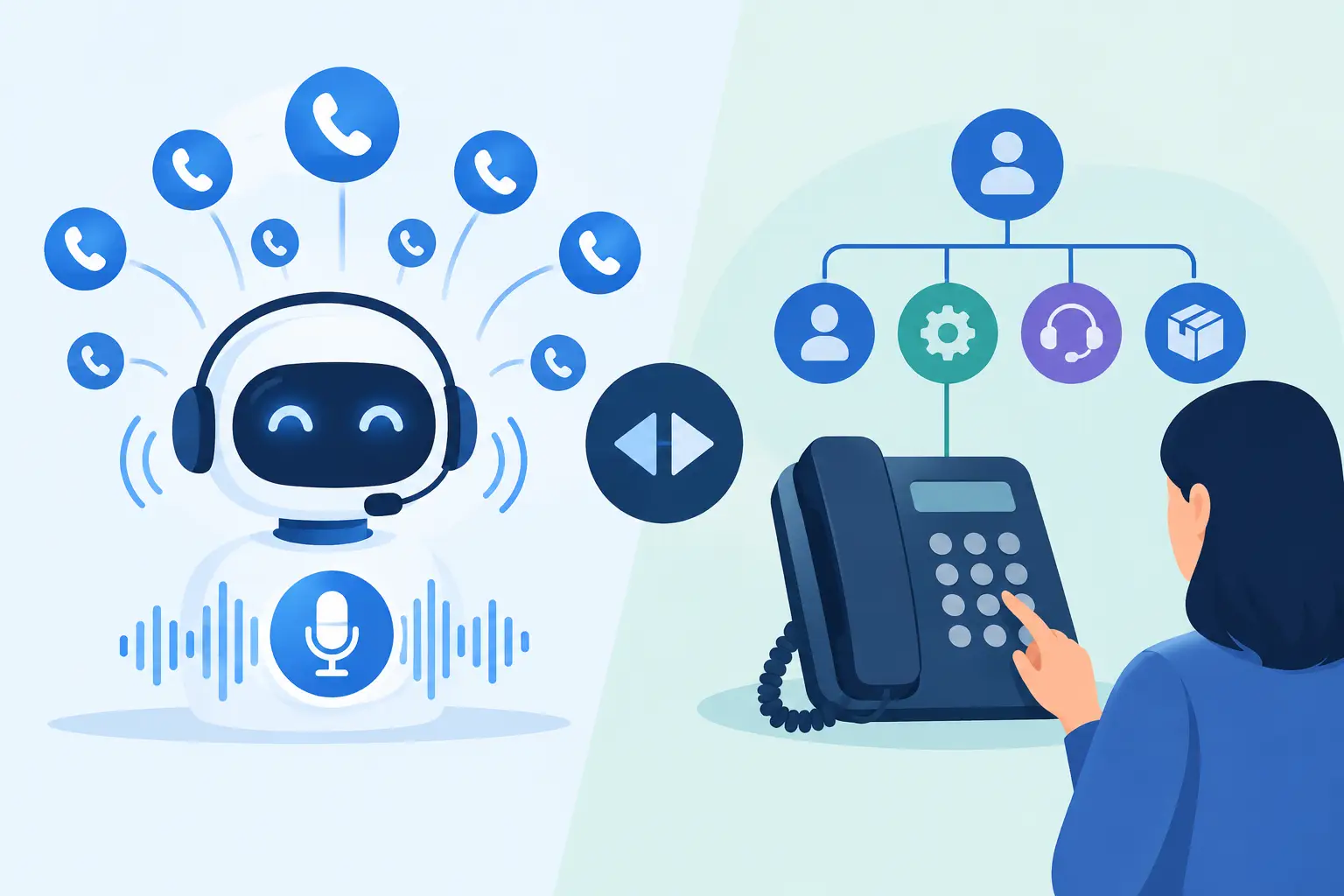
A caller presses 1, presses 2, enters an account number, hears the same menu again, and hangs up. That is the operational cost hiding behind many legacy phone trees. In the debate over voicebots versus IVR, the real question is not which technology sounds newer. It is which system gets customers to the right outcome with fewer missed opportunities, less staff effort, and better visibility into every call.
For a dental office, that outcome may be booking an appointment before the patient calls another practice. For a dealership, it may be qualifying a lead after hours. For a multi-location restaurant, it may be answering location, reservation, and catering questions without tying up the front desk. The right choice depends on call complexity, customer expectations, integrations, and how much control your team needs.
Voicebots Versus IVR: The Core Difference
An interactive voice response system, or IVR, routes callers through pre-recorded menus using keypad inputs or simple spoken commands. It is designed to sort calls efficiently: press 1 for sales, press 2 for billing, press 3 for support.
A voicebot uses conversational AI to understand what a caller says, respond in a natural voice, access approved business information, and complete actions. Instead of forcing a customer through a menu, it can ask, “How can I help today?” and determine whether the caller wants to schedule, reschedule, get an order update, speak to a person, or ask a service question.
That distinction changes the phone experience. IVR is primarily a routing layer. A voicebot can route calls too, but it can also handle the conversation before a transfer is needed.
Where Traditional IVR Still Makes Sense
IVR is not obsolete. For high-volume, low-complexity routing, it remains a practical option. A caller who only needs store hours, a fax number, or a department extension may get what they need quickly from a clear, short menu.
It is also useful when a business has highly regulated call flows that must follow a fixed sequence. Payment menus, identity-verification steps, and emergency routing can benefit from predictable logic. If the task is simple and the caller base already understands the menu, a well-designed IVR may be enough.
The issue is that many IVRs keep expanding beyond their original purpose. As more departments, locations, policies, and service options get added, the menu becomes harder to navigate. Customers start guessing which option fits. Staff inherit transfers that could have been resolved earlier. Calls abandon before anyone has the chance to help.
A complicated IVR does not reduce workload. It often moves workload downstream.
What a Voicebot Changes in Daily Operations
Voicebots are built for calls that require context, dialogue, and a next step. They can answer common questions, gather details, qualify a lead, check calendar availability, book an appointment, send a follow-up, or transfer the caller with a concise summary of what happened.
For service businesses, speed matters. A caller asking for a same-day appointment should not have to navigate four menu levels before learning whether an opening exists. A voicebot can collect the service type, preferred time, location, and contact details, then book directly into an approved calendar workflow.
For sales teams, the value is response time and consistency. A voicebot can call new leads within minutes, ask qualification questions, handle basic objections using a controlled knowledge base, and schedule qualified prospects with a rep. It can also follow up on no-shows, renewals, estimates, and old opportunities without asking your team to spend hours dialing.
This is especially valuable after hours. Most small and mid-sized businesses cannot staff every phone line around the clock. Yet customers still call at night, during lunch, and when front-desk teams are busy serving people in person. An always-on voice agent gives those calls a useful response instead of a voicemail prompt.
Customer Experience: Menus Versus Conversations
Customers do not generally care whether their call is handled by IVR or AI. They care whether the business understands why they called and resolves the issue without wasting time.
An IVR can feel efficient when it has two or three obvious choices. It feels frustrating when callers have to listen carefully, repeat information, or get transferred without context. Long menus are particularly painful for mobile callers, older customers, multilingual callers, and people calling while driving or working.
A voicebot reduces that friction by allowing callers to use normal language. “I need to move my appointment to Friday.” “Can I speak with someone about a trade-in?” “What documents do I need for my consultation?” The system should understand the request, stay within approved business information, and either complete the task or transfer it to the correct person.
That last point matters. A voicebot should not try to answer everything. Strong deployments define when the AI should hand off to a human: sensitive complaints, complex legal or medical questions, payment disputes, escalation requests, or any conversation outside its knowledge base. The goal is not to block access to people. It is to reserve people for the calls where they add the most value.
Cost Is More Than the Price Per Call
IVR can appear less expensive because the technology is familiar and menu logic is straightforward. But the true cost includes caller abandonment, unnecessary transfers, missed leads, staff time spent on repetitive questions, and lost bookings when calls hit voicemail.
Voicebots can cost more to configure than a basic menu, especially when they connect to calendars, CRMs, scheduling platforms, or location-specific knowledge bases. They also need monitoring. Scripts, prompts, business rules, and escalation paths should be reviewed as services, promotions, and policies change.
In return, a well-configured voicebot can reduce the number of calls that reach staff while increasing the number of calls that become appointments, qualified leads, or completed service requests. That is the ROI calculation operators should use. Measure answered-call rate, abandoned-call rate, appointment conversion, transfer rate, speed to lead, and staff time recovered.
If your operation receives only a small volume of simple calls, a voicebot may be more capability than you need. If missed calls regularly cost revenue, the business case becomes much stronger.
Integrations Decide Whether Automation Delivers
The phone conversation is only one part of the workflow. If the agent cannot update your CRM, check a calendar, trigger an SMS confirmation, assign a task, or log the call outcome, staff still have to do the administrative work after every interaction.
This is why integration depth matters more than a polished demo voice. A useful voicebot needs to connect to the systems your team already runs: lead management, scheduling, customer records, help desk tools, and operational software.
For example, a real estate team may need the agent to qualify a buyer, create a CRM record, alert the assigned agent, and book a showing. A medical or dental practice may need it to identify the right location, confirm an available time, collect basic intake information, and send the patient confirmation. A call center may need it to label disposition outcomes, update campaigns, and escalate qualified calls live.
Platforms such as Cloud One-Ai are designed around this operational layer, combining inbound and outbound agents, calendar and CRM workflows, multilingual calling, reporting, and human handoff in one AI call center environment. The practical benefit is fewer disconnected tools and fewer manual steps after the phone rings.
How to Choose the Right Model
Start with your top five call reasons, not the technology. Listen to call recordings or ask front-line staff which conversations repeat every day. Then separate those calls into three groups: simple information requests, structured transactions, and complex human conversations.
A short IVR can handle simple routing and basic self-service. A voicebot is better for structured transactions that require questions, context, scheduling, qualification, or follow-up. Complex conversations should reach a trained person quickly, ideally with the caller’s details and prior conversation available.
Before deploying either option, test the experience against real situations. Call after hours. Ask an unusual but valid question. Try to reschedule. Request a human. Use an accent or speak naturally instead of following the expected wording. Review where the system gets stuck, where transfers happen, and whether the customer receives a clear next step.
Build for Outcomes, Not Automation Theater
The best phone automation does not make customers notice the automation. It helps them get an answer, book the service, reach the right person, or complete the next step without delay.
Use IVR when a simple menu genuinely serves the caller. Use a voicebot when conversations create too much repetition, too many missed calls, or too much friction between intent and action. Then keep measuring the calls that matter most. Every avoided abandonment, recovered lead, and booked appointment is proof that your phone system is doing more than routing traffic – it is helping your business move.