+

Seamless integration between Text Helper and Cloud One-Ai

AI voice agents for Text Helper integration

Create no-code AI phone call systems with Text Helper integration: never miss a call again and convert more leads

Core 8 Actions

Smart Automation

Transform Text Helper workflows with AI voice agents

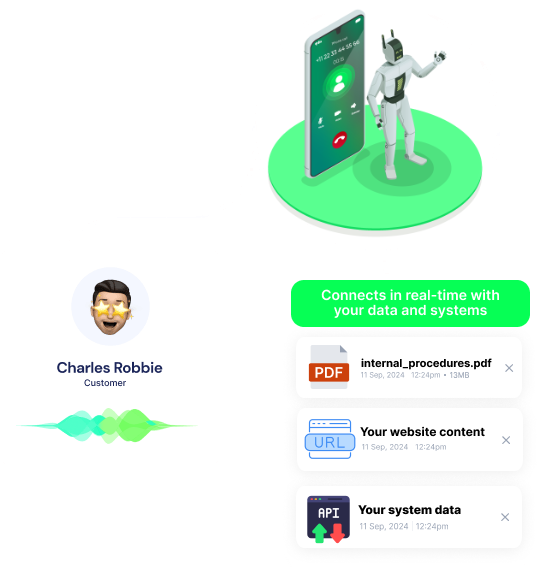
Automate your Text Helper processes with intelligent voice agents that handle calls, collect data, and trigger actions automatically. No more missed opportunities or manual follow-ups.

No-Code Platform

Set up Text Helper integration in minutes, not weeks

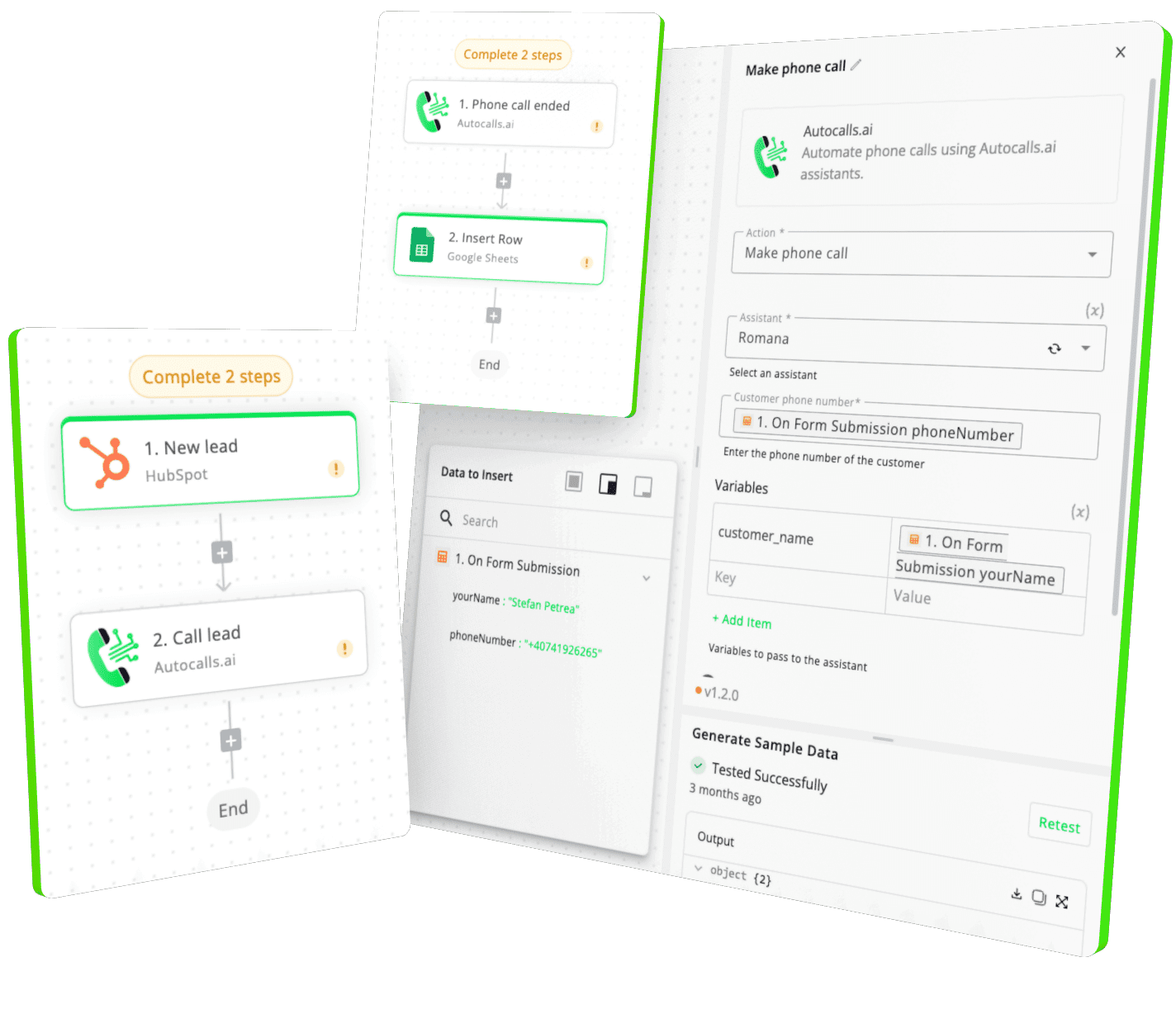
Our drag-and-drop interface makes it simple to connect Text Helper with your voice workflows. No coding required, no technical expertise needed.

Advanced Analytics

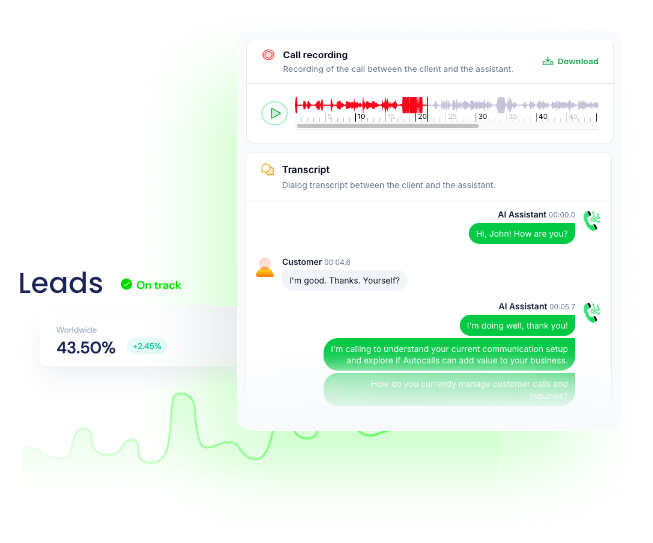
Get real-time insights from every Text Helper interaction

Track performance, analyze conversation patterns, and optimize your Text Helper workflows with detailed analytics and reporting features.

Can't believe? Try now a free test call

Get a hands-on experience by trying a free demo call. Fill in your details, and our AI representative will call you instantly.

✓ No credit card required ✓ No commitment

Available Actions

Powerful actions you can trigger with Text Helper to automate your workflows

Find

Find substring (Regex or Text).

Configuration Fields:

text Required SHORT_TEXT

Expression Required SHORT_TEXT

Regex or text to search for.

Split

Split a text by a delimiter

Configuration Fields:

text Required SHORT_TEXT

Delimiter Required SHORT_TEXT

Concatenate

Concatenate two or more texts

Configuration Fields:

Texts Required ARRAY

Separator SHORT_TEXT

The text that separates the texts you want to concatenate

Replace

Replaces all instances of any word, character or phrase in text, with another.

Configuration Fields:

Text Required SHORT_TEXT

Search Value Required SHORT_TEXT

Can be plain text or a regex expression.

Replace Value SHORT_TEXT

Leave empty to delete found results.

Replace Only First Match CHECKBOX

Only replaces the first instance of the search value.

Slugify

Slugifies strings.

Configuration Fields:

Text Required SHORT_TEXT

Remove HTML Tags

Removes every HTML tag and returns plain text

Configuration Fields:

HTML content Required LONG_TEXT

HTML to Markdown

Convert HTML to Markdown

Configuration Fields:

HTML Content Required LONG_TEXT

The HTML to convert to markdown

Flavor of Markdown Required STATIC_DROPDOWN

The flavor of markdown use during conversion

Markdown to HTML

Convert markdown to HTML

Configuration Fields:

Flavor of Markdown Required STATIC_DROPDOWN

The flavor of markdown use during conversion

Support Tables Required CHECKBOX

Whether to support tables during conversion

Markdown Content Required LONG_TEXT

The markdown to convert to HTML

No Header ID Required CHECKBOX

Whether to add an ID to headers during conversion

Minimum Header Level Required NUMBER

The minimum header level to use during conversion

Simple Line Breaks Required CHECKBOX

Parses line breaks as <br>, without needing 2 spaces at the end of the line

Open Links in New Window Required CHECKBOX

Examples of automation flows

Real-world examples of how businesses use Text Helper integration to automate workflows

Lead Follow-up Automation

Automatically call new leads from Text Helper within minutes of their signup or inquiry, ensuring no opportunity is missed.

Appointment Reminders

Send automated reminder calls for upcoming appointments scheduled in Text Helper, reducing no-shows significantly.

Customer Reactivation

Re-engage inactive customers with personalized outreach calls based on their Text Helper activity and behavior patterns.

Support Follow-up

Automatically follow up with customers after support tickets are resolved in Text Helper to ensure satisfaction.

Sales Qualification

Automatically qualify leads from Text Helper before they reach your sales team, improving conversion rates.

Event Notifications

Send instant voice notifications when important events occur in Text Helper, keeping your team informed in real-time.

Integrate with popular tools using our no-code platform

Easily manage AI voice agents without the need for programming skills.

Integrate with popular tools such as HubSpot, GoHighLevel, Zoho, Cal.com & +250 more and build automations using drag and drop.

  • icon-bot
    +250 tools ready to integrate with your AI agents flow in our no-code platform, similar to Zapier or Make.

Similar integrations with Text Helper

Frequently Asked Questions 👍

Have a question that is not answered? You can contact us at

How quickly can I set up Text Helper integration?

Setting up Text Helper integration takes less than 5 minutes. Simply connect your Text Helper account, configure your voice agent preferences, and start automating your phone calls immediately.

No technical expertise required – our platform is designed to be user-friendly and intuitive.

Our integration syncs all relevant Text Helper data including contacts, leads, custom fields, tags, and activity history. Call outcomes and recordings are automatically saved back to Text Helper for complete visibility and reporting.

There are no limitations on the number of calls you can make through the Text Helper integration. Your plan determines call volume, and you can upgrade anytime. All calls comply with local regulations and include automatic opt-out handling.

Absolutely! You can fully customize your voice agent’s personality, script, voice, and responses based on Text Helper data. Create different agents for different Text Helper workflows, customer segments, or business objectives.

Ready to integrate Text Helper with AI voice calling agents?

Join thousands of businesses already automating their phone calls with our Text Helper integration.
You can get your assistant ready in few minutes.