Seamless integration between Actual Budget and Cloud One-Ai
AI Phone Calls for Actual Budget Integration
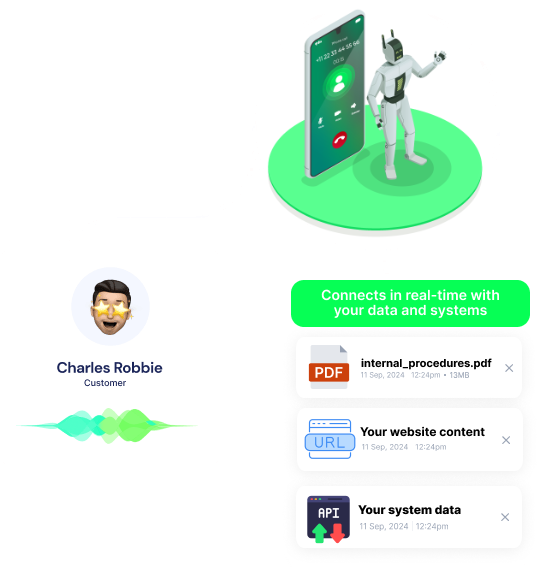
Cloud One-Ai links with Actual Budget so your AI voice agents can pull live budgets, accounts, and categories, then import new transactions while they are still on the call—closing the gap between customer conversations and your accounting records. Offer the same finance-aware AI phone experience under your own brand with our white label plan, and give clients instant budget insights from your AI call center.
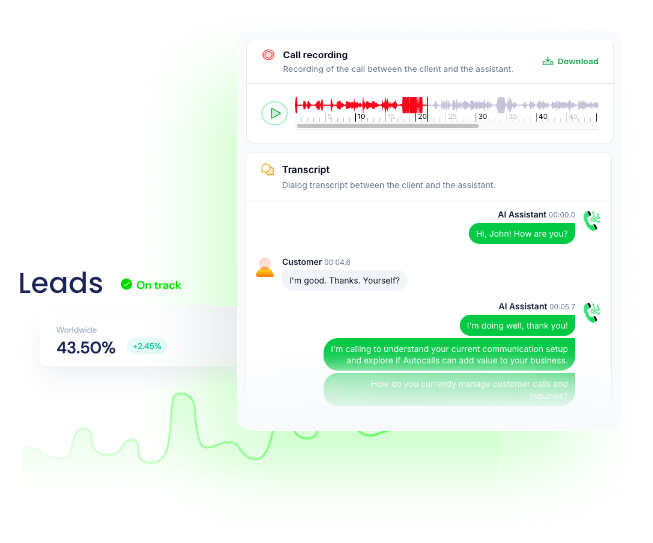
Cloud One-Ai voice AI instantly pulls current budgets, account balances, and category totals from Actual Budget so every agent speaks with up-to-date numbers during qualification, support, or sales calls. This tight integration trims call times while raising trust, letting teams handle higher volumes without hiring and fully brand the experience through our white label plan.
10x faster response to balance questions
95% first-call resolution rate
No-Code Platform
Voice Powered Transaction Entry
Callers can say their expenses or payments, and the AI caller auto-parses the details then pushes them to Actual Budget using Import Transaction, wiping out tedious manual data entry. The same workflow can instantly confirm the log back to the customer, boosting satisfaction and giving call centers a clear audit trail inside both systems.
80% reduction in manual data work
99% data capture accuracy
Advanced Analytics
Profit More via Personalized Offers
By reading spending patterns and category limits from Actual Budget during the call, the AI caller tailors cross-sell offers or financial advice, raising relevance and closing more deals. Agencies can package these data-driven campaigns under their own brand with our fully customizable white label AI call center, unlocking new revenue streams fast.
50% conversion rate on tailored offers
3x increase in revenue per customer
Can't believe? Try now a free test call
Get a hands-on experience by trying a free demo call. Fill in your details, and our AI representative will call you instantly.
Powerful actions you can trigger with Actual Budget to automate your workflows
Get Budget
Get your monthly budget
Configuration Fields:
Year RequiredSTATIC_DROPDOWN
The year of the budget you want to get
Month RequiredSTATIC_DROPDOWN
The month of the budget you want to get
Get Accounts
Get your accounts
No additional configuration required
Get Categories
Get your categories
No additional configuration required
Import Transaction
Add a transaction
Configuration Fields:
Date RequiredDATE_TIME
Date the transaction took place
Notes LONG_TEXT
Additional notes about the transaction
Amount NUMBER
The dollar value of the transaction
Cleared CHECKBOX
Flag indicating if the transaction has cleared or not
Category ID SHORT_TEXT
ID of the transaction category
CAccount ID RequiredSHORT_TEXT
ID of the account you want to import a transaction to
Payee Name SHORT_TEXT
Name of the payee
Imported ID SHORT_TEXT
Unique ID given by the bank for importing
Transfer ID SHORT_TEXT
ID of the transaction in the other account for the transfer
Imported Payee SHORT_TEXT
Raw description when importing, representing the original value
Import Transactions
Import Transactions
Configuration Fields:
Account ID RequiredSHORT_TEXT
ID of the account you want to import a transaction to
Transactions RequiredJSON
A json array of the transaction object
Examples of automation flows
Real-world examples of how businesses use Actual Budget integration to automate workflows
Daily Voice AI Budget Snapshot
Cloud One-Ai pulls fresh budget totals from Actual Budget each morning and phones the CFO with yesterday’s spend and remaining limits. The AI voice agent gives instant financial clarity while you sip coffee.
Overspend Alert Call to Department Heads
When any category exceeds its limit, Cloud One-Ai triggers a real time AI call to the responsible manager detailing the overage pulled from Actual Budget. Rapid alerts keep expenses under control.
Vendor Payment Confirmation Dialer
After a payment transaction is imported into Actual Budget, Cloud One-Ai automatically calls the vendor to confirm receipt and share reference details. The artificial intelligence call center removes tedious follow ups.
New Budget Owner Welcome Call
Cloud One-Ai retrieves new staff accounts and category allocations from Actual Budget and delivers a personalized AI phone call explaining their spending rules. Fast onboarding frees your finance team.
Expense Reimbursement Notification Calls
Once approved reimbursement transactions hit Actual Budget, an AI caller notifies employees of the amount and expected deposit date. Clear voice updates increase trust and slash HR tickets.
High Balance Upsell Campaign with White Label AI
Cloud One-Ai identifies customers holding large balances via Actual Budget and launches targeted AI call campaigns pitching your premium white label AI voice agent solution. Personalized outreach boosts revenue and showcases your brand.
How do I set up Actual Budget phone integration with Cloud One-Ai for AI voice calls?
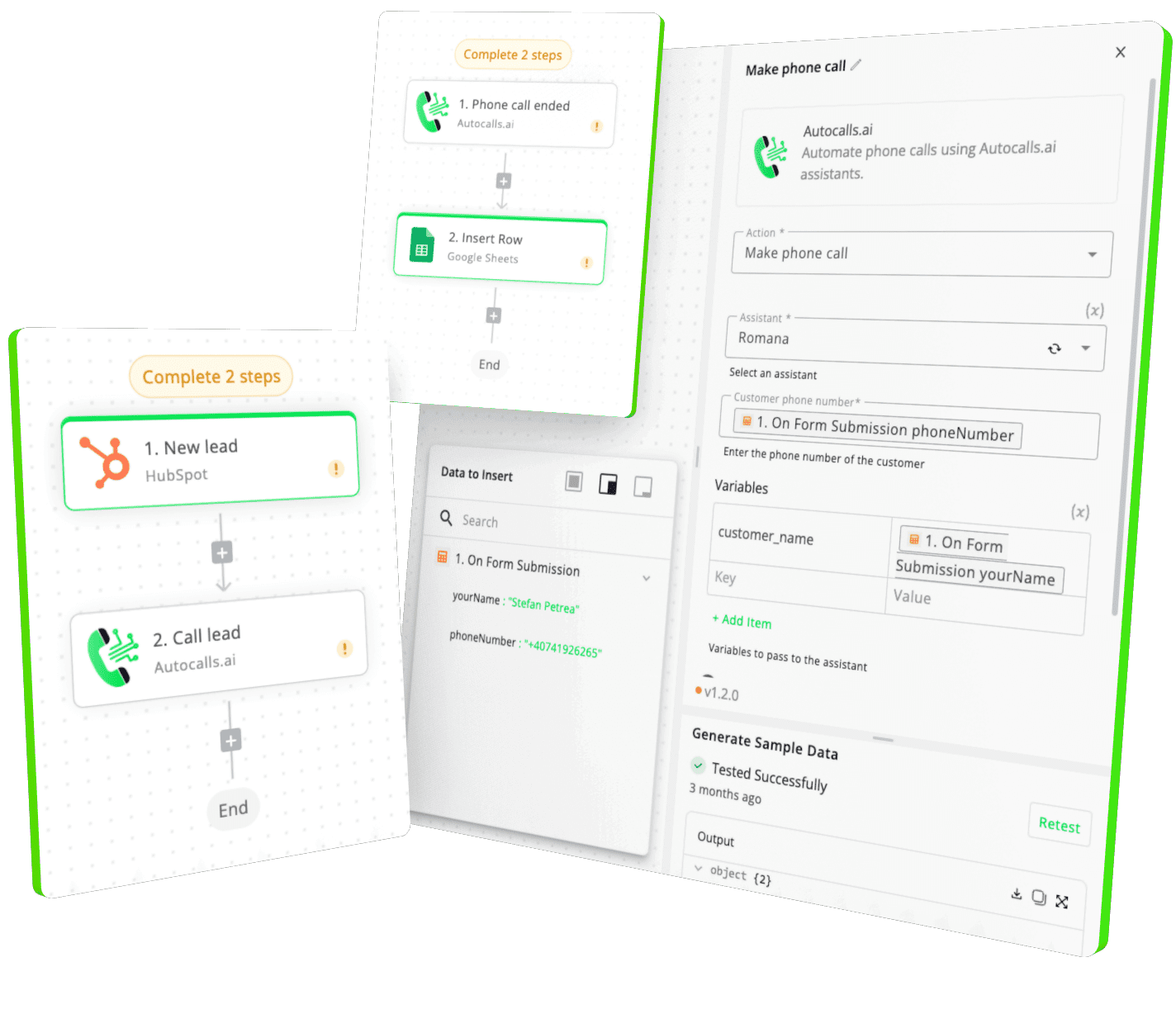
Connect your Actual Budget account to Cloud One-Ai in three steps: 1) In Cloud One-Ai, go to Integrations and select “Actual Budget”; 2) Paste your Actual Budget API key; 3) Map the actions you want—Get Budget, Get Accounts, Get Categories, Import Transaction(s). Once saved, you can trigger AI voice calls that share real-time budget data with customers or staff.
What automation actions are available when using Cloud One-Ai with Actual Budget?
Cloud One-Ai supports five key actions inside Actual Budget automation workflows: Get Budget, Get Accounts, Get Categories, Import Transaction, and Import Transactions. These let you build AI voice workflows that read balances, add new transactions during a call, or update categories without manual work.
How can Actual Budget AI voice calls improve finance team efficiency?
By combining Actual Budget with AutoCalls’ AI dialer, your finance or accounting team can send automated balance alerts, late-payment reminders, or monthly spending summaries. The AI voice agent pulls data via Get Budget or Get Accounts and talks to clients in natural language, cutting time spent on routine outreach.
Is the Actual Budget auto dialer integration compatible with my existing call center setup?
Yes. AutoCalls works as an AI call center layer on top of your current phone system. Once Actual Budget is linked, you can run AI outbound or inbound calls that reference live budget data. No extra hardware is required—just an AutoCalls plan and your Actual Budget credentials.
Can I import new transactions into Actual Budget during an AI phone call?
Absolutely. Use the “Import Transaction” or “Import Transactions” action inside your AutoCalls workflow. The AI voice agent gathers details from the caller—date, amount, category—and posts them to Actual Budget in real time, eliminating double entry.
Do you offer a white label plan for agencies that need Actual Budget automation under their own brand?
Yes. AutoCalls’ white label plan lets agencies and BPOs rebrand the entire platform—domain, logo, pricing, even voice agents—while still using Actual Budget phone integration. It’s an easy way to launch your own AI contact center solution without development overhead.
Ready to integrate Actual Budget with AI voice calling agents?
Join thousands of businesses already automating their phone calls with our Actual Budget integration. You can get your assistant ready in few minutes.