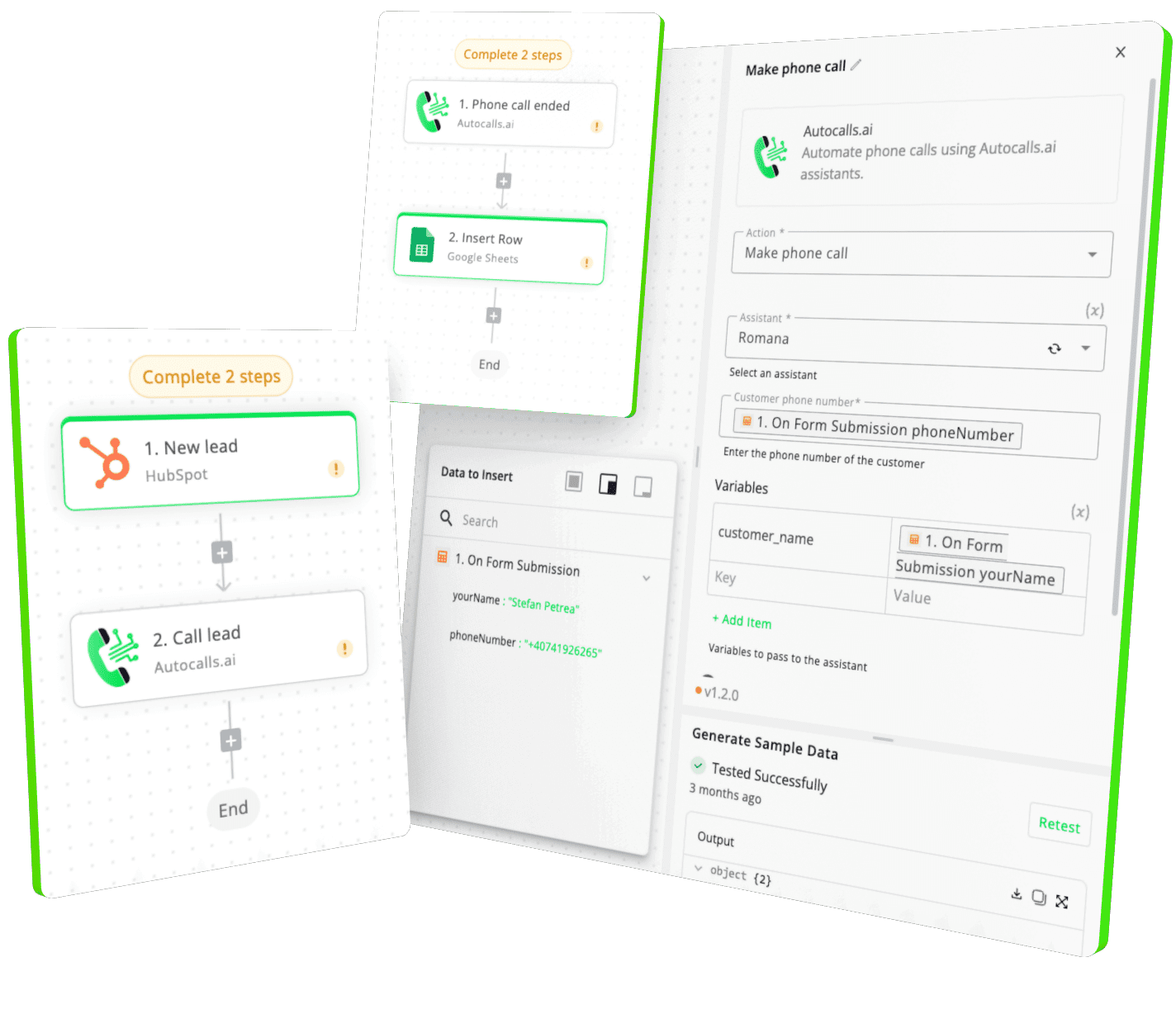
Seamless integration between User Input and Cloud One-Ai
Our drag-and-drop interface makes it simple to connect User Input with your voice workflows. No coding required, no technical expertise needed.
Get a hands-on experience by trying a free demo call. Fill in your details, and our AI representative will call you instantly.
✓ No credit card required ✓ No commitment
Return a file as a response.
Return a markdown as a response.
Return a chat as a response.
Use the `chatId` field from the chat trigger output.
Trigger the flow by sending a message
**Chat URL for this flow:** ```text {{chatUrl}} ```
Trigger the flow by submitting a form.
**Published Form URL:** ```text {{formUrl}} ``` Use this for production, views the published version of the form. **Draft Form URL:** ```text {{formUrl}}?useDraft=true ``` Use this to generate sample data, views the draft version of the from.

If enabled, the form will return the flow output to the frontend. Make sure to use the "Return Form Response" action to return a response.
Easily manage AI voice agents without the need for programming skills.
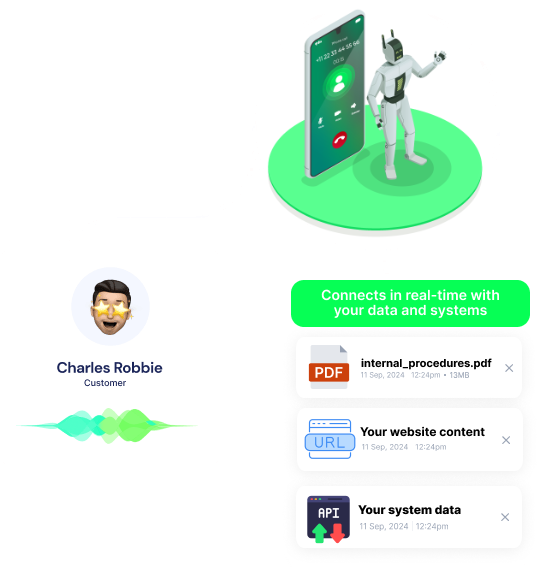
Integrate with popular tools such as HubSpot, GoHighLevel, Zoho, Cal.com & +250 more and build automations using drag and drop.

[integration_short_desc]

[integration_short_desc]

[integration_short_desc]
Have a question that is not answered? You can contact us at
Setting up User Input integration takes less than 5 minutes. Simply connect your User Input account, configure your voice agent preferences, and start automating your phone calls immediately.
No technical expertise required – our platform is designed to be user-friendly and intuitive.
Join thousands of businesses already automating their phone calls with our User Input integration.
You can get your assistant ready in few minutes.