




Seamless integration between Telegram Bot and Cloud One-Ai
Create no-code AI phone call systems with Telegram Bot integration: never miss a call again and convert more leads
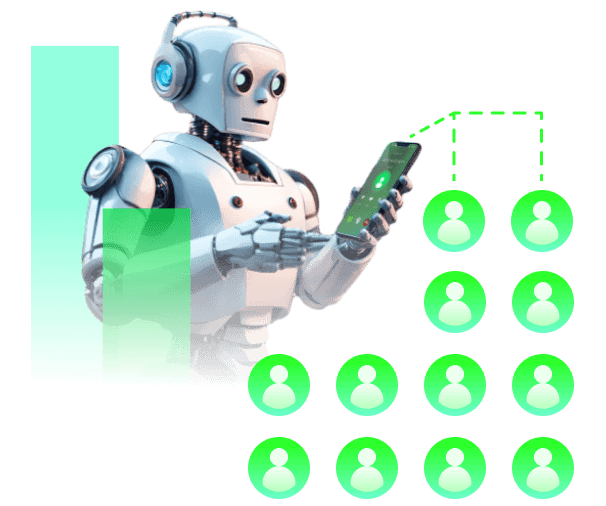
Automate your Telegram Bot processes with intelligent voice agents that handle calls, collect data, and trigger actions automatically. No more missed opportunities or manual follow-ups.
Our drag-and-drop interface makes it simple to connect Telegram Bot with your voice workflows. No coding required, no technical expertise needed.
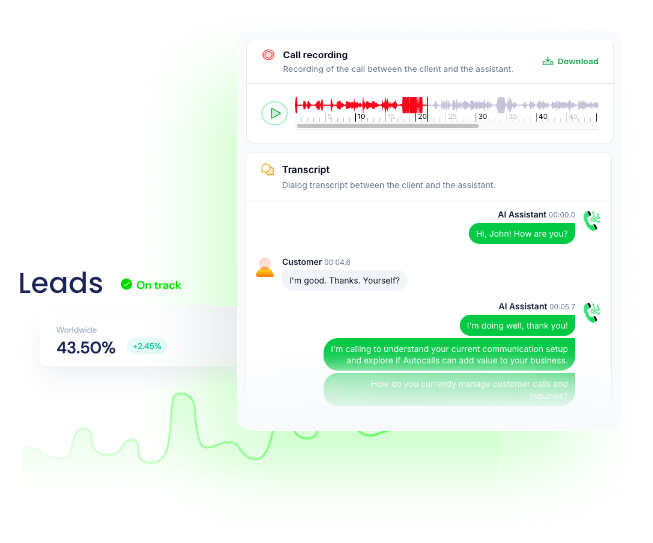
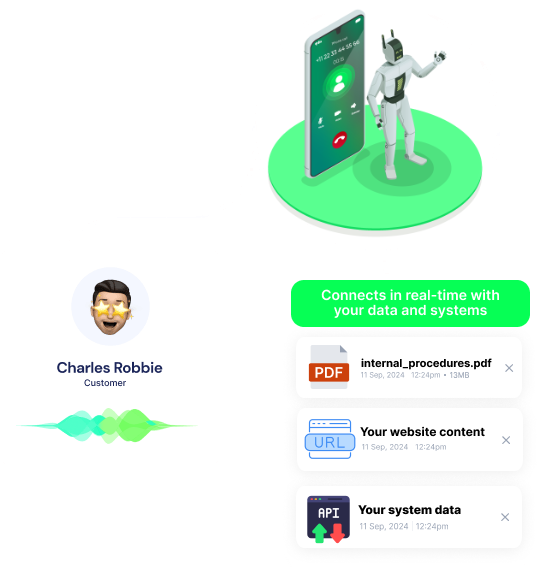
Track performance, analyze conversation patterns, and optimize your Telegram Bot workflows with detailed analytics and reporting features.
Get a hands-on experience by trying a free demo call. Fill in your details, and our AI representative will call you instantly.
✓ No credit card required ✓ No commitment


Powerful actions you can trigger with Telegram Bot to automate your workflows
Send a media message through a Telegram bot
Choose format you want
The message to be sent
**How to obtain Chat ID:** 1. Search for the bot "@getmyid_bot" in Telegram. 2. Start a conversation with the bot. 3. Send the command "/my_id" to the bot. 4. The bot will reply with your chat ID. **Note: Remember to initiate the chat with the bot, or you'll get an error for "chat not found.**
Additional interface options. A JSON-serialized object for an inline keyboard, custom reply keyboard, instructions to remove reply keyboard or to force a reply from the user. Use special actions such as Build Inline Keyboard to generate this JSON object.
Unique identifier for the target message thread of the forums; for forums supergroups only
[Link example](https://core.telegram.org/bots/api#formatting-options)
Send a custom API call to a specific endpoint
Authorization headers are injected automatically from your connection.
Get member info (or null) for provided chat id and user id
Unique identifier for the user
**How to obtain Chat ID:** 1. Search for the bot "@getmyid_bot" in Telegram. 2. Start a conversation with the bot. 3. Send the command "/my_id" to the bot. 4. The bot will reply with your chat ID. **Note: Remember to initiate the chat with the bot, or you'll get an error for "chat not found.**
Send a message through a Telegram bot
**Authentication**: 1. Begin a conversation with the [Botfather](https://telegram.me/BotFather). 2. Type in "/newbot" 3. Choose a name for your bot 4. Choose a username for your bot. 5. Copy the token value from the Botfather and use it activepieces connection. 6. Congratulations! You can now use your new Telegram connection in your flows.
Choose format you want
The message to be sent
**How to obtain Chat ID:** 1. Search for the bot "@getmyid_bot" in Telegram. 2. Start a conversation with the bot. 3. Send the command "/my_id" to the bot. 4. The bot will reply with your chat ID. **Note: Remember to initiate the chat with the bot, or you'll get an error for "chat not found.**
Additional interface options. A JSON-serialized object for an inline keyboard, custom reply keyboard, instructions to remove reply keyboard or to force a reply from the user. Use special actions such as Build Inline Keyboard to generate this JSON object.
Disable link previews for links in this message
Unique identifier for the target message thread of the forums; for forums supergroups only
[Link example](https://core.telegram.org/bots/api#formatting-options)
Create an invite link for a chat
Name of the invite link (max 32 chars)
Point in time when the link will expire
**How to obtain Chat ID:** 1. Search for the bot "@getmyid_bot" in Telegram. 2. Start a conversation with the bot. 3. Send the command "/my_id" to the bot. 4. The bot will reply with your chat ID. **Note: Remember to initiate the chat with the bot, or you'll get an error for "chat not found.**
Maximum number of users that can be members of the chat simultaneously after joining the chat via this invite link; 1-99999
Events in Telegram Bot that can automatically start your workflows
Triggers when Telegram receives a new message
**Authentication**: 1. Begin a conversation with the [Botfather](https://telegram.me/BotFather). 2. Type in "/newbot" 3. Choose a name for your bot 4. Choose a username for your bot. 5. Copy the token value from the Botfather and use it activepieces connection. 6. Congratulations! You can now use your new Telegram connection in your flows.
Real-world examples of how businesses use Telegram Bot integration to automate workflows
Automatically call new leads from Telegram Bot within minutes of their signup or inquiry, ensuring no opportunity is missed
Send automated reminder calls for upcoming appointments scheduled in Telegram Bot, reducing no-shows significantly.
Re-engage inactive customers with personalized outreach calls based on their Telegram Bot activity and behavior patterns.
Automatically follow up with customers after support tickets are resolved in Telegram Bot to ensure satisfaction.
Automatically qualify leads from Telegram Bot before they reach your sales team, improving conversion rates.
Easily manage AI voice agents without the need for programming skills.
Integrate with popular tools such as HubSpot, GoHighLevel, Zoho, Cal.com & +250 more and build automations using drag and drop.

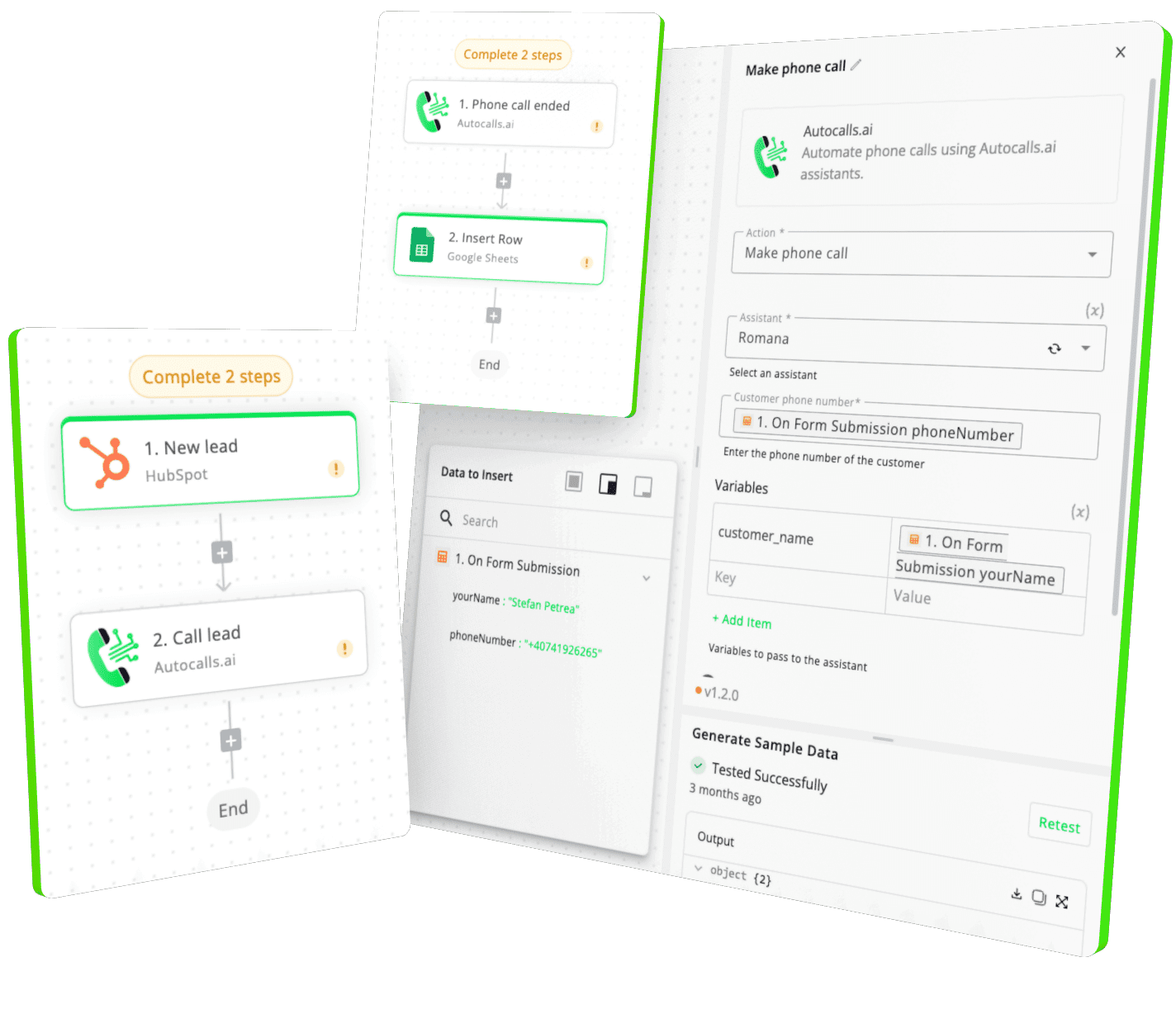

[integration_short_desc]

[integration_short_desc]

[integration_short_desc]



Have a question that is not answered? You can contact us at
Setting up Telegram Bot integration takes less than 5 minutes. Simply connect your Telegram Bot account, configure your voice agent preferences, and start automating your phone calls immediately.
No technical expertise required – our platform is designed to be user-friendly and intuitive.
Absolutely! You can fully customize your voice agent’s personality, script, voice, and responses based on Telegram Bot data. Create different agents for different Telegram Bot workflows, customer segments, or business objectives.
Join thousands of businesses already automating their phone calls with our Telegram Bot integration.
You can get your assistant ready in few minutes.