




Seamless integration between Total CMS and Cloud One-Ai
Create no-code AI phone call systems with Total CMS integration: never miss a call again and convert more leads

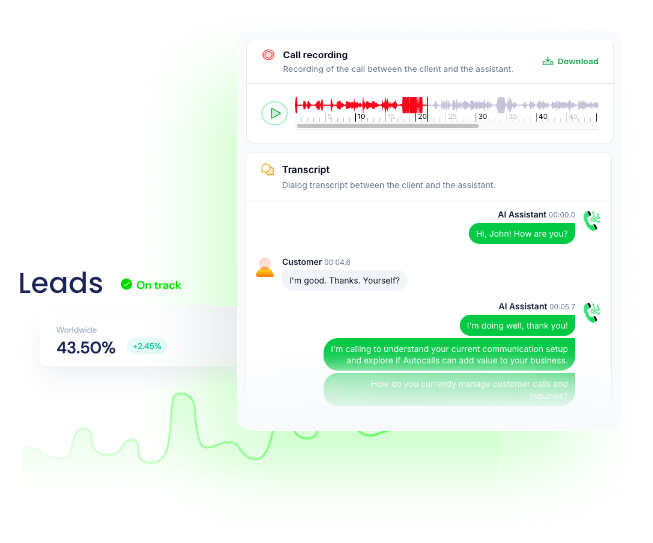
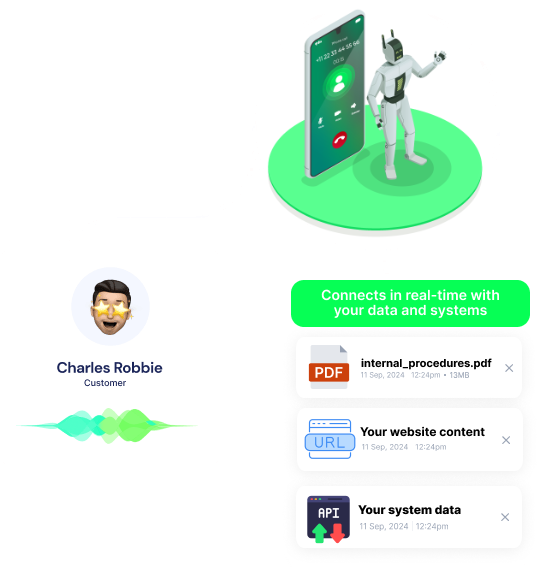
Get a hands-on experience by trying a free demo call. Fill in your details, and our AI representative will call you instantly.
✓ No credit card required ✓ No commitment



Save date content to Total CMS
The CMS ID of the content to save
The unix timestamp to save
Save file to Total CMS
The file extension of the file
The file to save
The CMS ID of the file to save
Save text content to Total CMS
The CMS ID of the content to save
The text content to save
Save file to Total CMS depot
The file to save
The CMS ID of the depot to save
Save image to Total CMS
The alt text for the image
The extension of the image
The CMS ID of the content to save
The image to save
The method to use when cropping the landscape thumbnail for the square thumbnail
The method to use when cropping the landscape thumbnail for the square thumbnail
The method to use when resizing the thumbnail
Pull the alt text from the meta data of the image. If set, place placeholder text in the alt text field above.
The quality of the thumbnail
The scale of the square thumbnail
The scale of the thumbnail
Save video content to Total CMS
The CMS ID of the content to save
The URL of the video to save
Get content from your Total CMS website
The CMS ID of the content to retrieve
The type of data to return
Save toggle content to Total CMS
The CMS ID of the content to save
The status of the toggle. "true" is on, "false" is off.
Save image to Total CMS gallery
The alt text for the image
The CMS ID of the gallery to save
The image to save
The method to use when cropping the landscape thumbnail for the square thumbnail
The method to use when cropping the landscape thumbnail for the square thumbnail
The method to use when resizing the thumbnail
Pull the alt text from the meta data of the image. If set, place placeholder text in the alt text field above.
The quality of the thumbnail
The scale of the square thumbnail
The scale of the thumbnail
Get a blog post from Total CMS
The CMS ID of the content to retrieve
The permalink of the post to retrieve
Save blog content to Total CMS
The CMS ID of the content to save
A comma separated list of tags for the blog post
Set to true to save as a draft
The extra content of the blog post
The genre of the blog post
The media of the blog post
The title of the blog post
The author of the blog post
The extra content 2 of the blog post
A comma separated list of labels for the blog post
The content of the blog post
The summary of the blog post
Set to true to save as an archived post
Set to true to save as a featured post
The RSS title of the blog post
The permalink of the blog post. Ensure this is unique or it will overwrite the existing post.
The date in unix timestamp format
A comma separated list of categories for the blog post
The RSS description of the blog post
Send a custom API call to a specific endpoint
Authorization headers are injected automatically from your connection.
Save image to Total CMS blog post
The alt text for the image
The CMS ID of the content to save
The image to save
The method to use when cropping the landscape thumbnail for the square thumbnail
The method to use when cropping the landscape thumbnail for the square thumbnail
The method to use when resizing the thumbnail
Pull the alt text from the meta data of the image. If set, place placeholder text in the alt text field above.

The quality of the thumbnail
The scale of the square thumbnail
The scale of the thumbnail
The permalink of the blog post to save
Save image to Total CMS blog post gallery
The alt text for the image
The CMS ID of the blog to save
The image to save
The method to use when cropping the landscape thumbnail for the square thumbnail
The method to use when cropping the landscape thumbnail for the square thumbnail
The method to use when resizing the thumbnail
Pull the alt text from the meta data of the image. If set, place placeholder text in the alt text field above.
The quality of the thumbnail
The scale of the square thumbnail
The scale of the thumbnail
The permalink of the blog post to save
Triggers when a new blog post is published
The CMS ID of the content to retrieve
Easily manage AI voice agents without the need for programming skills.
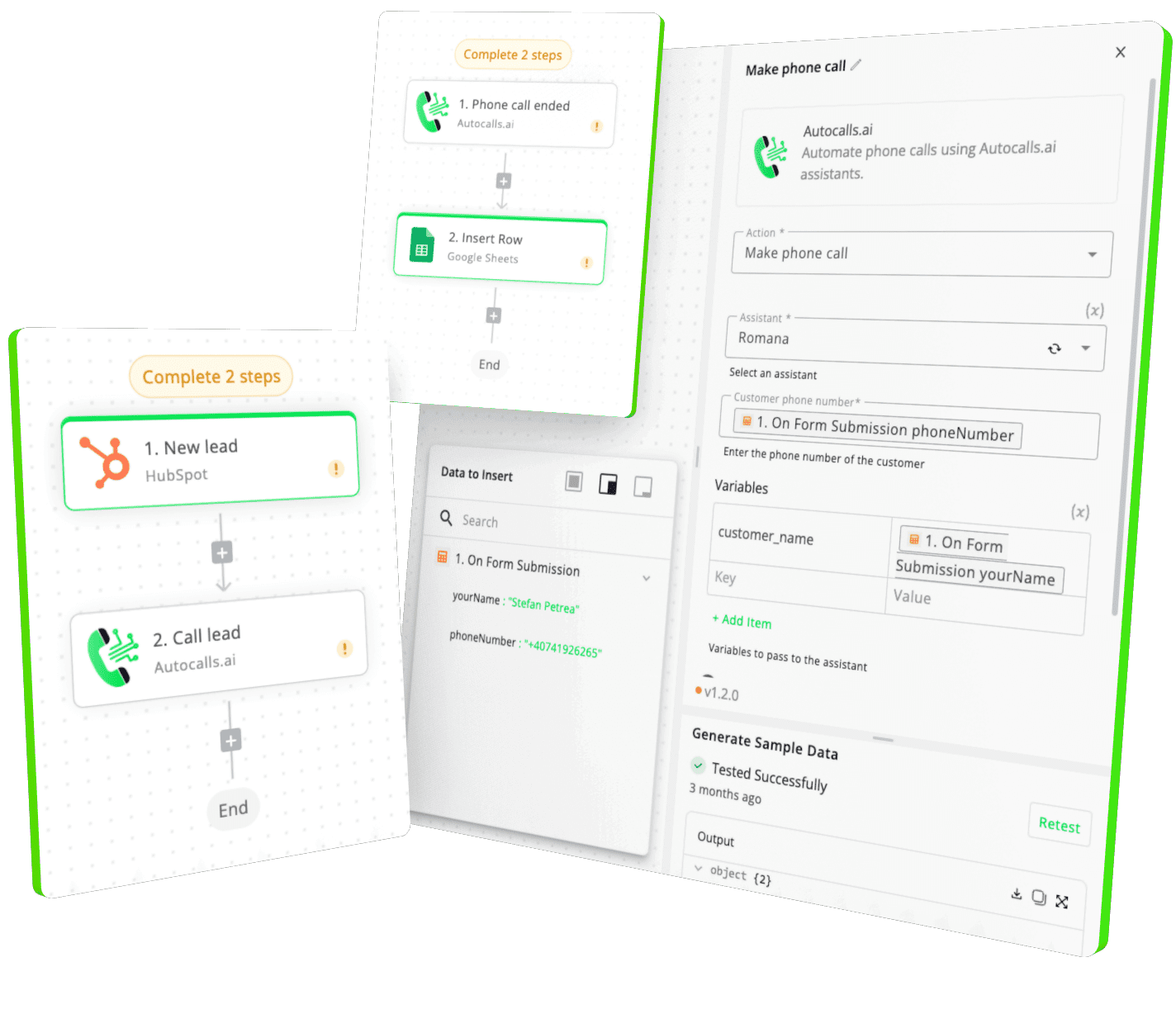
Integrate with popular tools such as HubSpot, GoHighLevel, Zoho, Cal.com & +250 more and build automations using drag and drop.


[integration_short_desc]

[integration_short_desc]

[integration_short_desc]



Have a question that is not answered? You can contact us at
Setting up Total CMS integration takes less than 5 minutes. Simply connect your Total CMS account, configure your voice agent preferences, and start automating your phone calls immediately.
No technical expertise required – our platform is designed to be user-friendly and intuitive.
Our integration syncs all relevant Total CMS data including contacts, leads, custom fields, tags, and activity history. Call outcomes and recordings are automatically saved back to Total CMS for complete visibility and reporting.
There are no limitations on the number of calls you can make through the Total CMS integration. Your plan determines call volume, and you can upgrade anytime. All calls comply with local regulations and include automatic opt-out handling.
Absolutely! You can fully customize your voice agent’s personality, script, voice, and responses based on Total CMS data. Create different agents for different Total CMS workflows, customer segments, or business objectives.
Join thousands of businesses already automating their phone calls with our Total CMS integration.
You can get your assistant ready in few minutes.