



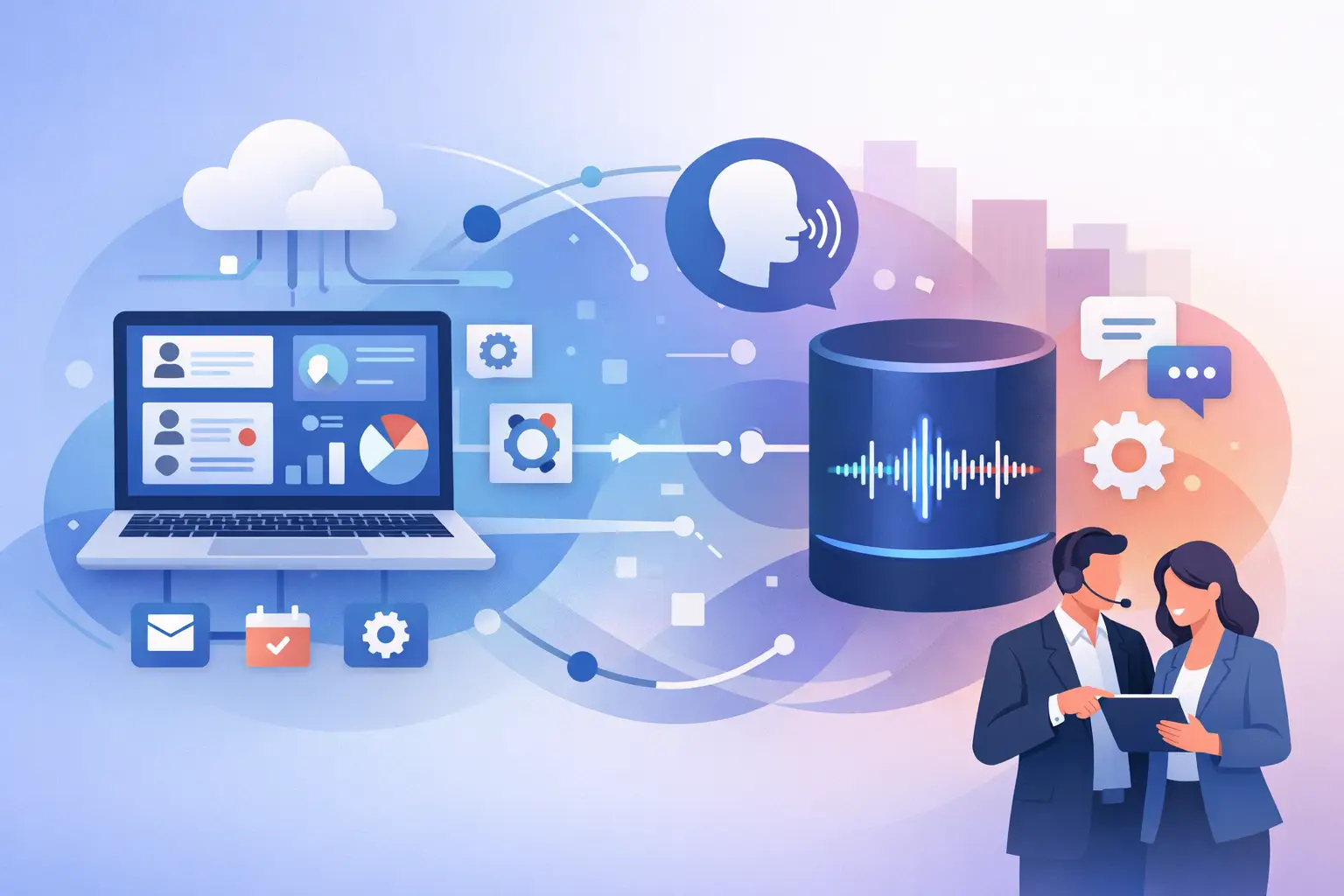
A missed call is not just a missed call. For a dental office, dealership, legal team, or home service business, it can be a booked competitor appointment, a lost consultation, or a lead that goes cold before a rep ever sees it. The best crm integrations for voice ai solve that operational gap by turning every phone conversation into usable customer data and immediate next steps.
A voice agent can answer in seconds, qualify the caller, book the appointment, and transfer urgent conversations to a person. But without the right CRM connection, the outcome is fragmented. Notes live in a transcript, appointments sit in a separate calendar, and sales teams still ask, “Who talked to this lead?” The right integration makes the call part of the customer record from the first ring.
What Makes a CRM Integration Right for Voice AI?
The best option is not always the CRM with the most features. It is the CRM your team actually uses to manage leads, customers, tasks, and revenue. Voice AI should strengthen that system, not create another dashboard your staff has to check.
Start with the call data that needs to move automatically. At minimum, your workflow should create or update a contact, log the call outcome, attach the recording or transcript where appropriate, and write a clear summary. For sales teams, the integration should also update lead status, owner, pipeline stage, and follow-up tasks. For service businesses, it should trigger appointment confirmations, reminders, and reactivation campaigns.
Speed matters as much as data depth. If an AI agent qualifies a prospect at 9:03 a.m. but the CRM record does not update until the end of the day, your team loses the advantage of fast response. Look for event-based workflows that take action as soon as a call ends or an appointment is booked.
There is also a practical trade-off. A highly customized enterprise CRM setup can capture every field imaginable, but it may take longer to deploy and maintain. A simpler connection with a few reliable triggers can produce more revenue in the first week. Build the core call-to-CRM workflow first. Add complexity only when it supports a measurable process.
Best CRM Integrations for Voice AI by Use Case
HubSpot for sales teams that need fast lead follow-up
HubSpot is a strong fit for businesses that want marketing, sales, and service activity tied to one contact timeline. When a voice AI agent answers an inbound inquiry or runs an outbound qualification campaign, HubSpot can become the source of truth for what happened next.
A useful workflow might create a contact from a new caller, save the qualification summary, assign the lead to a rep, and move the deal into a “consultation booked” stage. If the caller is not ready to book, the agent can tag the reason and trigger the right nurture sequence instead of leaving a vague note for someone to decipher.
HubSpot works especially well for real estate teams, B2B sales organizations, multi-location services, and agencies running lead-generation campaigns. The main consideration is process discipline. Define lifecycle stages and ownership rules before connecting the agent. Otherwise, automation will scale inconsistent data just as quickly as good data.
GoHighLevel for agencies and local service operators
GoHighLevel is built around lead capture, pipeline management, messaging, and automation for agencies and local businesses. That makes it a natural choice when calls need to create opportunities, trigger follow-ups, and keep client accounts moving without manual intervention.
For example, a voice agent can answer after-hours calls for a salon, qualify the requested service, schedule a booking, and update the opportunity in the correct pipeline. An agency can repeat that framework across client subaccounts while keeping each business’s call scripts, calendars, and reporting separate.
This is where white-label operators should look beyond basic contact creation. The valuable workflow is one that captures call outcomes consistently across every client account. Standardize dispositions such as booked, transferred, no availability, price objection, and follow-up requested. That gives agencies a reportable service instead of a collection of disconnected AI demos.
Zoho CRM for customizable operations
Zoho CRM fits teams that need flexibility without committing to a large enterprise stack. It is common in service businesses, growing sales organizations, and companies that want CRM workflows tailored to their own fields and processes.
Voice AI can pass structured data into Zoho after each call: service type, location, urgency, budget range, preferred time, and qualification result. That structure matters. A free-form transcript is useful for context, but a service manager needs filterable fields to see every urgent repair request or every lead waiting for a callback.
Zoho is a good choice when your operations vary by department or location. The trade-off is configuration. Decide which fields the agent should write to and which fields should stay under staff control. Too many automated updates can make a CRM harder to trust.
Salesforce for complex sales and service workflows
Salesforce is often the best fit for larger organizations with established processes, multiple teams, or detailed governance requirements. It can support sophisticated routing, custom objects, territory logic, and reporting across large call volumes.
For a dealership group, for example, an AI agent could identify the store location, vehicle interest, trade-in intent, and preferred appointment time before creating the appropriate activity and routing the lead to the correct sales team. For a call center, the integration can support disposition tracking and escalation paths that match existing operating procedures.
The trade-off is implementation time. Salesforce rewards clear requirements and careful field mapping. Do not begin by automating every call type. Start with one high-volume use case, such as missed-call recovery or appointment qualification, prove the conversion lift, then expand.
Pipedrive for lean pipeline-driven teams
Pipedrive is a practical choice for smaller sales teams that want an easy view of deals and next actions. Its visual pipeline is useful when the primary job of voice AI is to turn inbound inquiries and outbound conversations into qualified opportunities.
A straightforward setup can create a person, log the call summary, open a deal, and create a follow-up activity for the assigned rep. This is enough for many consultants, legal intake teams, home services companies, and small sales organizations. If your needs include deep marketing automation or complex customer support operations, a broader platform may be a better fit.
Do Not Forget the Calendar Connection
For appointment-based businesses, the CRM is only half the workflow. A voice agent must know what time is actually available before it offers a booking. Integrations with Calendly, Cal.com, Google Calendar, and Apple Calendar help prevent double-booking and give callers a confirmed next step during the same conversation.
The strongest setup writes the appointment back to both the calendar and CRM, then triggers confirmation and reminder messages. That turns a phone call into a scheduled, trackable outcome. It also gives staff the context they need before the customer arrives.
If your business has multiple locations, providers, rooms, or service types, test scheduling logic before going live. The agent should know which calendar applies, how much appointment time is needed, and when to offer a human transfer instead of guessing.
Build the Call Workflow Before Choosing the Connector
Teams often choose an integration because the logo is familiar. A better approach is to map the call journey first. Ask what should happen when a new lead calls, when an existing customer calls, when the agent cannot answer a question, and when an appointment is booked.
Your workflow should define the contact match rule, the fields collected, the call disposition, the routing owner, and the follow-up trigger. It should also define exceptions. If a caller mentions an emergency, requests a manager, or asks a question outside the approved knowledge base, the agent needs a controlled handoff path.
This is also where reporting becomes valuable. Track answer rate, qualified-lead rate, booked appointments, transfers, no-show rate, and conversion by campaign or location. Call recordings and transcripts help managers improve scripts, but the CRM data shows whether those calls create revenue.
Cloud One-Ai is designed for this operating model, connecting inbound and outbound voice agents to CRM, calendar, and workflow tools through 300+ integrations. The goal is not to add AI for its own sake. It is to make every call easier to answer, easier to route, and easier to measure.
Keep Compliance and Data Control in the Design
Voice calls can contain sensitive customer information. Before launching, establish what the agent is allowed to collect, what should be saved in the CRM, who can access recordings and transcripts, and when recording disclosures are required. Requirements vary by industry and state, so your legal and compliance teams should review the workflow before deployment.
Keep knowledge sources controlled as well. An agent should answer from approved business information, not invent policies, pricing, or availability. Use call summaries for speed, recordings for quality review, and human transfer rules for conversations that require judgment.
The best integration is the one that removes manual work without removing accountability. Start with the call type that costs your team the most missed revenue, connect it to the CRM process your staff already follows, and measure the result from the first week.