



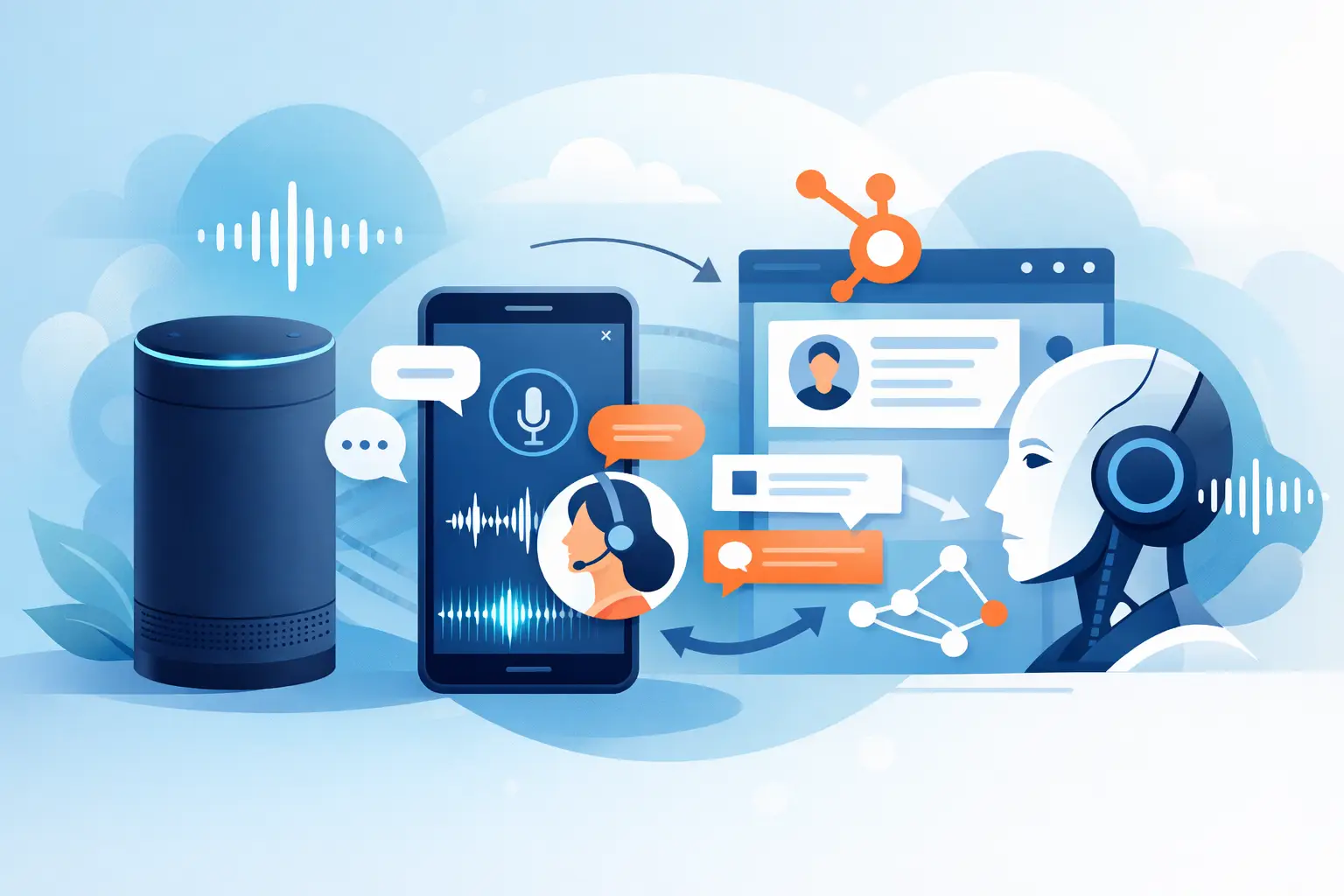
A missed call from a high-intent lead rarely feels expensive in the moment. It becomes expensive later – when the prospect books with a competitor, the follow-up never happens, or your team spends the afternoon calling back cold leads from yesterday. That is why voice ai integration with hubspot crm matters. It turns phone conversations into tracked pipeline activity, not loose ends.
For teams that live on inbound calls, outbound follow-ups, appointment scheduling, and lead qualification, the real value is not novelty. It is speed, consistency, and cleaner operations. When Voice AI is connected directly to HubSpot, every call can push contact updates, trigger workflows, log outcomes, and keep sales or service teams working from the same record.
Why voice AI integration with HubSpot CRM matters
HubSpot already does a strong job of organizing contacts, deals, tickets, and marketing activity. What it does not do on its own is answer every call instantly, qualify every lead after hours, or run high-volume voice outreach without adding headcount. That gap is where Voice AI becomes operational infrastructure.
With the right setup, the AI agent can answer inbound calls, collect intent, book appointments, update contact properties, and route urgent cases to a human. On the outbound side, it can follow up on form fills, confirm appointments, re-engage stale leads, and log outcomes back into HubSpot automatically.
The benefit is simple. Your CRM stops being a system people update after the work. It becomes the place where the work is captured as it happens.
What a good integration should actually do
A basic connection that only logs a note after a call is not enough for most businesses. If your team depends on the phone for revenue, you need more than call storage.
A practical voice AI integration with HubSpot CRM should create or update contacts in real time, write call summaries and transcripts to the right record, and trigger next steps based on call outcomes. If the caller is ready to book, the system should move them toward a scheduled appointment. If they need a human, it should route them with context. If they are unqualified, that should be captured cleanly so your team is not wasting time on callbacks.
For multi-step workflows, the integration should also support field updates such as lead status, lifecycle stage, deal owner, pipeline stage, and custom properties. That is what makes automation useful instead of cosmetic.
The highest-impact use cases
The strongest use cases tend to be the least glamorous ones – the calls your team handles every day, at volume, with very little variation.
Inbound lead capture and qualification
A prospect calls after seeing an ad, finding you in local search, or visiting your website. Instead of going to voicemail or a front desk that is already overloaded, the AI answers immediately. It asks qualifying questions, captures contact details, identifies intent, and pushes the information into HubSpot.
That speed matters. The first business to respond usually controls the conversation. If the AI can qualify and route in real time, your sales team starts warmer.
Appointment booking and confirmation
This is especially useful for clinics, dental offices, salons, legal teams, and service businesses with packed schedules. The AI can book directly, handle reschedules, confirm upcoming appointments, and update HubSpot so your staff is not toggling between systems.
The win is not just fewer manual tasks. It is better show rates and fewer scheduling gaps.
Follow-up on web leads
Many leads fill out a form and then wait too long for a callback. By the time a rep reaches out, intent has cooled. A Voice AI agent can call within minutes, ask the right questions, qualify interest, and log the result in HubSpot for a rep to take over if needed.
That kind of response window is hard to maintain with people alone.
Reactivation and renewal campaigns
If you have an aging database in HubSpot, voice outreach can turn dormant contacts into booked conversations. Think past-due renewals, inactive patients, unconverted estimates, or lapsed customers. The AI handles repetitive calls at scale and records who is interested, who needs follow-up, and who should be removed from future campaigns.
How the workflow should look inside HubSpot
The best integrations are built around the customer journey, not around a feature checklist. Start with the first touchpoint. What happens when a new lead calls? What happens if they call after hours? What should happen if they are qualified, unqualified, or urgent?
From there, map the data back to HubSpot. You may want the AI to update a lead status, assign an owner, create a task, open a deal, or trigger a nurture workflow. In service environments, it may make more sense to create a ticket, flag urgency, or route based on location.
This is where operations teams win. If you define the call outcomes clearly, the CRM becomes much easier to trust. Your team stops guessing what happened on the phone because the transcript, disposition, and follow-up action are already in the record.
What to watch before you deploy
Not every Voice AI setup performs well just because it connects to a CRM. There are a few practical trade-offs worth thinking through early.
The first is script control. If your business has compliance requirements, regulated language, or high-value interactions, you need guardrails around what the AI can say, when it transfers, and where it pulls knowledge from. More flexibility is not always better.
The second is handoff logic. Some calls should stay automated from start to finish. Others should escalate fast. A new patient inquiry may be easy to book with AI, while a billing dispute or legal intake may need a human sooner. Good design comes from knowing the difference.
The third is data hygiene. If every call creates duplicate contacts or writes vague notes into HubSpot, the integration adds noise. Real value comes from structured fields, clean matching rules, and a small set of outcomes your team actually uses.
Voice AI integration with HubSpot CRM for multi-location teams
Multi-location operators have a bigger coordination problem than single-site businesses. Calls need to be answered fast, but routing rules vary by location, service type, language, hours, and staff availability. A disconnected phone process usually creates missed revenue and uneven customer experience.
When voice AI integration with HubSpot CRM is set up well, each call can be tagged to the right location, attached to the correct contact record, and routed based on local logic. That means one operating model across multiple sites without forcing every front desk to work the same way.
For franchises, healthcare groups, dealership networks, and regional service brands, this is often where the ROI becomes obvious. The process gets standardized, but the customer still reaches the right place.
Reporting that operations teams can actually use
If you cannot measure it, you cannot improve it. A strong Voice AI deployment should give you more than a transcript archive. You should be able to see answer rates, qualification rates, booked appointments, transfer rates, missed-call recovery, and campaign outcomes.
HubSpot becomes more useful when voice activity is tied directly to contact and pipeline data. You can compare lead sources, call dispositions, downstream conversion, and team handoff performance. That helps answer the questions that matter: Which campaigns produce qualified callers? Which locations miss the most opportunities? Which call flows create the best booking rate?
This is also where leadership gets confidence. Instead of treating Voice AI like a black box, they can evaluate it like any other revenue system.
Choosing the right platform for the job
The right platform should be easy to deploy, but not shallow. Fast setup matters. So do multilingual support, inbound and outbound capability, workflow depth, reporting, and human transfer options. If you need to operate across time zones or call volumes spike at predictable times, parallel call handling becomes a real requirement, not a nice extra.
For agencies and resellers, the bar is even higher. You need subaccounts, branded reporting, and a way to roll out repeatable call workflows across clients without rebuilding everything from scratch. That is where an all-in-one model tends to outperform stitched-together tools.
Cloud One-Ai fits this model well because it is built for practical deployment – fast setup, high call volume, CRM connectivity, and controlled automation that maps to real business workflows.
Start with one revenue-critical workflow
The easiest way to get value is not to automate every phone interaction at once. Start with one workflow where speed and consistency have a clear payoff. That might be missed-call recovery, after-hours booking, lead qualification, or follow-up on new form submissions.
Once that flow is stable inside HubSpot, expand to adjacent use cases. This keeps the rollout measurable and gives your team time to refine scripts, routing, and CRM updates before scaling.
Voice AI works best when it is treated like an operating layer, not a demo. If your phone process drives revenue, the goal is simple: answer faster, qualify better, book more, and keep every call connected to the customer record that moves the business forward.