



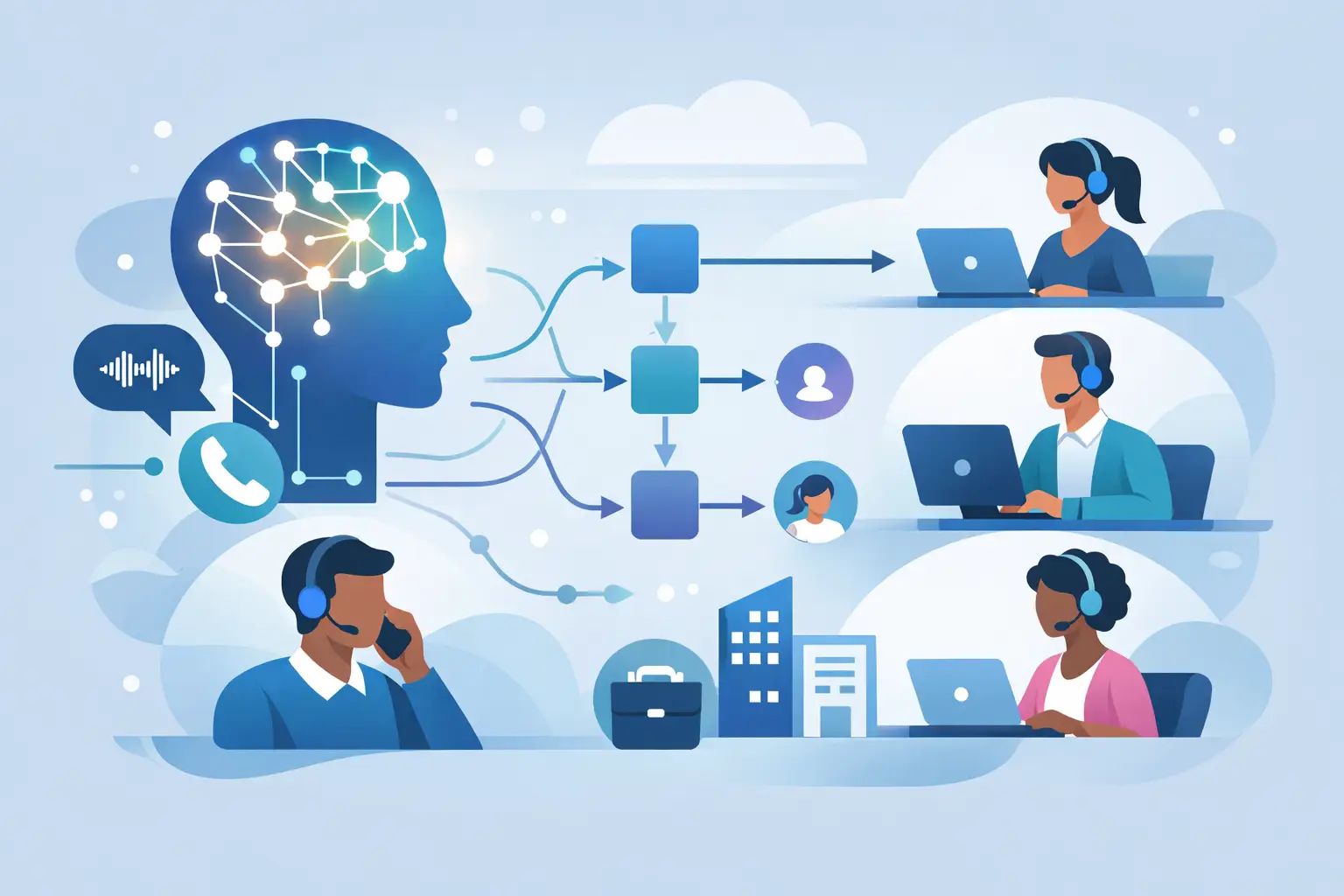
A missed call at 10:12 a.m. can turn into a lost patient, an empty appointment slot, or a lead that books with the next business on the list by 10:20. That is why more operators are asking how to route calls with AI in a way that does more than send callers into a phone tree. The goal is not to sound futuristic. The goal is to get every caller to the right destination faster, with fewer transfers, fewer voicemails, and less pressure on staff.
AI call routing works best when you treat it like an operations system, not a novelty. Instead of forcing callers to “press 1 for sales” and hope they choose correctly, an AI voice agent can answer, understand intent, ask follow-up questions, check business rules, and route the call based on what the caller actually needs. That changes the economics of inbound volume. You reduce hold time, protect your front desk, and stop simple calls from blocking high-value ones.
What AI call routing actually does
At a basic level, AI call routing listens to the caller, identifies the reason for the call, and decides what should happen next. That next step could be transferring to a live person, booking an appointment, creating a CRM record, sending a text follow-up, collecting intake details, or handling the request fully without a handoff.
That sounds simple, but the difference between basic routing and useful routing is context. A standard IVR sorts calls into rigid buckets. AI can work with real language. A caller says, “I need to reschedule my cleaning for next week,” and the system recognizes an existing patient trying to move an appointment. A prospect says, “I need pricing for three locations,” and the call gets prioritized for sales instead of landing at reception.
For service businesses, this matters because not all calls have the same value or urgency. A same-day cancellation, a legal consultation request, a high-ticket service inquiry, and a billing question should not all wait in the same queue.
How to route calls with AI without creating a mess
The fastest way to fail with AI call routing is to automate before you define the routing logic. If your human team does not have clear rules, your AI will not either.
Start with your call types. Most businesses have five to ten common reasons people call. New appointment requests, reschedules, support questions, billing issues, lead qualification, after-hours emergencies, and location-specific requests usually cover most of the volume. Once those categories are clear, define what should happen for each one.
For example, a dental clinic may route new patients to appointment booking, route insurance verification questions to staff during business hours, and send urgent pain-related calls to an escalation path. A dealership may route sales inquiries to the next available rep, service scheduling to an AI booking flow, and parts questions to a specific department. A real estate team may qualify buyers and sellers differently before deciding whether to transfer live or schedule a callback.
This is where AI earns its keep. It can ask just enough to make a smart decision. Not a long script. Just the information needed to move the call correctly. That might include location, urgency, customer status, appointment type, budget range, or language preference.
Build routing around outcomes, not departments
A lot of businesses still think in org chart terms. Sales. Support. Billing. Front desk. That is how internal teams are structured, but it is not how callers think.
Callers think in outcomes. They want to book, fix, change, ask, cancel, pay, or talk to someone now. If you design AI routing around departments, you often create extra transfers. If you design around outcomes, you reduce them.
A better setup is to map the caller’s goal to the fastest successful path. Sometimes that path is a human. Sometimes it is self-service. Sometimes it is a hybrid flow where the AI gathers details first, then hands the call to the right person with context already attached.
That last part is important. Good AI routing does not just move calls. It prepares the next step. If the agent transfers a call to a live team member, it should also pass along who is calling, what they need, and what has already been said. That saves time and keeps the customer from repeating themselves.
The best use cases for AI call routing
If your business depends on phone calls for revenue, routing is not just a support feature. It is a conversion layer.
Appointment-based businesses usually see the fastest value. AI can answer every call, collect the reason for the visit, check provider or location preferences, and either book directly or route to the right scheduler. That means fewer missed bookings and fewer front-desk bottlenecks.
Sales teams benefit when AI qualifies before routing. Instead of sending every inquiry to a rep, the system can screen for service area, budget, urgency, product fit, or lead source. High-intent callers get immediate attention. Lower-priority calls can be nurtured automatically.
Multi-location businesses get another advantage. AI can identify which location the caller needs, route by zip code or city, and follow location-specific hours, calendars, and services. That is especially useful for healthcare groups, restaurant chains, and franchise operators.
After-hours support is another strong fit. Not every business needs 24/7 live staff, but many do need 24/7 response. AI routing can triage emergencies, answer routine questions, capture lead details, and escalate only when a real human is needed.
What to connect behind the routing layer
AI routing becomes much more valuable when it is connected to the systems that run your business. If it only answers and transfers, you save some time. If it can read and write data across your tools, you change throughput.
For most teams, the first integrations should be CRM, calendar, and ticketing or intake systems. That lets the AI recognize repeat callers, log outcomes, book meetings, and trigger follow-up actions automatically. A call that starts as a simple inquiry can become a booked appointment, a tagged lead, a text confirmation, and a staff alert without anyone touching it.
This is also where reporting matters. You need to know which calls were handled fully by AI, which ones were routed to humans, where transfers happened, where callers dropped off, and which call types produced revenue. Without that visibility, you are guessing.
The trade-offs you should expect
AI routing is powerful, but it is not magic. Some calls still need people. Sensitive complaints, emotionally charged situations, edge-case requests, and complex account issues often require human judgment.
That is why the best systems include controlled handoff rules. If the caller sounds frustrated, if confidence is low, if the request falls outside policy, or if a specific threshold is met, the AI should transfer quickly. Trying to force full automation on every call usually hurts the customer experience.
There is also a scripting trade-off. If you make the AI too open-ended, it may gather inconsistent information. If you make it too rigid, it feels like a smarter IVR with the same old frustration. The sweet spot is guided conversation. Natural enough to understand intent, structured enough to stay on task.
How to measure whether your routing is working
Start with operational metrics, not vanity metrics. Are fewer calls going to voicemail? Are hold times down? Are first-call resolutions up? Are qualified leads reaching the right team faster? Are staff spending less time on repetitive routing and more time on revenue work?
Then look at conversion outcomes. Booking rate, show rate, speed to lead, transfer success, and abandoned call rate usually tell the real story. If AI routing cuts answer time but sends high-value calls to the wrong queue, the system is not working yet.
A strong platform should also let you review transcripts, recordings, and call analytics so you can tighten routing logic over time. The first version does not need to be perfect. It does need to be measurable.
How to route calls with AI and deploy fast
If you want results quickly, keep phase one narrow. Pick your top call types, define routing rules, connect your calendar or CRM, and launch with clear escalation paths. Do not start by trying to automate every scenario your business has ever seen.
Most teams should begin with one of three workflows: appointment booking and rescheduling, inbound lead qualification, or after-hours call handling. These are high-volume, easy to measure, and usually tied directly to revenue or staffing pressure.
From there, expand. Add multilingual handling if you serve mixed-language markets. Add parallel call capacity if you deal with spikes. Add knowledgebase content if callers ask repeat questions. Add white-labeled subaccounts if you are an agency packaging call automation for clients.
This is where an all-in-one platform matters. When routing, telephony, reporting, integrations, and human handoff live in one system, deployment is faster and control is tighter. Cloud One-Ai is built for exactly that kind of rollout – practical, measurable, and ready for real call volume.
The smartest way to think about AI call routing is not “Can AI answer my phones?” It is “Can every caller reach the right outcome faster?” When that answer becomes yes, your phones stop being a staffing problem and start acting like a growth channel.