



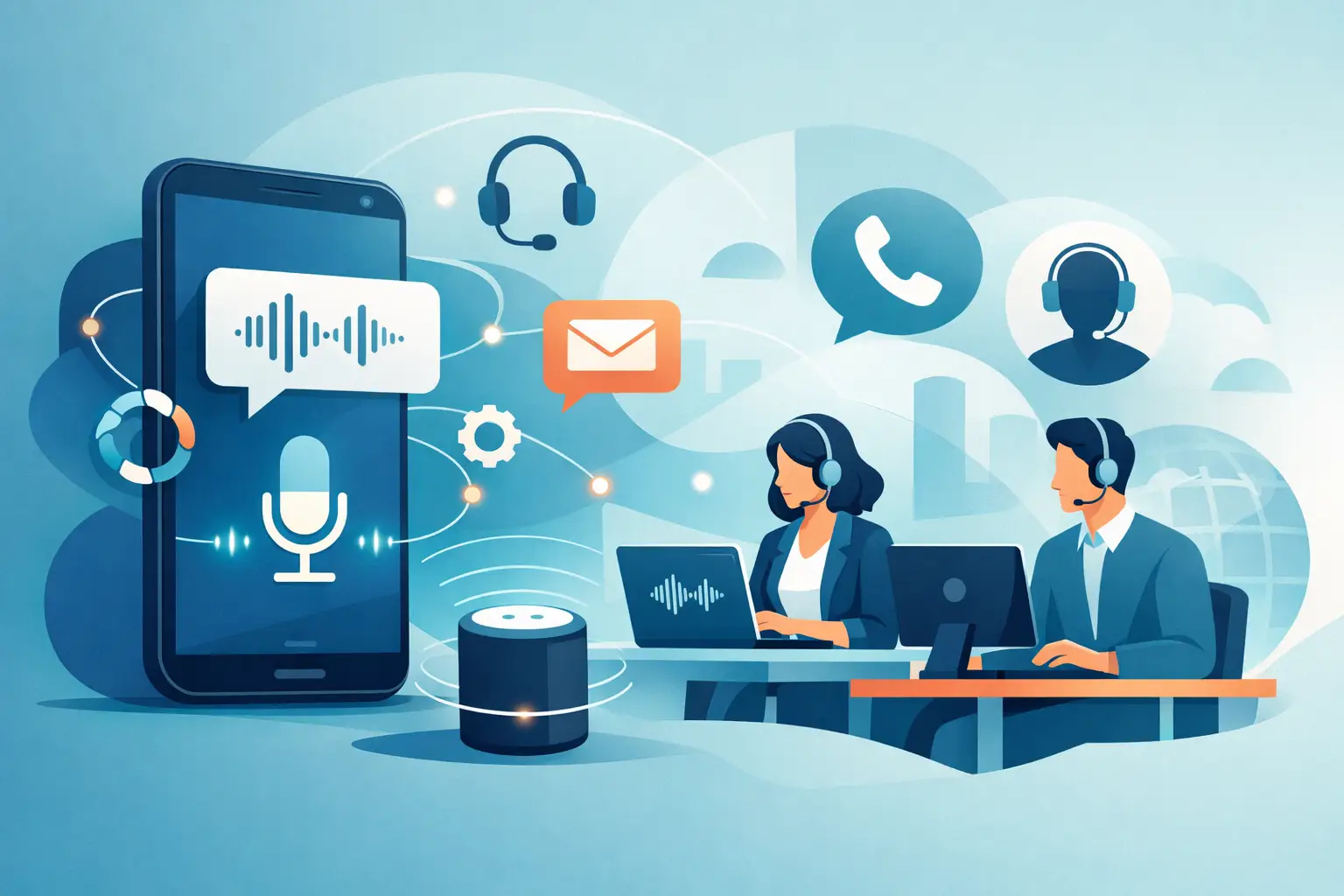
Every missed call has a cost. In a dental office, it can mean an empty chair. In a law firm, it can mean a signed case going elsewhere. In a dealership or home services business, it can mean a lead that never calls back. This inbound voice automation guide is built for teams that cannot afford that gap.
Inbound voice automation is no longer a nice-to-have for large enterprises. It is now a practical operating layer for small and mid-sized businesses that depend on phone calls to book appointments, answer questions, route urgent requests, and qualify new leads. When set up well, it cuts wait times, covers after-hours demand, and gives your staff time back for higher-value work. When set up poorly, it frustrates callers and creates more cleanup than savings. That is why the setup matters.
What inbound voice automation actually does
At a basic level, inbound voice automation answers phone calls with an AI voice agent that can hold a natural conversation, follow a defined process, and take action inside your systems. That action might be booking an appointment, checking business hours, collecting intake details, routing the caller to the right team, or handing off to a human when needed.
The real value is not just answering the phone. It is handling repetitive call volume with consistency. Front desk teams and call center agents spend a large part of the day repeating the same information, asking the same qualifying questions, and managing the same scheduling requests. Voice automation takes that load first, then escalates exceptions.
For most businesses, the best fit starts with predictable call types. Appointment booking, FAQ handling, lead qualification, order status, and after-hours overflow are strong entry points. Highly sensitive calls, emotionally charged issues, and edge-case problem solving may still need live staff involvement. A good system knows the difference.
Inbound voice automation guide: start with the call types
The fastest way to fail is trying to automate every inbound call on day one. The fastest way to win is choosing the call flows that are high-volume, repetitive, and easy to define.
Start by reviewing your last 100 to 300 inbound calls. You are looking for patterns, not perfection. How many were appointment requests? How many were pricing questions? How many were simple routing requests like billing, support, or new sales? How many happened after business hours or during lunch breaks when staff were stretched thin?
Once you see the patterns, rank them by business impact. Calls tied directly to revenue usually come first. That might mean new patient booking for a healthcare practice, reservation management for a restaurant, lead intake for a real estate team, or service scheduling for an auto shop. Calls tied to service speed come next, especially if they create hold times that hurt customer experience.
This matters because your first workflow should prove ROI quickly. If the agent can reliably answer, qualify, and convert one high-volume call type, expansion gets easier.
Build the flow before you build the voice
Most teams focus on how human the voice sounds. That matters, but the call logic matters more. A polished voice on a weak workflow still creates bad calls.
Map the ideal conversation in plain language. What should happen in the first 10 seconds? What are the three to five questions that determine the next action? What information must be captured? What triggers a transfer? What counts as a successful end state?
For example, a salon might want the agent to greet the caller, identify whether they are booking, rescheduling, or asking about services, collect the preferred date and service type, then check calendar availability. A legal office might want a stricter intake sequence that captures practice area, urgency, location, and callback number before routing.
Keep the script tight. Long monologues slow calls down and make automation feel artificial. Better inbound agents ask short questions, confirm key details, and move the caller forward. They should also be able to handle interruptions, clarifications, and natural phrasing. Real callers do not speak in menu prompts.
Connect voice automation to your operating systems
Inbound automation without system access is just a talking FAQ. To deliver real operational value, the agent needs to interact with the tools your team already uses.
That usually means calendar booking, CRM updates, lead tagging, ticket creation, call logging, and notifications. If the AI agent books an appointment but your staff still has to re-enter the details manually, you have only shifted the work. If it logs the caller’s reason for calling, updates the contact record, and confirms the appointment in the calendar automatically, now you are removing labor and reducing errors.
This is where no-code integrations become a practical advantage. Teams using HubSpot, GoHighLevel, Zoho, Google Calendar, Apple Calendar, Calendly, Cal.com, or industry-specific systems need data to move during the call, not after it. The cleaner the system handoff, the faster the ROI.
For multi-location operators, routing logic becomes even more important. Calls should go to the right location based on area code, spoken preference, business hours, or service type. If you operate across markets, language support also matters. A voice agent that can handle multiple languages lets you extend coverage without building separate staffing layers.
Design for handoff, not total replacement
One of the biggest mistakes in any inbound voice automation guide is pretending automation should handle everything. It should not. The goal is not to trap callers in a bot loop. The goal is to resolve the calls that should be automated and escalate the calls that should not.
That means defining handoff rules early. Transfer when the caller asks for a person. Transfer when the conversation includes a complaint, a disputed charge, a medical escalation, or a legal nuance outside your approved flow. Transfer when the confidence threshold drops or required data cannot be confirmed.
Good handoff also includes context. Your staff should not pick up cold. They should see the caller’s name, issue, transcript, and captured details before the conversation continues. This saves time and keeps callers from repeating themselves.
In practice, the best experience often looks hybrid. The AI handles first response, intake, and simple actions. Humans step in for exceptions and relationship-heavy moments. That model scales better than either extreme.
Measure performance like an operations leader
If you cannot measure it, you will not improve it. Treat inbound voice automation like any other revenue or service channel.
Start with a short list of metrics tied to business outcomes: answer rate, missed call rate, average speed to answer, appointment conversion rate, qualified lead rate, transfer rate, after-hours capture, and call resolution rate. Then look at labor impact. How many staff hours were recovered from repetitive phone work? How much front desk overflow was prevented?
You also need quality signals. Listen to recordings. Review transcripts. Look at drop-off points in the call flow. If callers keep asking the same follow-up question, your prompt design may be unclear. If transfer rates are too high, your workflow may be too narrow. If transfers are too low, the agent may be keeping calls it should escalate.
This is where reporting becomes more than a dashboard feature. It becomes your tuning system. The strongest teams improve scripts weekly in the first month, then monthly once performance stabilizes.
Common mistakes in an inbound voice automation guide
The most common mistake is automating the wrong calls first. Teams often start with the hardest and most sensitive call types because they seem urgent. That usually creates a rough launch. Start with calls that are structured and repeatable.
The second mistake is undertraining the agent. If your knowledge base is weak, your call outcomes will be weak too. Feed the system approved FAQs, service rules, hours, pricing guardrails, escalation paths, and scheduling constraints. If you have PDFs, website content, or SOPs, use them. The agent should answer from controlled business knowledge, not guesswork.
The third mistake is ignoring concurrency. If your business gets bursts of inbound volume, one good call experience is not enough. You need the ability to answer many calls at once without forcing callers into voicemail or long queues. That matters for healthcare groups, restaurant chains, service businesses, and call centers where spikes are normal.
The fourth mistake is launching without governance. Compliance, call recording policies, consent language, and auditability matter, especially in regulated environments. Voice automation should fit your business rules, not bypass them.
When to roll out and what to expect
The best time to deploy is when missed calls, hold times, or staffing pressure are already visible. You do not need to wait for a full operational redesign. In many cases, one strong inbound workflow can go live quickly and expand from there.
Set expectations correctly. Week one is about stability. Weeks two to four are about optimization. You will refine scripts, tighten routing, and improve outcomes as real calls come in. Businesses that treat deployment as a live operations project usually see better results than those that treat it like a one-time software install.
If you need speed, platforms like Cloud One-Ai are designed to help teams deploy fast, connect telephony and workflows in one place, and keep a human handoff available when the call requires it. That matters when your goal is not experimentation but measurable call coverage and conversion.
The win is simple. Your phones get answered. Your team stops drowning in repetitive calls. More leads get captured, more appointments get booked, and customers get help without waiting on hold. Start with one high-value call flow, make it perform, and let the results justify the next one.