



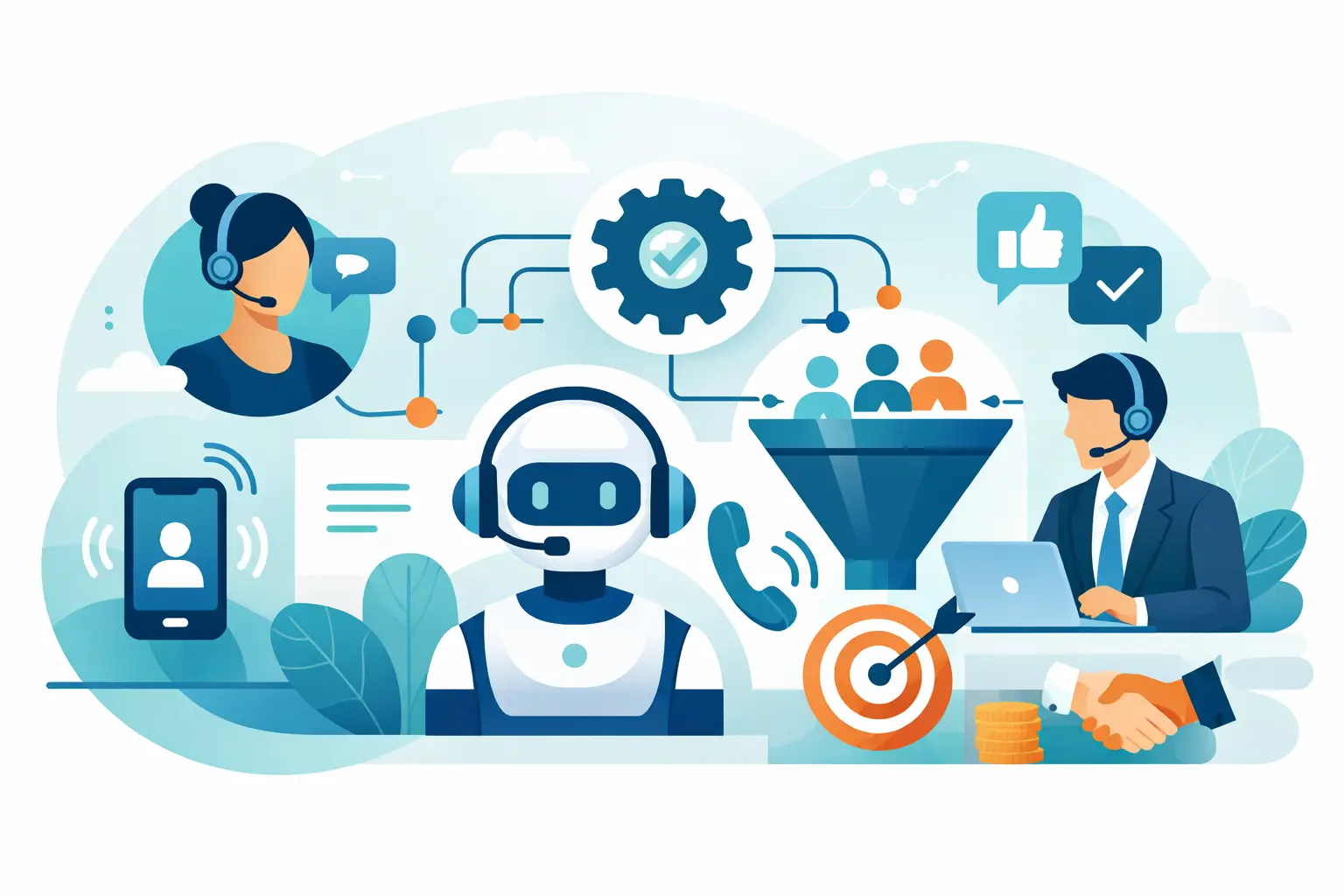
If your front desk misses five calls before lunch, you do not have a phone problem. You have a revenue leak. That is why more operators are asking how to automate inbound calls without creating a frustrating caller experience. The goal is not to replace every human conversation. The goal is to answer instantly, handle repetitive requests, qualify serious buyers, and route the right calls to the right people.
For service businesses, inbound calls are often the highest-intent channel you have. A missed website chat is unfortunate. A missed phone call usually means a lost appointment, a lost case, or a customer who calls the next provider. Automation works when it protects that moment instead of slowing it down.
What automating inbound calls actually means
Automating inbound calls means using AI voice agents and call workflows to answer incoming calls, understand what the caller needs, complete common tasks, and hand off to a person when the situation requires it. In practice, that can include booking appointments, answering FAQs, collecting lead details, checking office hours, handling after-hours calls, confirming insurance or service areas, and routing urgent issues.
The strongest setups do more than play menu trees. They hold natural conversations, pull answers from your approved knowledge base, update your CRM, write call notes, and trigger follow-up actions automatically. That is a different category from basic IVR.
This matters because most businesses do not need more ringing phones. They need fewer missed opportunities, lower admin load, and faster response times. If automation cannot improve those three outcomes, it is just a new layer of complexity.
How to automate inbound calls without hurting customer experience
The mistake most teams make is trying to automate everything on day one. That is where bad call experiences come from. Start with the calls you already know are repetitive, time-sensitive, and rules-based.
For a dental office, that may be new patient intake, appointment scheduling, office hours, and insurance questions. For a real estate team, it may be lead qualification, showing requests, and routing to the right agent. For a restaurant, it may be reservations, hours, directions, and private event inquiries. The pattern is simple: automate the calls that follow a predictable path and escalate the calls that do not.
A strong inbound automation flow usually has four parts. First, the AI answers immediately and identifies the reason for the call. Second, it completes the task or gathers the right information. Third, it writes data into the systems your team already uses. Fourth, it transfers the caller if a human is needed. If any one of those parts is missing, the workflow tends to break down operationally.
Start with call types, not technology
If you want inbound automation to perform, map your call volume before you pick scripts. Look at the last 100 to 500 inbound calls and sort them by reason. You will usually find that a small number of call types make up most of the volume.
That is your starting point. Build automation around the top call drivers first. This gives you faster deployment and cleaner ROI because you are solving the highest-frequency tasks instead of edge cases.
For most SMBs and multi-location operators, the best first use cases are after-hours call coverage, appointment booking, lead qualification, FAQ handling, and overflow during peak periods. These are high-value, easy-to-measure wins. They reduce missed calls, shorten queues, and free your team to handle the conversations where human judgment matters.
Build the right script for AI voice agents
The script is not just a greeting. It is your operating logic in conversation form. A good inbound script sounds natural, but it is tightly controlled underneath. It should define what the AI can answer, what data it must collect, when it should confirm details, and exactly when it should transfer.
Keep the opening direct. Confirm the purpose early. Ask one question at a time. Repeat critical information such as appointment times, addresses, or policy details. And avoid long monologues. Callers want progress, not a speech.
This is also where governance matters. Your agent should stay inside approved business information pulled from your website, PDFs, and knowledge base. In regulated or high-trust categories like healthcare and legal, that boundary is not optional. If the AI is unsure, the correct move is escalation, not improvisation.
Connect inbound calls to your systems
Automation without integrations creates more work for staff. The call gets answered, but then someone still has to re-enter notes, send confirmations, and update records manually. That defeats the point.
To automate inbound calls properly, connect the voice workflow to your CRM, calendar, help desk, and any operational tools involved in the next step. If the caller books, the calendar should update. If the caller becomes a lead, the CRM should get the record, transcript, and outcome. If the caller needs follow-up, the system should trigger it automatically.
This is where operations teams see the real leverage. An inbound call can become a complete workflow, not just a conversation. One call can create a contact, qualify the lead, assign the right owner, schedule the appointment, and log the transcript in seconds.
Design for transfer, not perfection
One of the fastest ways to damage trust is forcing callers to stay with automation when they clearly need a person. The best inbound systems are designed around fast resolution, not maximum containment.
That means defining transfer conditions up front. Urgent medical concerns, billing disputes, legal matters, emotionally sensitive calls, and complex service issues should route to a human quickly. You can still use AI to gather context first so the handoff is cleaner and faster.
There is a trade-off here. If you transfer too often, you lose efficiency. If you transfer too late, you lose the customer. The right balance depends on your call mix, industry risk, and staffing model. A salon can automate more aggressively than a law office. A restaurant can handle common requests fully with AI, while a healthcare practice may need stricter guardrails.
Measure the metrics that actually matter
If your only KPI is call answer rate, you are missing the bigger picture. The point of inbound automation is not just answering more calls. It is improving business outcomes.
Track missed call rate, average speed to answer, booking rate, qualified lead rate, transfer rate, first-call resolution, and no-show reduction if appointments are involved. Also compare after-hours conversion before and after launch. Many businesses discover that nights and weekends were carrying hidden demand they never captured.
Review recordings and transcripts weekly during rollout. That is where you will spot friction, caller confusion, weak prompts, and gaps in the knowledge base. Small script changes often produce fast gains.
Industry examples where inbound automation works
In healthcare and dental, inbound automation is often about speed and overflow control. Patients call to book, reschedule, confirm coverage, or ask basic pre-visit questions. AI can handle much of that instantly and route clinical or urgent matters appropriately.
In home services, the value is lead capture. A caller with a plumbing, HVAC, roofing, or electrical issue usually wants a quick answer and a fast appointment window. If the call goes to voicemail, the job may already be gone. Automation keeps that line always on.
In real estate, inbound AI can qualify buyers and sellers, gather property details, and route based on geography, budget, or timeline. That keeps agents focused on active deals instead of screening every call manually.
In restaurants, salons, and multi-location service businesses, automation helps normalize service quality across locations. Callers get immediate answers, reservations or bookings happen faster, and peak-hour staff are not stuck juggling phones while serving in-person customers.
What to look for in a platform
Not every voice tool is built for live inbound operations. You need reliable telephony, natural multilingual voice, workflow flexibility, reporting, and the ability to handle multiple calls at once without collapsing under volume.
Look for fast setup, clear scripting controls, human handoff options, knowledge base support, and deep integrations. Reporting should include recordings, transcriptions, outcomes, and trend visibility so your team can improve performance over time. For growing businesses and agencies, multi-account management and white-label options may matter too.
An all-in-one platform like Cloud One-Ai makes this easier because telephony, AI agents, reporting, and integrations sit in one operating layer. That reduces tool sprawl and speeds up deployment.
The best first rollout plan
Do not launch across every location, every call type, and every workflow at once. Pick one high-volume use case, one team, and one success metric. Then expand after you have real call data.
A smart first deployment can happen quickly. Start with after-hours coverage or appointment booking. Train the knowledge base. Connect the calendar and CRM. Define transfer rules. Listen to live call outcomes. Adjust prompts. Then scale to overflow, FAQs, and lead qualification.
That approach keeps risk low and results visible. It also gives your staff time to trust the system because they can see where it helps instead of feeling like it arrived to replace them.
Inbound automation works best when you treat it like operations infrastructure, not a novelty. Answer fast. Automate the repeatable work. Escalate when judgment is needed. When you do that well, every ringing phone becomes easier to handle and harder to lose.