



Most teams do not have a phone problem. They have a follow-up problem.
Calls come in. Agents miss key details. Notes get added late or not at all. A hot lead sits in a voicemail inbox for two hours, then books somewhere else. If you are figuring out how to connect voice AI to CRM systems, the goal is not just technical connectivity. The goal is faster response, cleaner records, better routing, and fewer revenue leaks across every call.
That is why the right setup matters. A voice agent that answers instantly but fails to log outcomes in your CRM creates a new silo. A CRM that stores contact data but never triggers the next call, reminder, or appointment confirmation leaves money on the table. The win comes from connecting both sides so the phone conversation actually moves the customer journey forward.
What a good voice AI to CRM connection should do
A basic integration can push a call note into a contact record. That is useful, but it is not enough for most service businesses, sales teams, or agencies managing client accounts.
A strong setup should identify the caller, pull the right context before the conversation starts, and write structured outcomes back into the CRM after the call. That includes call recordings, transcripts, lead status, booking outcomes, follow-up tasks, and handoff notes when a human takes over. If your team runs outbound campaigns, it should also trigger calls from CRM events such as form fills, missed appointments, quote requests, or overdue renewals.
For a dental practice, that might mean the AI agent answers after hours, checks whether the caller is an existing patient, books a cleaning, and updates the patient status in the CRM. For a dealership, it may qualify a trade-in lead, tag vehicle interest, and queue a sales rep callback. For an agency, it may route leads into separate subaccounts and track performance by client.
How to connect voice AI to CRM without creating more ops work
The cleanest way to think about integration is this: decide what data the voice AI needs before the call, what it should capture during the call, and what action should happen after the call.
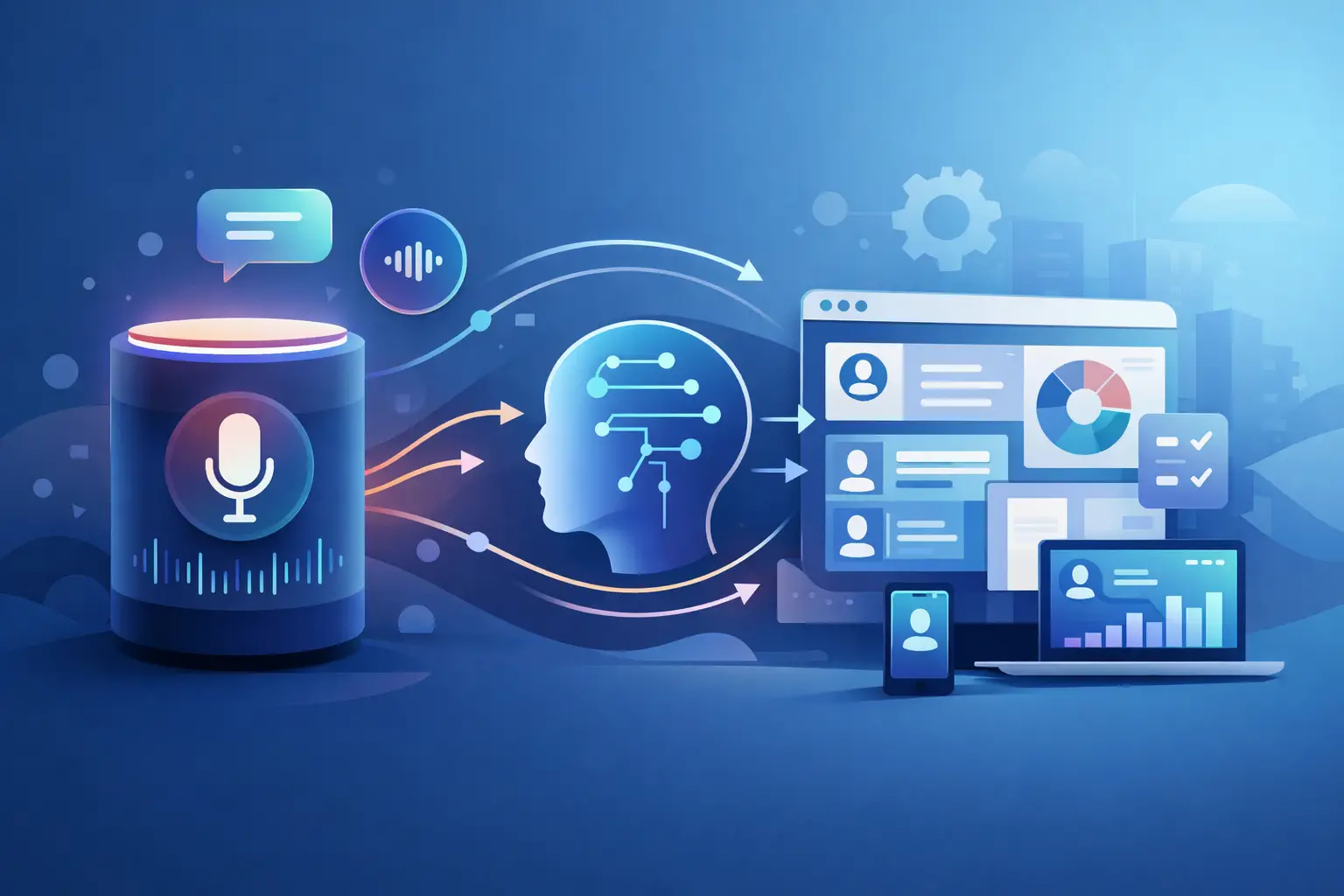
Before the call, the system may need contact name, account status, appointment history, pipeline stage, language preference, or assigned rep. During the call, it should capture intent, answers to qualification questions, objections, booking status, and whether a transfer happened. After the call, it should update the CRM, trigger workflows, and log the conversation in a way your team can actually use.
That sounds simple, but this is where many deployments go sideways. Teams start with the integration tool instead of the workflow. They connect fields one by one, then realize nobody agreed on what counts as a qualified lead or when the AI should escalate to a person. The result is activity in the CRM, but not clarity.
Start with one revenue-critical path. Missed-call recovery is often the best first use case because the ROI is easy to spot. New lead intake and appointment booking are close behind. Support is useful too, but it usually requires more knowledge depth and exception handling.
Map the workflow before you map the fields
You do not need a giant systems diagram. You do need a clear operational path.
Define the trigger first. Is the AI answering inbound calls, launching outbound calls from a CRM list, or following up after a missed call or form submission? Then define the decision points. What should happen if the caller is new, existing, high-intent, upset, or needs a live person? Finally, define the write-back actions. Which fields get updated, which tags get applied, and which automations get triggered next?
This is where ops leaders usually separate a working deployment from an expensive demo. If your CRM stages are messy, fix them before the voice AI goes live. If your appointment types are inconsistent across locations, standardize them first. Voice AI can move fast, but it should not automate bad process.
The core data points to sync
Most businesses do not need every possible field connected on day one. They need the fields that affect speed, conversion, and accountability.
That usually includes contact identity, phone number, lead source, call outcome, transcript, recording, appointment status, assigned owner, and next action. Sales teams often add budget, timeline, product interest, and qualification score. Service businesses often add location, provider preference, service type, and insurance or eligibility details where appropriate.
Be careful with over-collection. If the AI asks too many questions just because the CRM has empty fields, call completion drops. The right rule is simple: capture only what is needed to route, book, qualify, or follow up.
How to connect voice AI to CRM for inbound calls
Inbound is usually the fastest place to start because the business case is immediate. Every missed call is a possible lost booking, lost case, or lost deal.
The workflow should begin with caller recognition. If the number exists in the CRM, the AI should use known context to personalize the conversation. If it is a new number, the AI should create a contact and collect the minimum required details. Once the call is complete, the CRM should update automatically with the transcript, disposition, and any next-step workflow.
The trade-off is that inbound call handling needs strong guardrails. Not every caller should be handled the same way. Urgent healthcare calls, legal intake, and complaint escalations may need immediate human transfer. Good voice AI does not try to win every conversation alone. It knows when to route, when to collect, and when to hand off.
Connecting outbound voice AI to CRM campaigns
Outbound gets powerful when the CRM becomes the trigger engine.
Instead of agents manually dialing lists, the CRM can push records into automated call workflows based on business events. That could be a new lead that has not been contacted within five minutes, a no-show needing rescheduling, a renewal reminder, or a cold lead ready for reactivation. The voice AI places the call, follows the script, handles objections, and logs the result back into the record.
This is where structured outcomes matter. If the only result written back is “call completed,” your reps still need to listen to recordings to know what happened. A better setup logs outcomes like booked, voicemail left, not interested, wrong number, requested callback, transferred to sales, or follow-up required. That turns calling activity into something your pipeline can actually operate on.
Integration methods: native, no-code, or API
There are three common ways to connect voice AI and CRM systems.
Native integrations are the fastest if your CRM is already supported. They reduce setup time and usually cover the standard objects and triggers most SMBs care about. No-code automation tools are useful when you need more custom branching across calendars, forms, internal alerts, and multi-step workflows. API-based setups give you the most control, but they are better suited to teams with technical resources or more complex governance requirements.
There is no single best option for every business. A five-location salon group should not build the same way a large outbound sales operation or white-label agency would. Speed matters, but so does maintainability. If only one admin understands the integration, it is fragile by default.
What to test before going live
Do not launch on a happy-path demo alone.
Test duplicate contacts, wrong numbers, partial bookings, transfer scenarios, calendar conflicts, after-hours calls, multilingual requests, and CRM write failures. Make sure transcripts attach to the right record. Check that call outcomes trigger the correct automation instead of spamming customers with the wrong follow-up.
Also test reporting. Your team should be able to answer basic operating questions without exporting data into a spreadsheet. How many calls were answered by AI? How many booked? How many transferred? Which campaigns produced qualified leads? Which locations missed the most calls before automation? If you cannot see those answers quickly, the integration is not finished.
Common mistakes that slow down ROI
The first mistake is trying to automate every call type at once. Start with one use case where the value is obvious and the path is controlled.
The second is scripting for perfection instead of outcomes. A voice agent does not need to sound theatrical. It needs to handle the conversation clearly, collect the right data, and move to the next action fast.
The third is treating the CRM as storage instead of orchestration. The record should not just hold the transcript. It should trigger reminders, callbacks, handoffs, and status changes automatically.
The fourth is ignoring human takeover. Some conversations need empathy, authority, or exception handling. Build for that from day one.
Choosing a platform that makes the connection practical
If you are evaluating platforms, look past the voice demo. The real question is whether the system can support live operations at scale.
That means reliable telephony, CRM and calendar integrations, reporting, parallel call handling, multilingual support, and controlled handoff to humans. It also means your non-technical team can update scripts, knowledge sources, and workflows without opening a ticket every time something changes. Platforms like Cloud One-Ai are built around that operating model, which matters if you need to deploy fast and keep improving after launch.
The best integration is the one your team actually uses. If your front desk still keeps side notes, if your sales reps distrust the call outcomes, or if your agency cannot report results cleanly to clients, you do not have an automation win yet. You have extra software.
Connect voice AI to your CRM with one clear use case, one clean workflow, and one set of outcomes your team cares about. When every call updates the system and every record triggers the next step, the phone stops being a bottleneck and starts acting like infrastructure.